 Free
Interior Design Budget Tracker & Change Orders
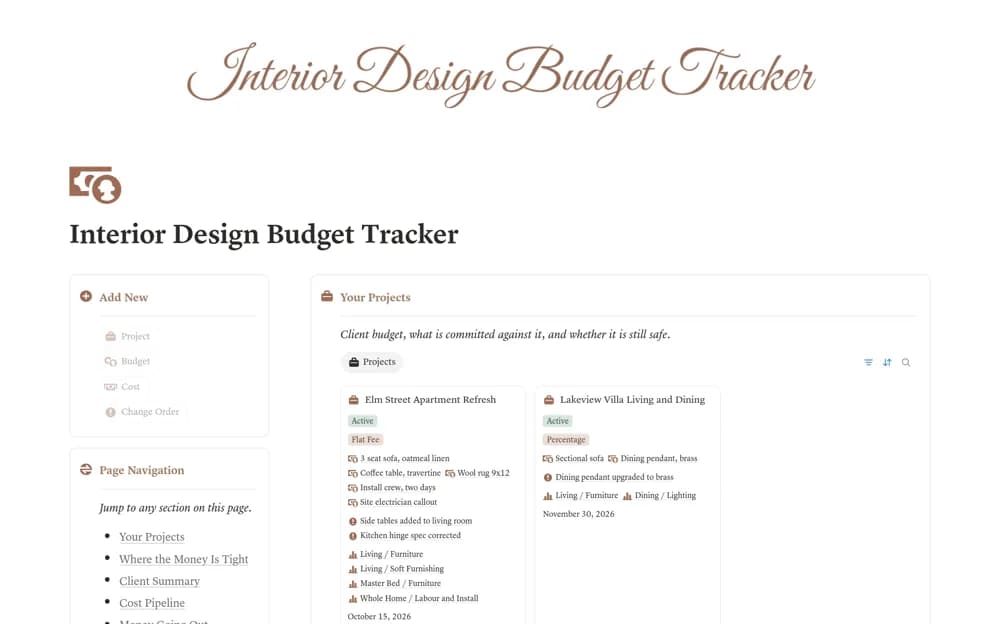
An interior-project budget system separating allowances from quotes, orders, invoices, and payments, with client-price budget consumption, change orders, and visible budget-risk signals.
Connect design decisions with sourcing and client approvals. Explore Notion templates for interior designers managing room plans, products, budgets, supplier details, and project handovers.
Showing 1–6 of 6 templates
FreeAn interior-project budget system separating allowances from quotes, orders, invoices, and payments, with client-price budget consumption, change orders, and visible budget-risk signals.
 Paid
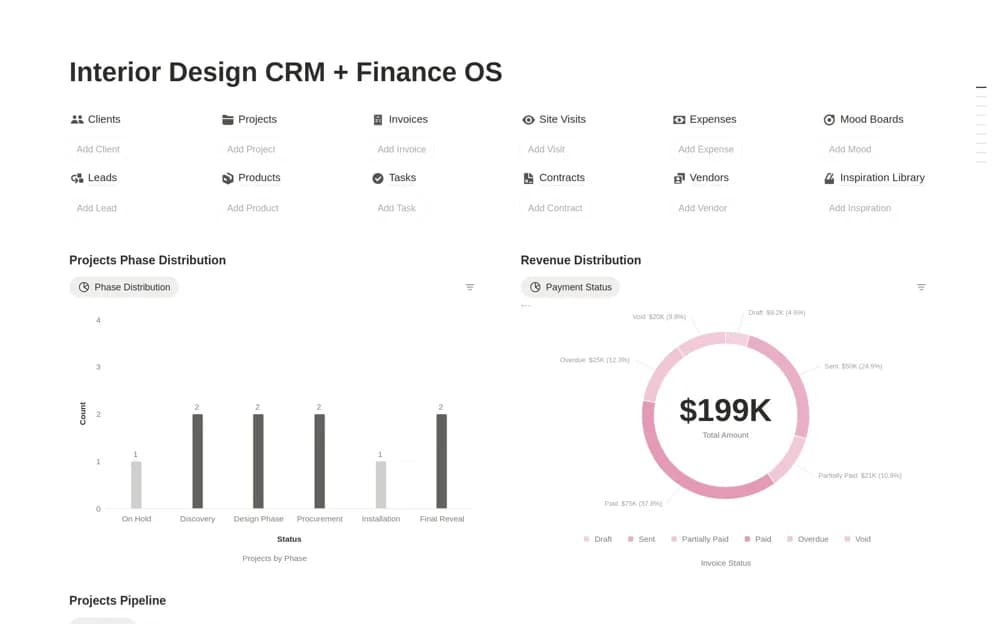
A paid interior-design business workspace connecting leads, clients, project phases, tasks, invoices, payments, and expenses, with charts for workflow and financial review.
 Free
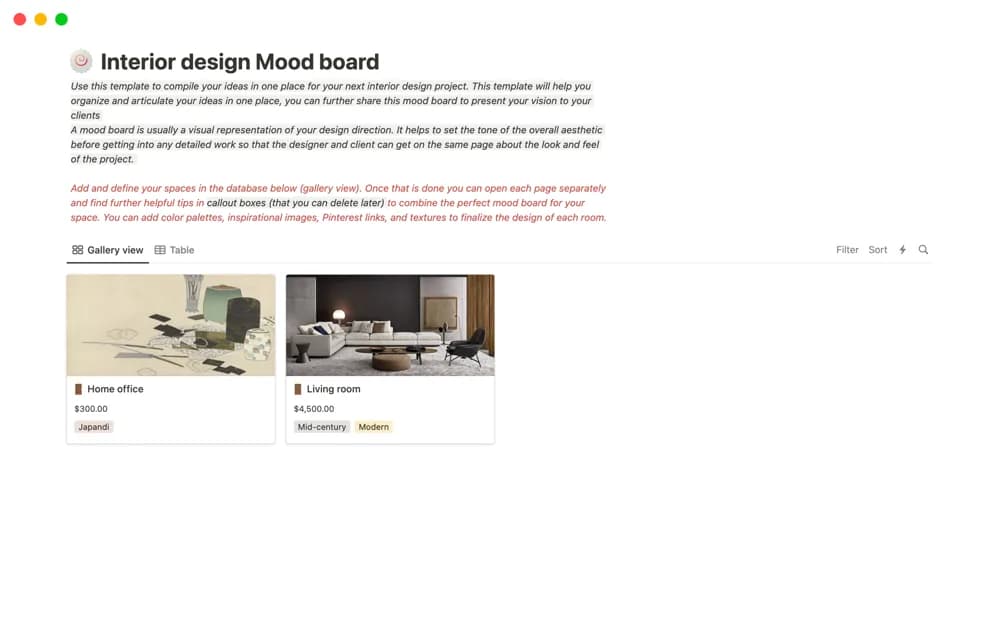
A room-based interior mood-board layout for images, references, links, colors, furniture, and textures, intended for collaboration or presenting a design direction.
 Free
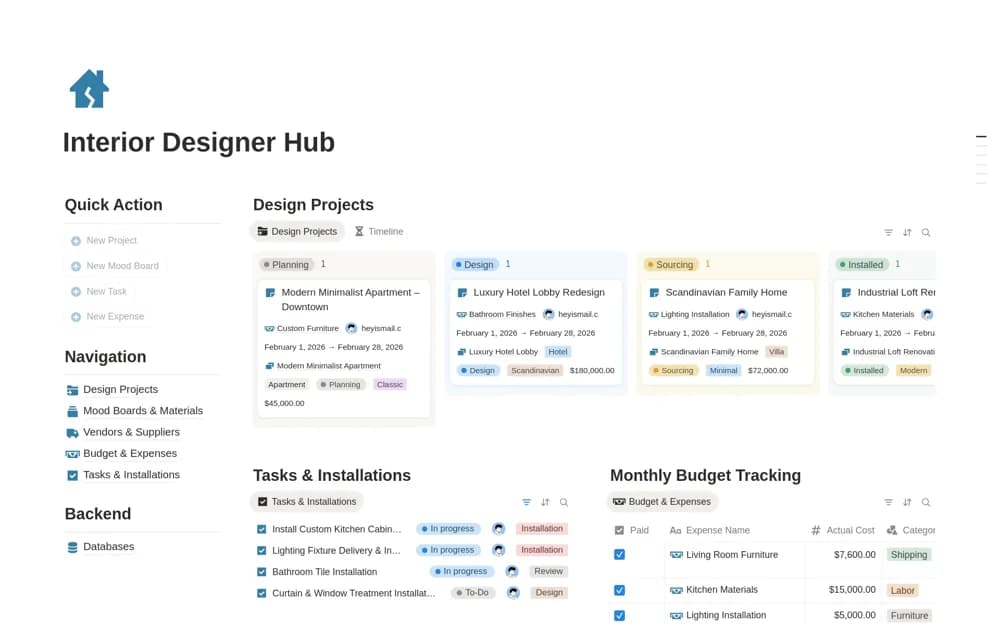
An interior-design project workspace combining clients’ projects, materials, mood boards, vendors, budgets, tasks, and installation work from concept through completion.
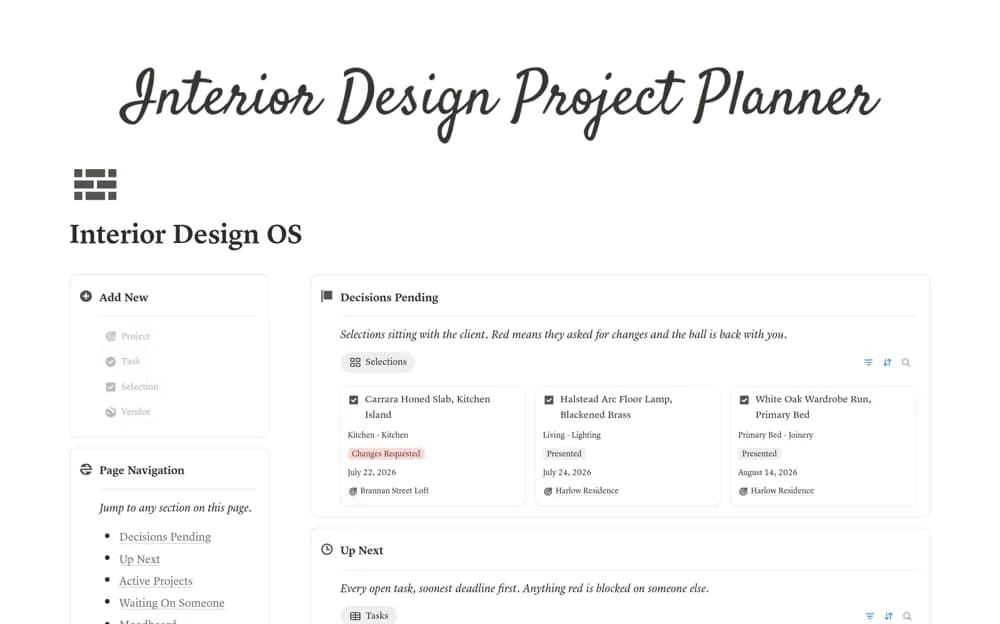 Free
An interior design workspace for project briefs, room selections, moodboards, client decisions, tasks, and vendors.
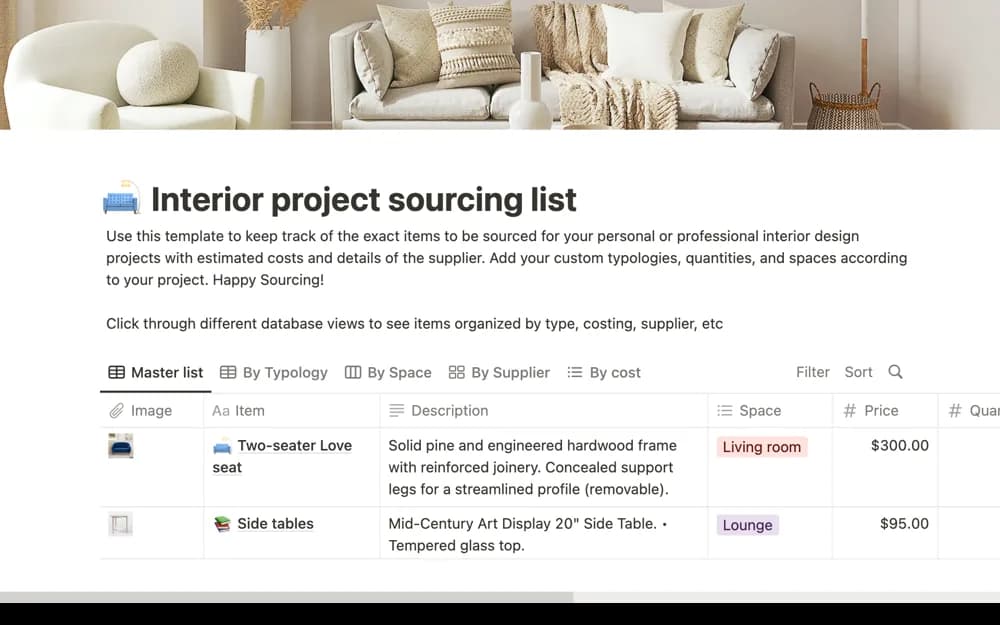 Free
An interior sourcing list for shortlisting products, organizing suppliers, following budgets, and sharing choices for approval.
Compare the purpose and included features before choosing a workspace.
Interior designers coordinating room budgets and documenting who pays for changes.
Interior studios needing client delivery and financial administration connected across engagements.
Interior designers preparing an early visual conversation with clients or collaborators.
6 working templates from 4 creators: 5 free and 1 paid, with paid options from $168.99. Links last checked October 11, 2026.
| Template | Best for | Price | Creator |
|---|---|---|---|
| Interior Design Budget Tracker & Change Orders | Interior designers coordinating room budgets and documenting who pays for changes. | Free | NotoMantra |
| Interior Design CRM + Finance OS | Interior studios needing client delivery and financial administration connected across engagements. | $168.99 | Nation4Business |
| Interior design Mood board | Interior designers preparing an early visual conversation with clients or collaborators. | Free | Krati Bhambry |
| Interior Designer Hub | Solo interior designers and small studios managing several residential or commercial engagements. | Free | heyismail |
| Interior Designer Project Manager | Solo interior designers and small studios coordinating design and approvals. | Free | NotoMantra |
| Interior project sourcing list | Interior designers and home-project planners managing items to procure. | Free | Krati Bhambry |
Test the workflow with one room and a few sourced items. Keep specification links, current prices, lead times, and approval status together, with dates where details can change. Distinguish a client-approved selection from an item actually ordered. A project hub and a sourcing list solve different parts of the job; choose a larger system only if its connected records reduce duplicate updates.
Dated sourcing information
Client approval status
Order and delivery context
About the directoryOrganize one room's brief, proposed products, source links, price dates, lead times, and client decisions. Distinguish approved items from orders actually placed and deliveries confirmed. Keep substitutions visible when availability changes. Link plans and working design files from their maintained tools so the workspace coordinates the project without becoming an inconsistent duplicate.
Jump straight to any listing in the collection.
It helps find products and references. A project also needs decisions, responsibilities, ordering, and delivery context. Choose a larger workspace when those records need to connect, while checking that the specific listing supports the workflow you intend to use.
It depends on the job you need it to do. Good starting points in this collection include Interior Design Budget Tracker & Change Orders (interior designers coordinating room budgets and documenting who pays for changes), Interior Design CRM + Finance OS (interior studios needing client delivery and financial administration connected across engagements) and Interior design Mood board (interior designers preparing an early visual conversation with clients or collaborators). Compare the included features below, then try your first choice with a week of real information before moving everything across.
Yes. This collection currently includes 5 listings with a confirmed free creator offer, alongside 1 paid or freemium option. Use the Free filter to compare them. A free version can have different features from a creator’s paid upgrade, so check the original listing and current access terms before adding it to your workspace.