About Interior Designer Project Manager
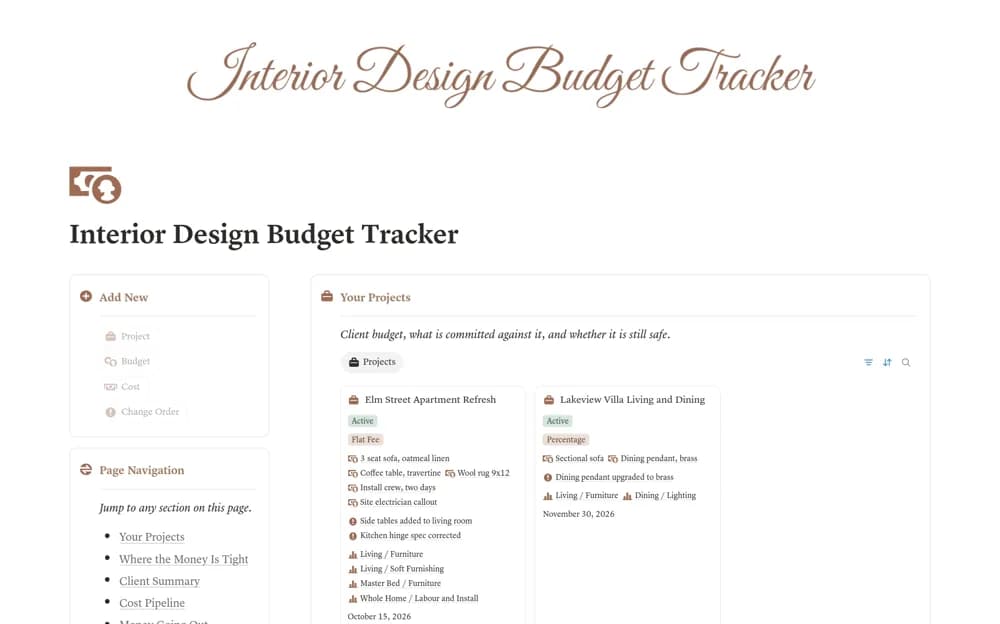
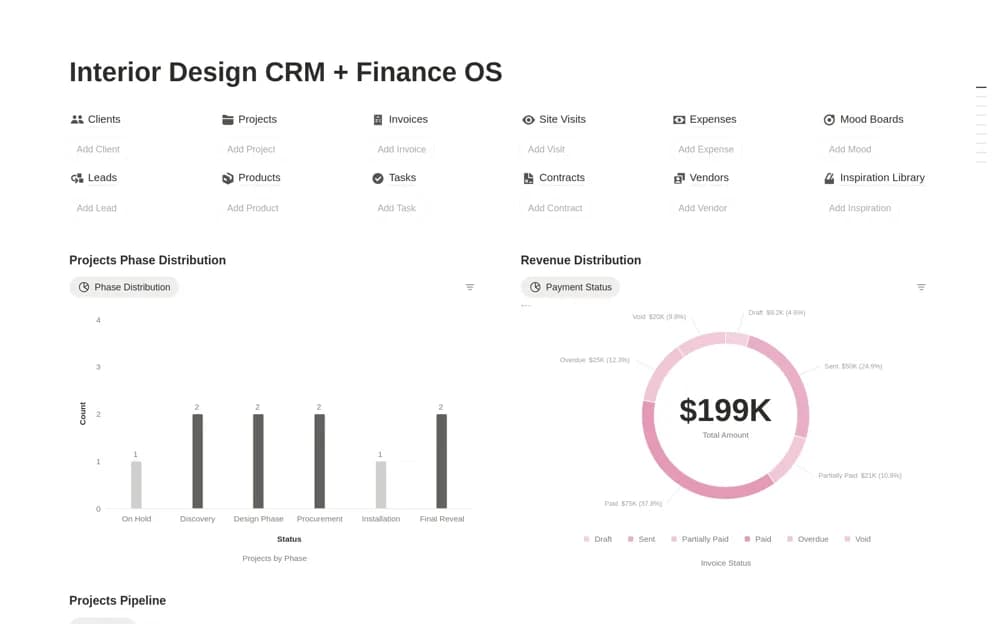
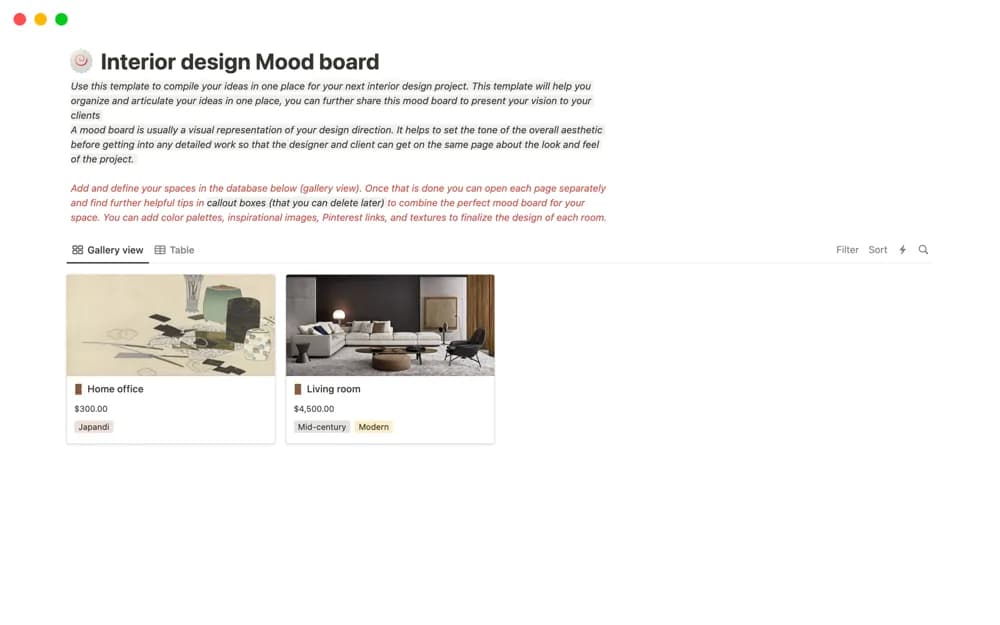
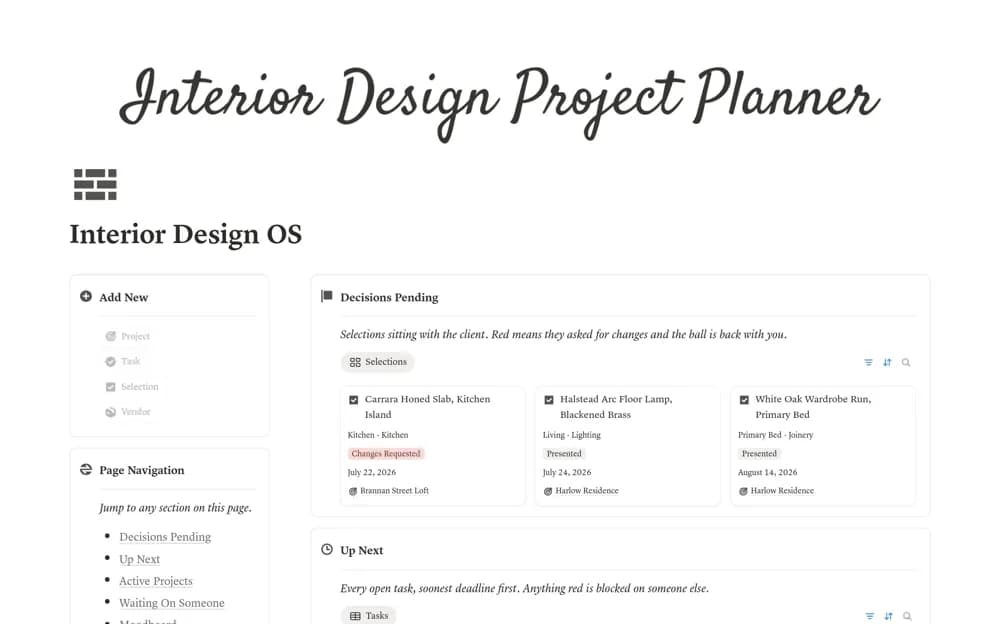
An interior design workspace for project briefs, room selections, moodboards, client decisions, tasks, and vendors.
What’s included
- Project records with briefs, measurements, and drawing links
- Room-based selections and client-approval status
- Task views and a supplier or contractor directory
How to use it in practice
Trial one room with a few actual selections and record the decision owner. Keep approved specifications distinct from options still under discussion, linking current drawings and supplier information. Review overdue and waiting tasks before placing orders or promising a delivery date.
Set it up in your workspace
- Open the original Notion Marketplace listing and add the template to your chosen workspace while signed in. Keep its example records until you understand how the pages connect.
- Trial one room with a few actual selections and record the decision owner.
- Try one complete example before adding a large backlog. Check that its views and any calculations show what you expect, then replace the sample content with your own.
Who it suits and what to consider
Solo interior designers and small studios coordinating design and approvals. The workspace organizes project information; technical verification, procurement terms, and construction requirements need their own review.