About Invoice Manager
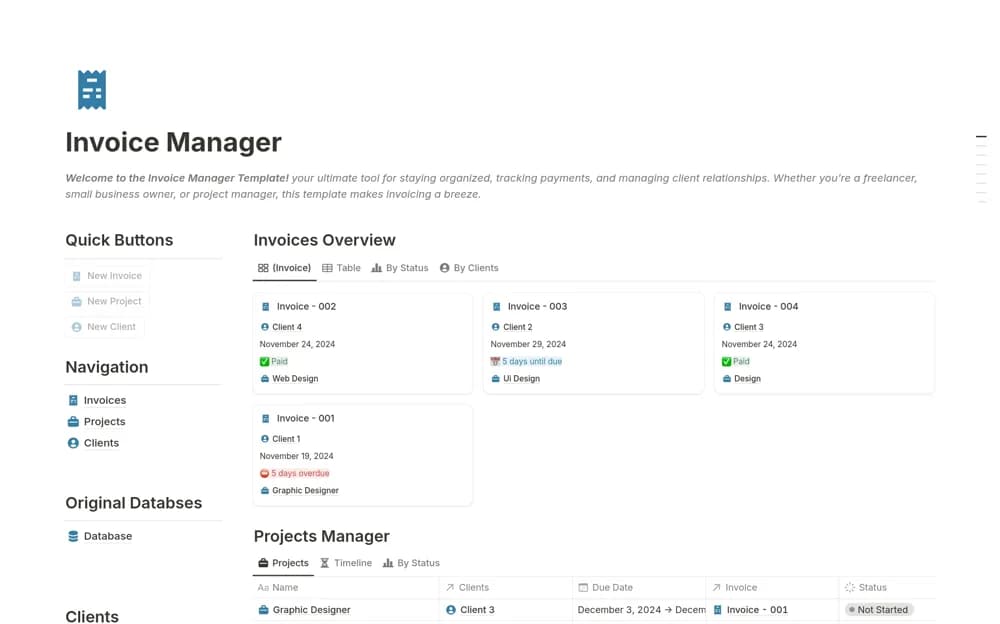
An invoice tracker connecting clients, projects, payment history, invoice states, and outstanding totals.
What’s included
- Paid, Pending, and Overdue invoice states
- Invoices connected to projects and clients
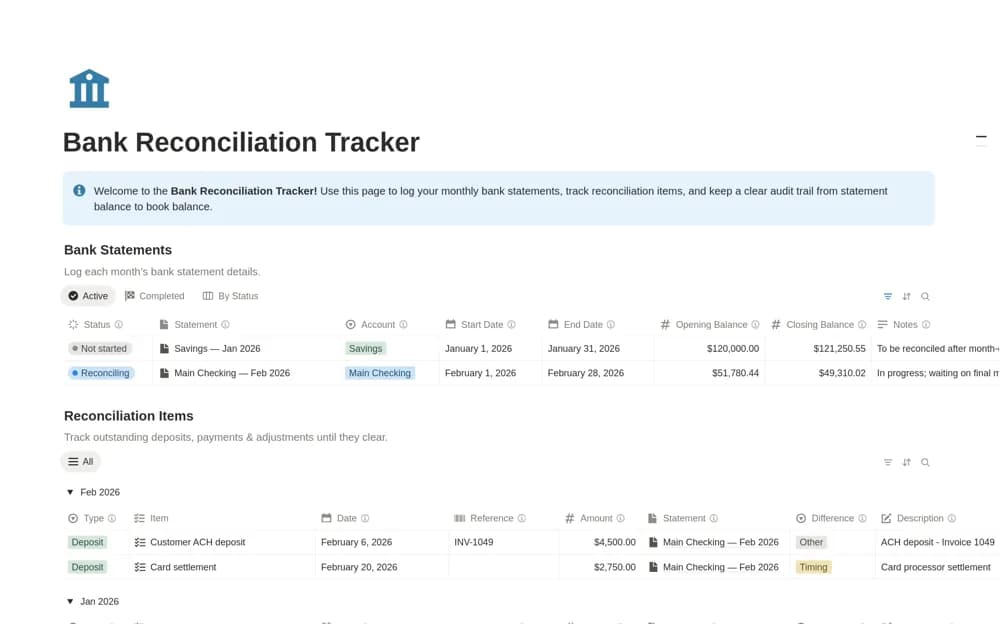
- Payment history and an outstanding-payment overview
How to use it in practice
Enter a few invoices from your actual billing system and reconcile their amounts and due dates. Test a paid and an overdue example before using the overview for follow-up. Keep payment evidence and the authoritative invoice documents linked where appropriate.
Set it up in your workspace
- Open the original Notion Marketplace listing and add the template to your chosen workspace while signed in. Keep its example records until you understand how the pages connect.
- Enter a few invoices from your actual billing system and reconcile their amounts and due dates.
- Try one complete example before adding a large backlog. Check that its views and any calculations show what you expect, then replace the sample content with your own.
Who it suits and what to consider
Freelancers and small teams following up on issued invoices. The listing confirms tracking, without establishing payment processing or jurisdiction-specific invoice compliance.