About Invoice OS
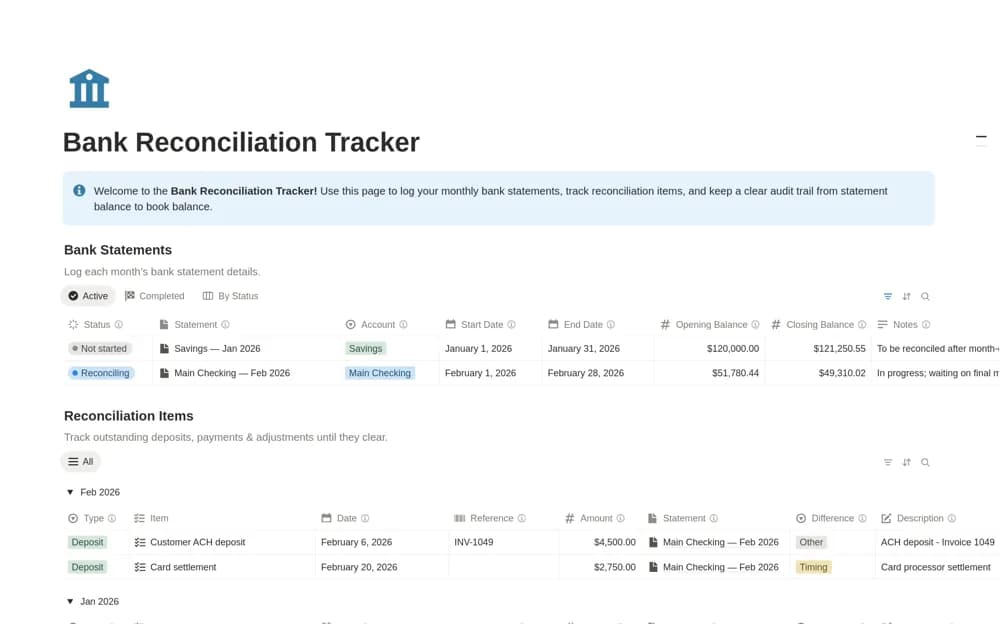
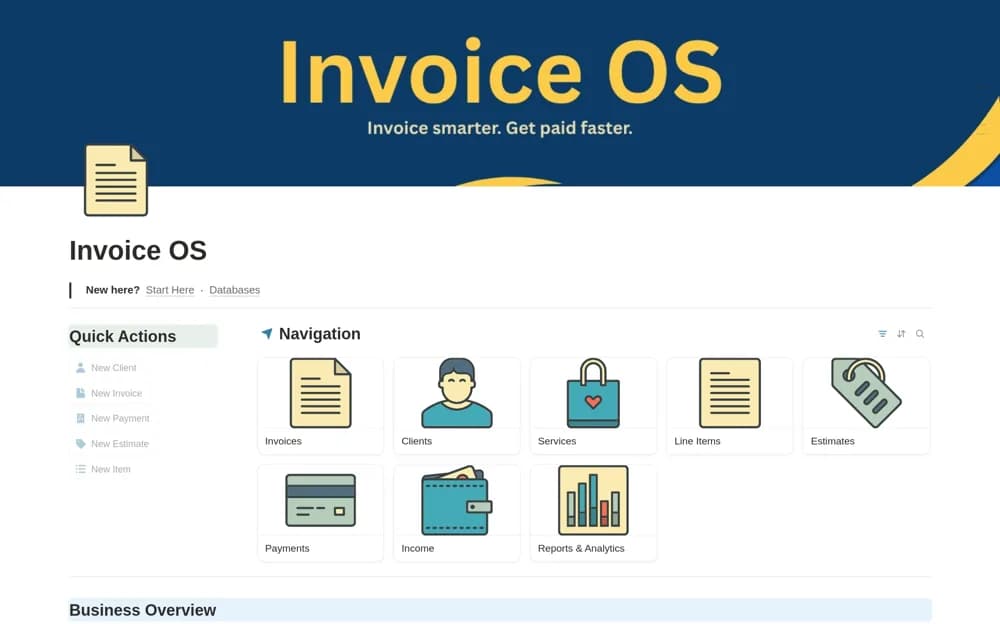
A billing workspace linking clients, services, estimates, invoice line items, and payments, with separate views of invoiced amounts, collected income, and outstanding balances.
What’s included
- Clients, services, and estimate records
- Calculated line items and invoice statuses
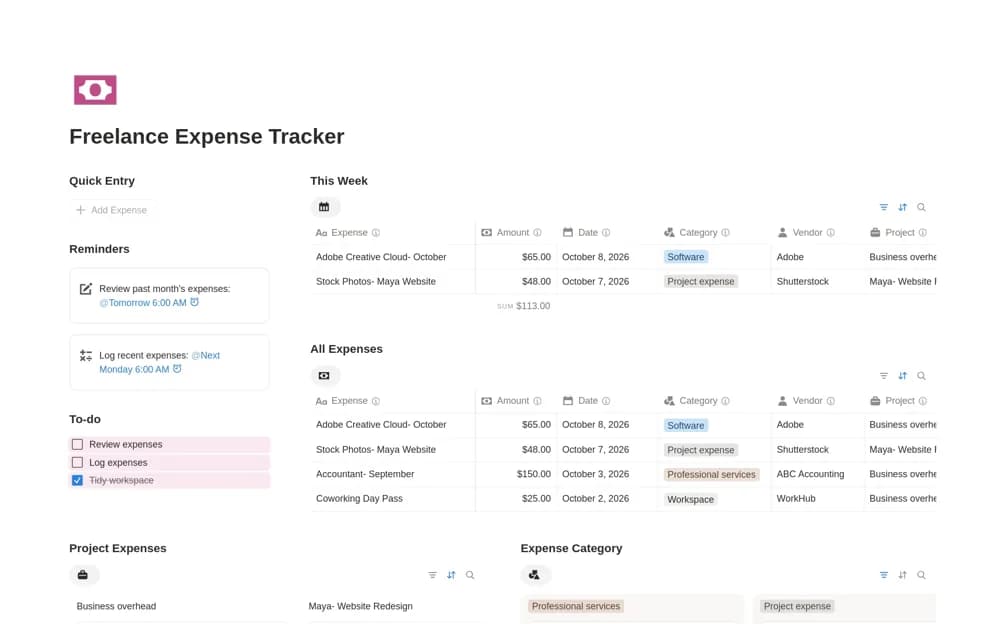
- Linked payments, income views, and billing reports
How to use it in practice
Create an estimate for a known job and verify its quantity and rate calculations. Follow it into an invoice and record a partial payment, then check the outstanding balance. Review collected income separately from amounts invoiced so a pending payment does not appear as cash already received.
Set it up in your workspace
- Open the original Notion Marketplace listing and add the template to your chosen workspace while signed in. Keep its example records until you understand how the pages connect.
- Create an estimate for a known job and verify its quantity and rate calculations.
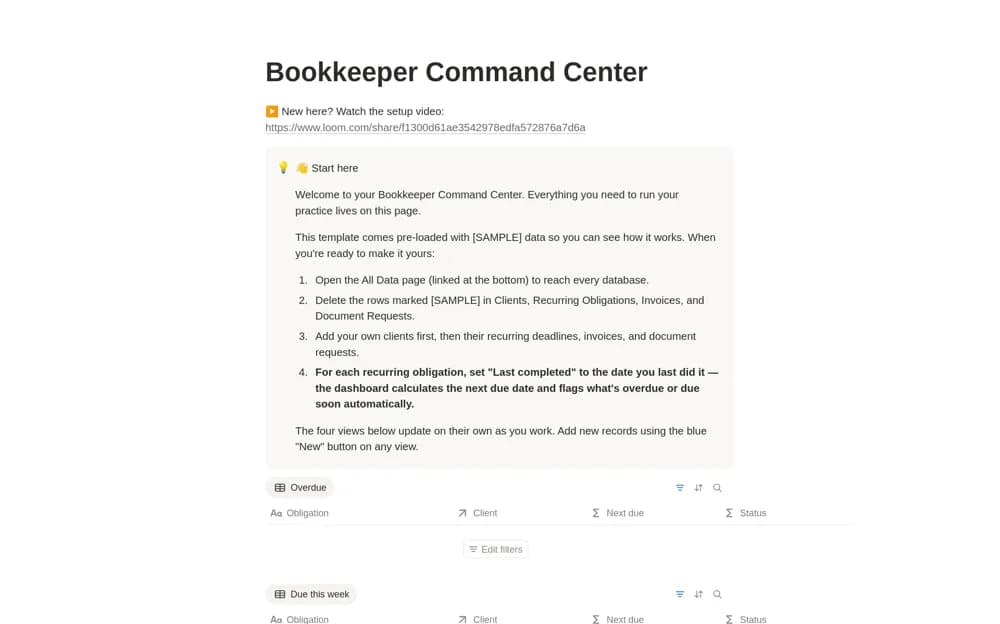
- Try one complete example before adding a large backlog. Check that its views and any calculations show what you expect, then replace the sample content with your own.
Who it suits and what to consider
Freelancers and service businesses who need quoting and collections records connected to the same client. Payment statuses are recorded in the workspace. The listing does not establish a payment processor or automatic confirmation from a bank or checkout service.