About Journalist hub
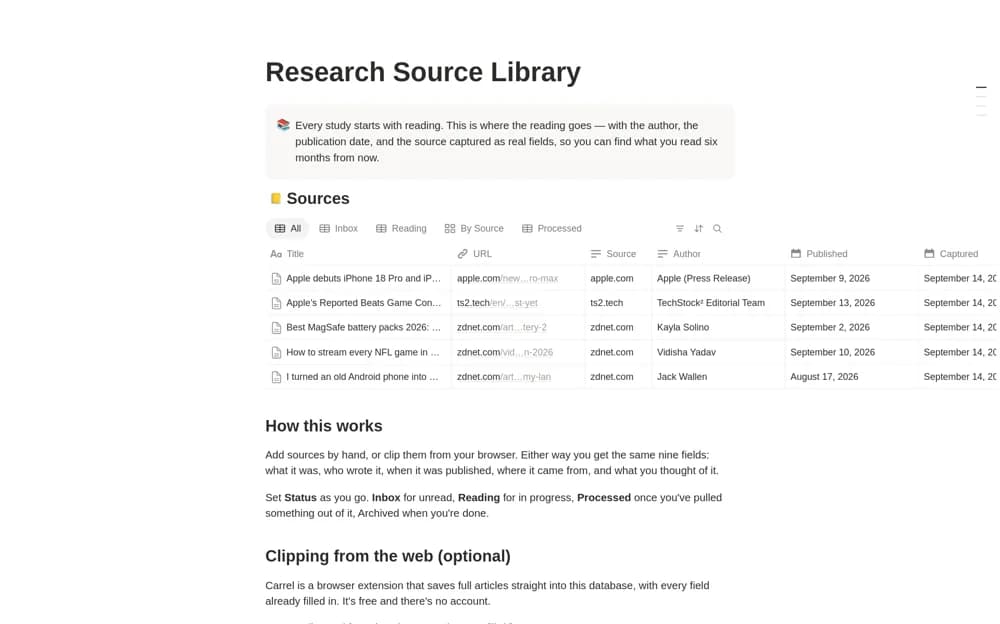
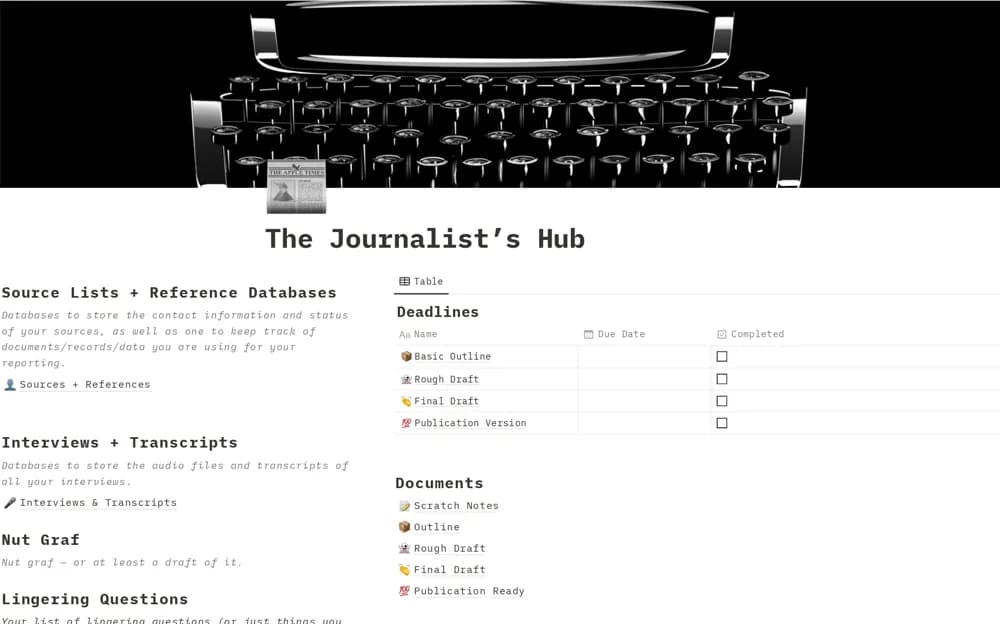
A reporting workspace connecting interviews, sources, research notes, article drafts, and source-contact history.
What’s included
- Four connected reporting templates
- Interviews and research notes beside drafts
- Source contacts and meeting or interview history
How to use it in practice
Set up a story with its reporting question and source references. Keep interview context close to draft claims and distinguish verified facts from unanswered questions. Review confidentiality and source-protection needs before putting sensitive reporting material into any shared workspace.
Set it up in your workspace
- Open the original Notion Marketplace listing and add the template to your chosen workspace while signed in. Keep its example records until you understand how the pages connect.
- Set up a story with its reporting question and source references.
- Try one complete example before adding a large backlog. Check that its views and any calculations show what you expect, then replace the sample content with your own.
Who it suits and what to consider
Journalists keeping reporting evidence accessible while writing a story. The template organizes reporting; it does not establish secure source communication or independent fact-checking.