About Marketing & Content OS: Campaigns & KPIs
Connect marketing goals, campaigns, content, growth experiments, and KPI snapshots in one Notion workspace with a scorecard and marketing calendar.
What’s included
- Marketing goals with targets and progress
- Campaign board with status, objectives, budgets, and owners
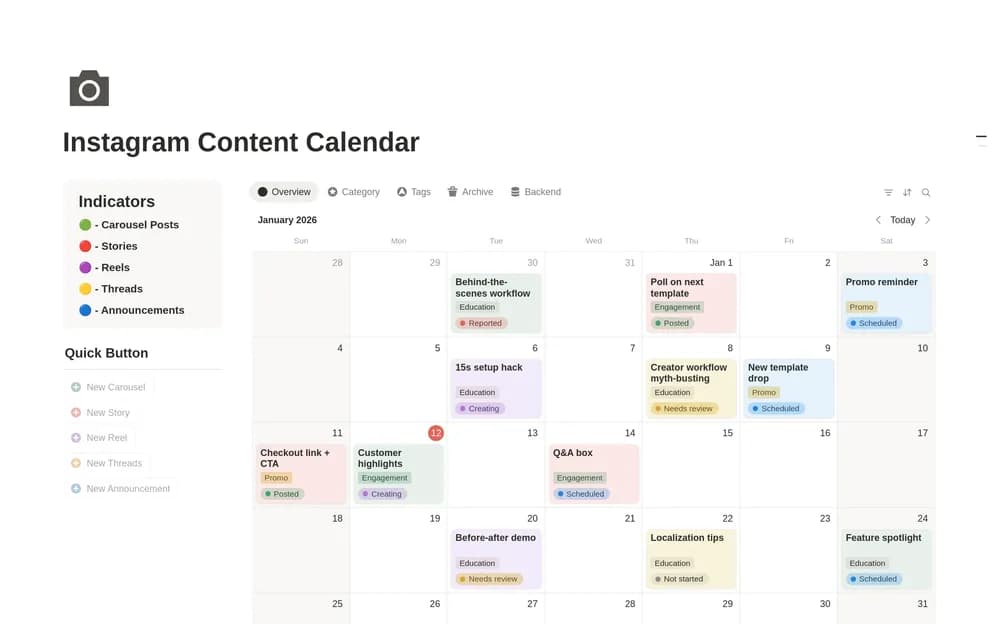
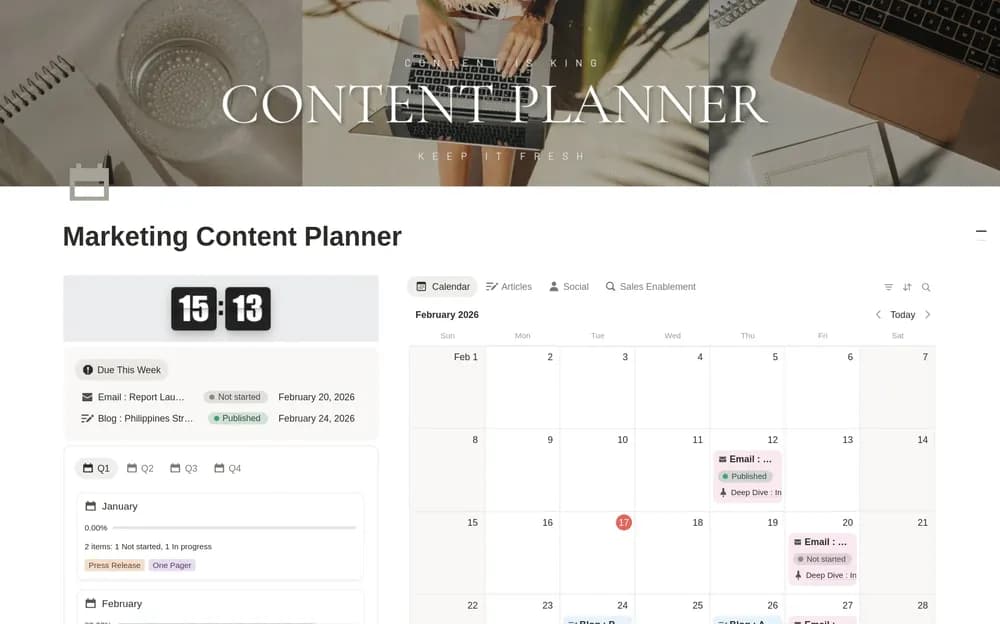
- Content and creative calendar for posts and newsletters
- Experiments log for hypotheses and insights
- KPI snapshots for leads, conversions, and traffic
How to use it in practice
Write one or two goals for the current quarter and link the campaign you are already running to them. Add this week’s planned content to the marketing calendar and assign owners. Log one small experiment, such as a new email subject line, with a clear hypothesis. On Friday, record a KPI snapshot and note what you learned in the experiment entry.
Set it up in your workspace
- Open the original Notion Marketplace listing and add the template to your chosen workspace while signed in. Keep its example records until you understand how the pages connect.
- Write one or two goals for the current quarter and link the campaign you are already running to them.
- Try one complete example before adding a large backlog. Check that its views and any calculations show what you expect, then replace the sample content with your own.
Who it suits and what to consider
Startup marketers, small business owners, and consultants who need strategy and execution in one place. KPI figures are recorded manually as snapshots rather than synced from analytics or ad platforms. Budgets appear as campaign fields, not a full spend tracker.