 Free
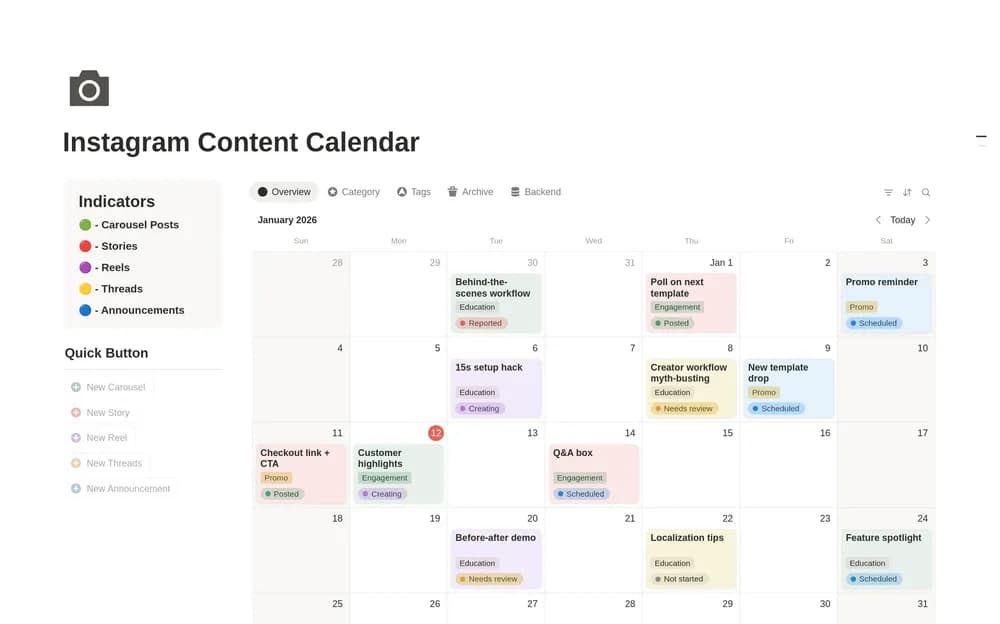
FreeInstagram Content Calendar
Give Instagram ideas, production, and publication dates a shared home.
See what is planned, being made, and ready to publish. Browse Notion content calendars that connect ideas, assets, channels, and realistic publication dates.
Showing 1–5 of 5 templates
A little structure goes a long way.FreeGive Instagram ideas, production, and publication dates a shared home.
 Free
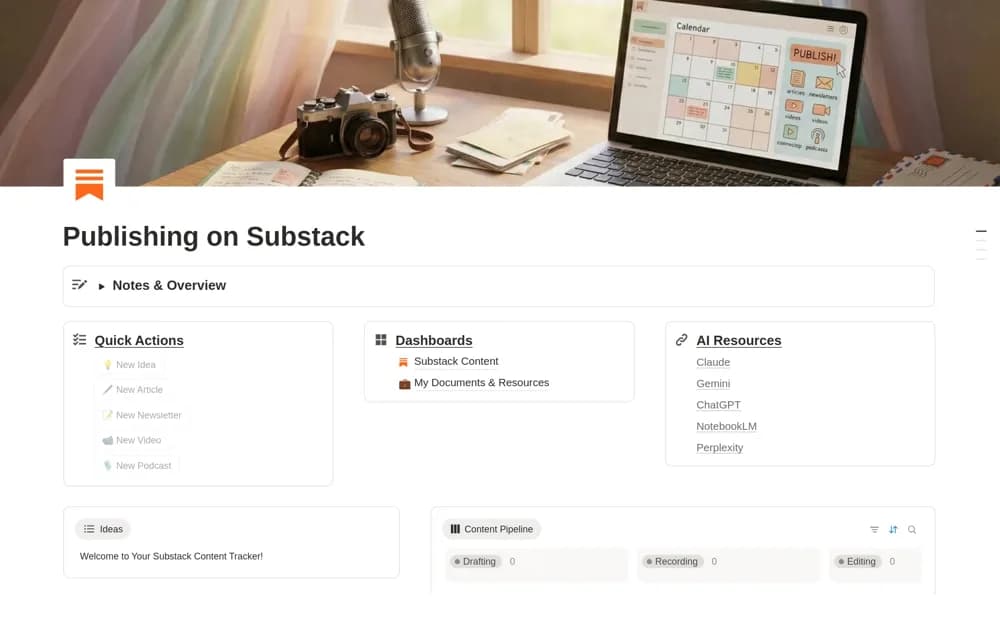
FreeA Substack planning dashboard for ideas, articles, newsletters, recordings, supporting resources, and publication tracking.
 Paid
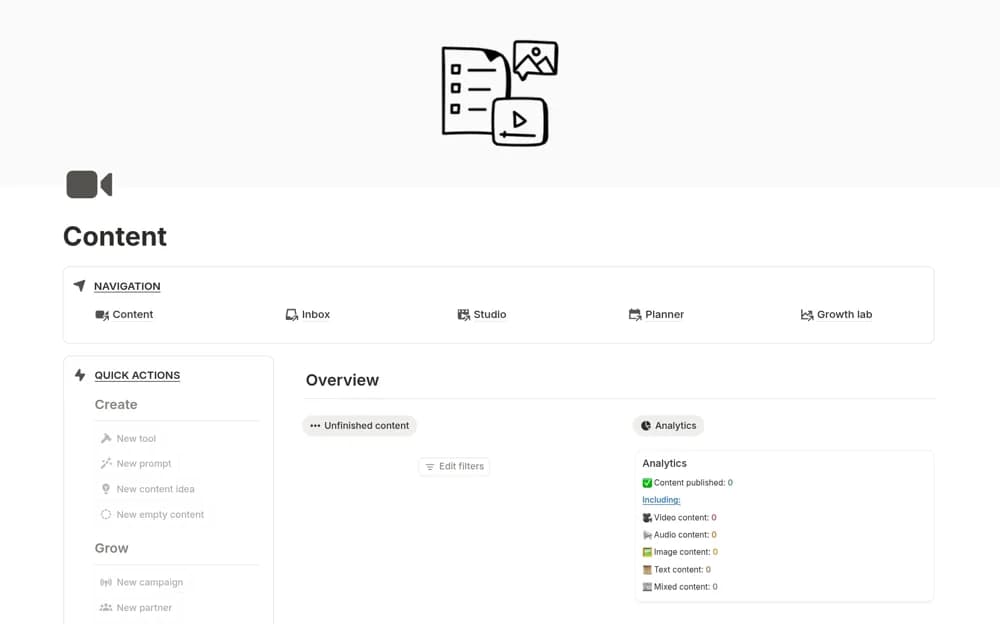
PaidA broad content-production workspace with connected databases, calendars, dashboards, performance records, and partnership organization.
 Free
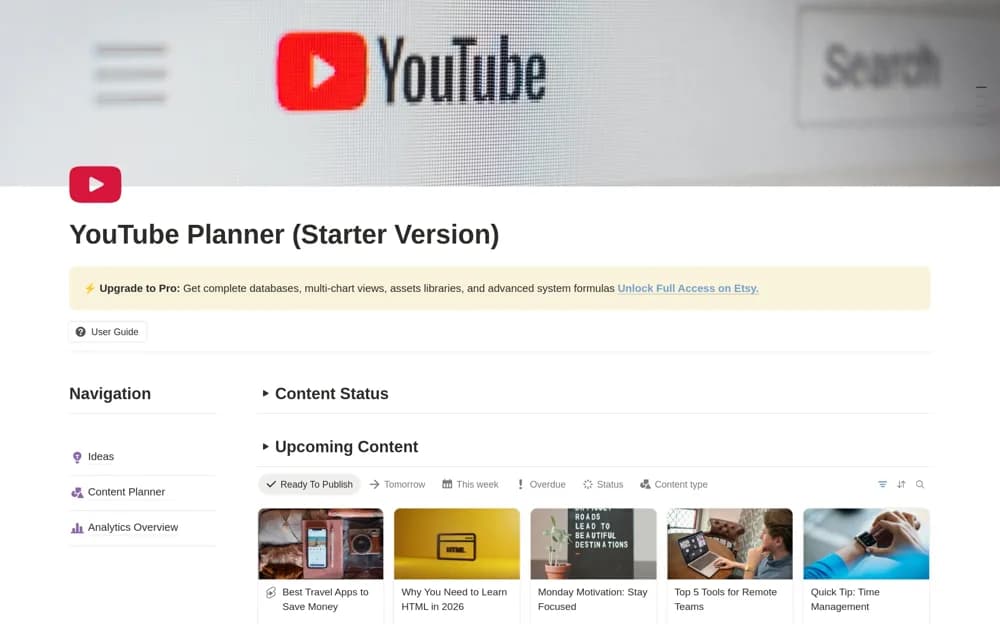
FreeA free YouTube starter planner using one content database for ideas, scheduling, calendar views, and analytics records.
 Free
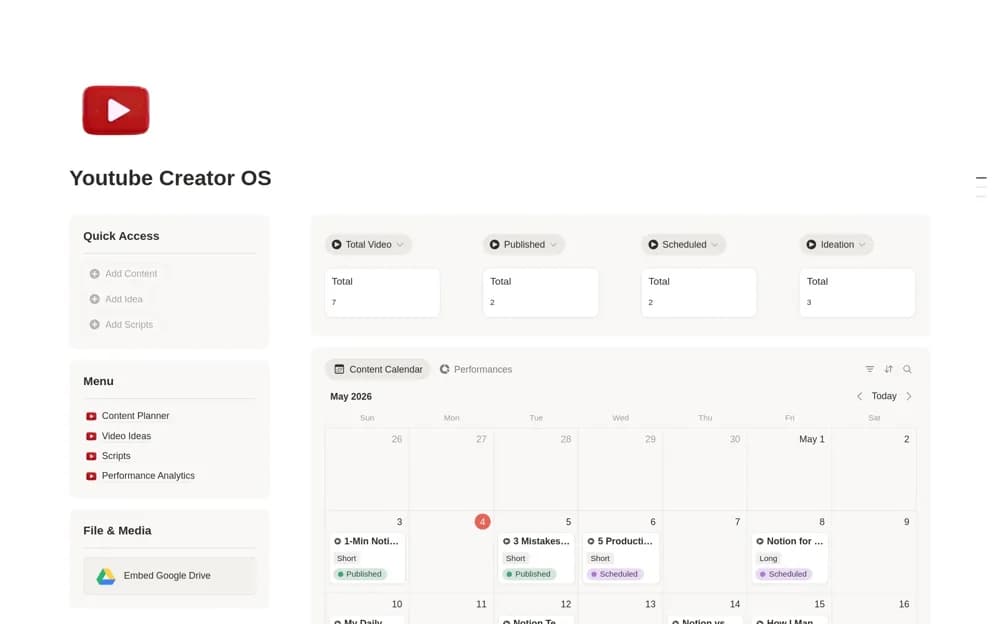
FreeA YouTube planning system linking video ideas, scripts, content scheduling, upload records, and performance metrics.
Compare the purpose and included features before choosing a workspace.
Creators and content teams evaluating a more extensive editorial system.
Creators planning a consistent Instagram schedule.
Substack creators organizing production before publishing through their account.
Plan a short period using work you can actually produce. Include status as well as a date so unfinished content does not disappear inside a calendar. Keep the brief, draft, and asset links close to the scheduled item. When plans change, move the record rather than creating another copy. Review published work for useful lessons before filling the next month.
Production status
Channel and asset links
A realistic publishing rhythm
About the directoryYes. This collection currently includes 4 listings with a confirmed free creator offer, alongside 1 paid or freemium option. Use the Free filter to compare them. A free version can have different features from a creator’s paid upgrade, so check the original listing and current access terms before adding it to your workspace.