About Nonprofit Operations Hub
A nonprofit workspace often needs to serve people with different levels of involvement. This Notion-made hub gives the team a common starting structure. Keep the next action clear and make sure an occasional volunteer can find the information needed for their role.
What’s included
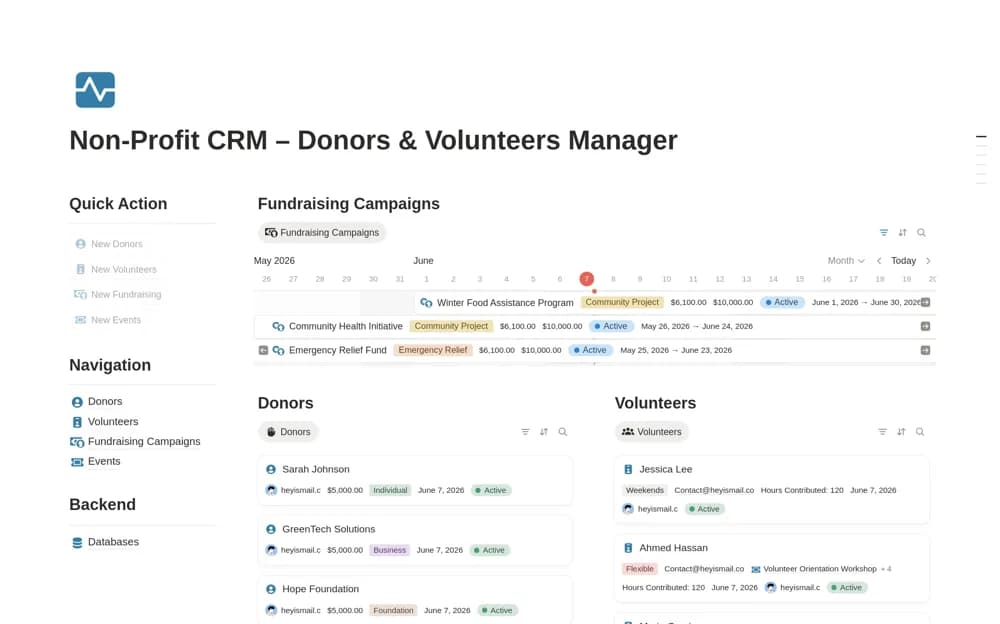
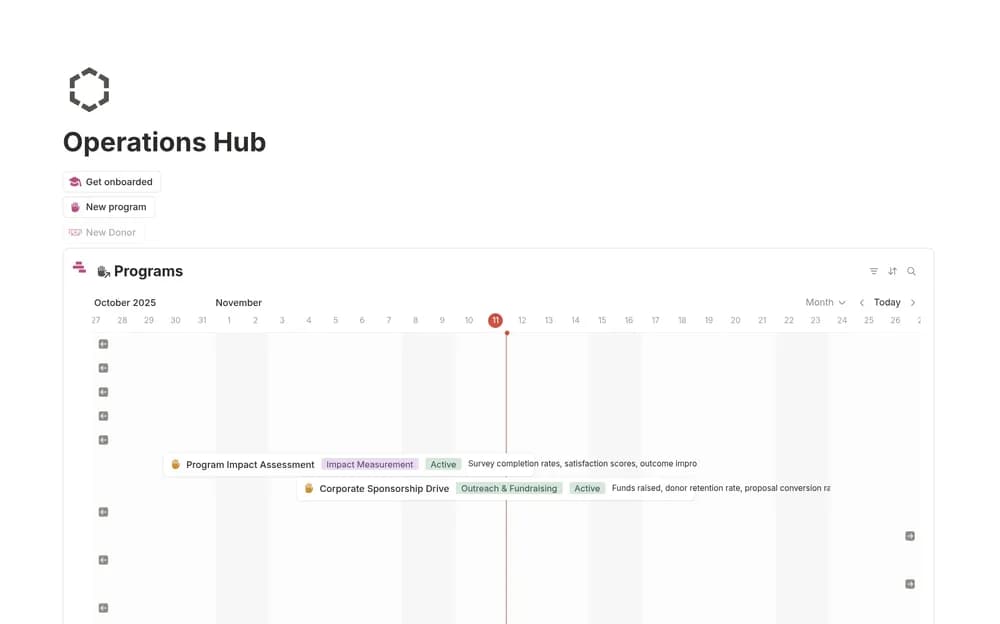
- Connected program, beneficiary, volunteer, and donor organization
- Program timelines, budgets, intake forms, and meeting-note structures
- A knowledge wiki and onboarding or notification workflows described by the creator
How to use it in practice
Set up one program with its current activities and responsible people. Test the intake and volunteer flow with sample records before collecting real information. Keep donor and beneficiary access appropriate to their sensitivity. Review the shared command page with the team so it points to current work and clearly owned records.
Set it up in your workspace
- Open the original Notion Marketplace listing and add the template to your chosen workspace while signed in. Keep its example records until you understand how the pages connect.
- Start with one active program or process. Ask a team member to navigate the setup before expanding it.
- Try one complete example before adding a large backlog. Check that its views and any calculations show what you expect, then replace the sample content with your own.
Who it suits and what to consider
Nonprofit teams building a shared operational home. Suited to organizations coordinating several recurring functions. Test the listed automations and form permissions under your current Notion plan before putting them into service.