About Notion Task Manager 2
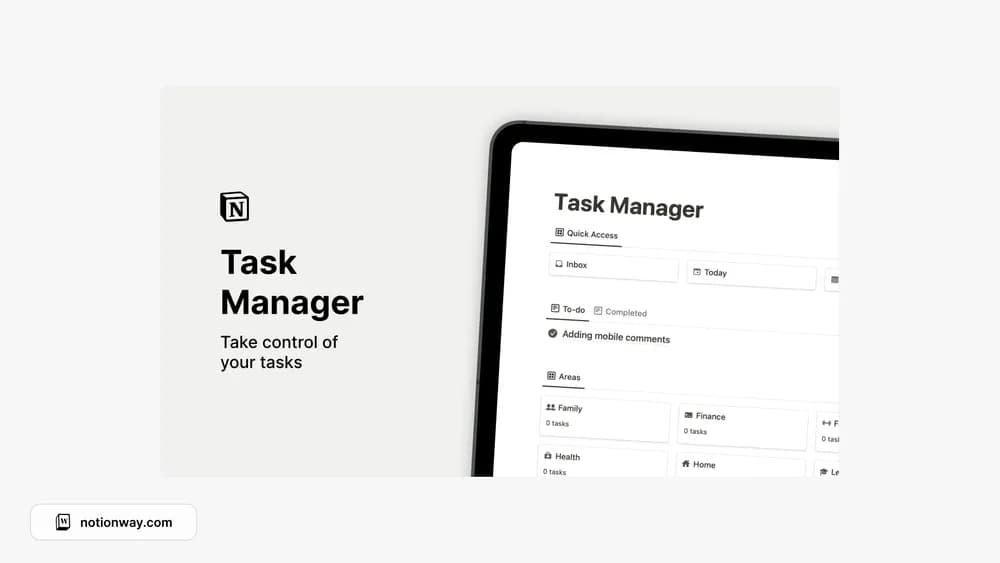
This alternative task manager organizes actions around different areas. That can suit a routine where work, study, and home tasks share the same inbox. Compare it with the first task manager to decide which organizing principle is easier for you to maintain.
What’s included
- Task capture and tracking in the linked creator workspace
- Grouping tasks into areas
- A simple structure for organizing next actions
How to use it in practice
Use this layout to clear the tasks you are holding in your head, then decide which are still relevant. Give the next few actions a clear verb and keep related work under one area. During a weekly review, remove stale tasks and identify anything that requires a fuller project plan before you can begin.
Set it up in your workspace
- Follow the original creator’s checkout or access instructions to obtain the Notion page. Open that page while signed in, then duplicate it into the workspace you want to use.
- Create a small set of areas and assign your current tasks. Avoid adding categories you do not yet need.
- Try one complete example before adding a large backlog. Check that its views and any calculations show what you expect, then replace the sample content with your own.
Who it suits and what to consider
People who want tasks grouped by responsibility. The current creator destination describes a task manager. Compare its preview rather than assuming the roundup title establishes advanced project-planning features.