About Org Chart by Notion
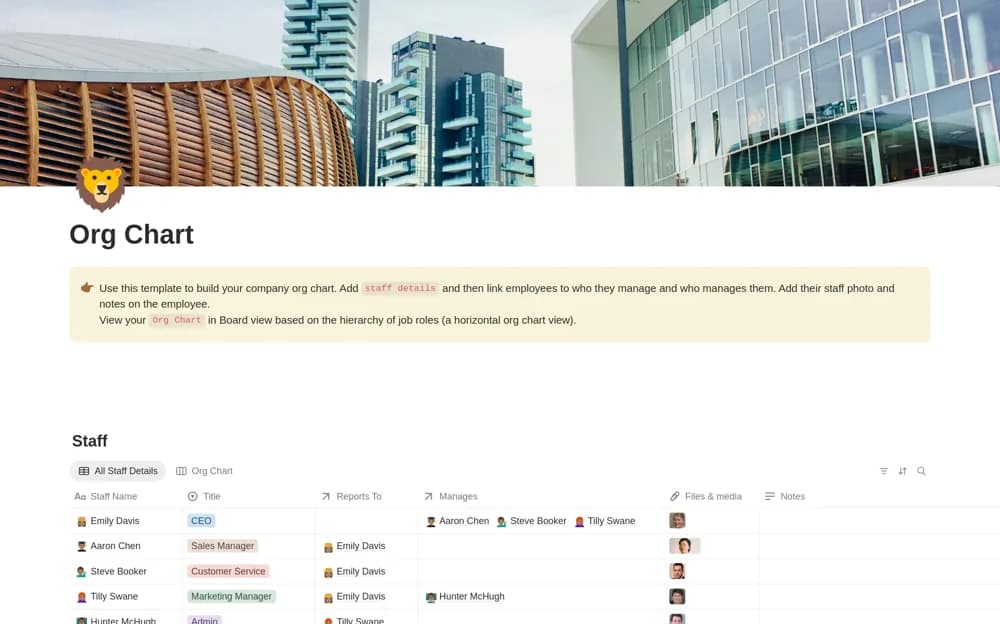
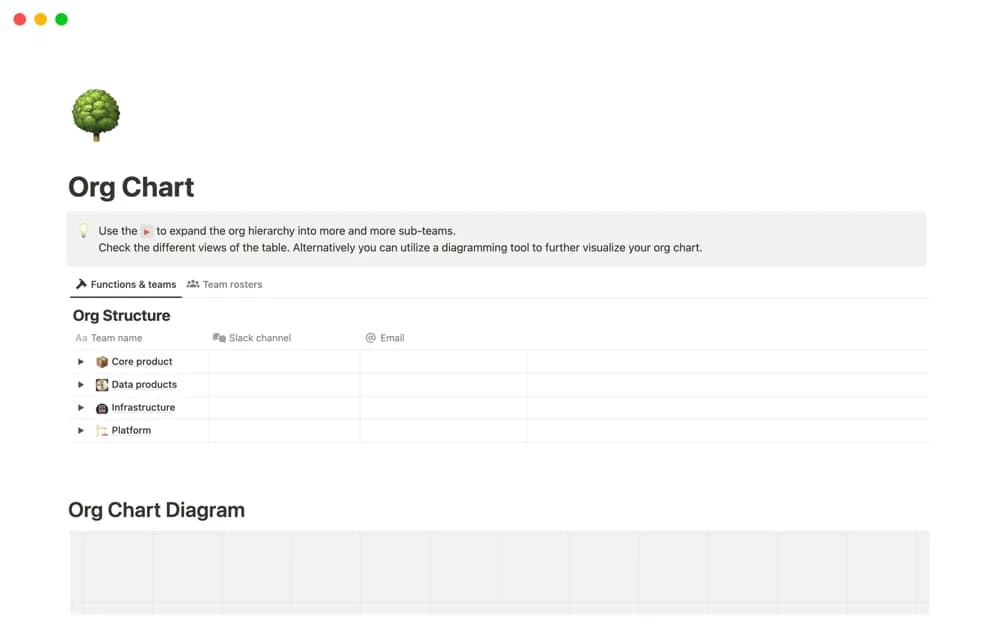
Show team structure in a Notion-native organization chart, with additional hierarchy levels and links to the relevant team home pages.
What’s included
- Organization-chart diagram
- Editable hierarchy levels
- Links to team home pages
How to use it in practice
Map a small part of the organization first and confirm the reporting structure with its owner. Add links to the corresponding team homes, then open the chart as a new colleague would. Review it after team changes so the visible hierarchy and destination pages stay consistent.
Set it up in your workspace
- Open the original Notion Marketplace listing and add the template to your chosen workspace while signed in. Keep its example records until you understand how the pages connect.
- Map a small part of the organization first and confirm the reporting structure with its owner.
- Try one complete example before adding a large backlog. Check that its views and any calculations show what you expect, then replace the sample content with your own.
Who it suits and what to consider
Teams explaining their organizational structure and helping colleagues find a team’s shared workspace. This is an editable chart. Automatic synchronization with an HR system or employee directory is not documented.