About Product Requirements Doc (PRD)
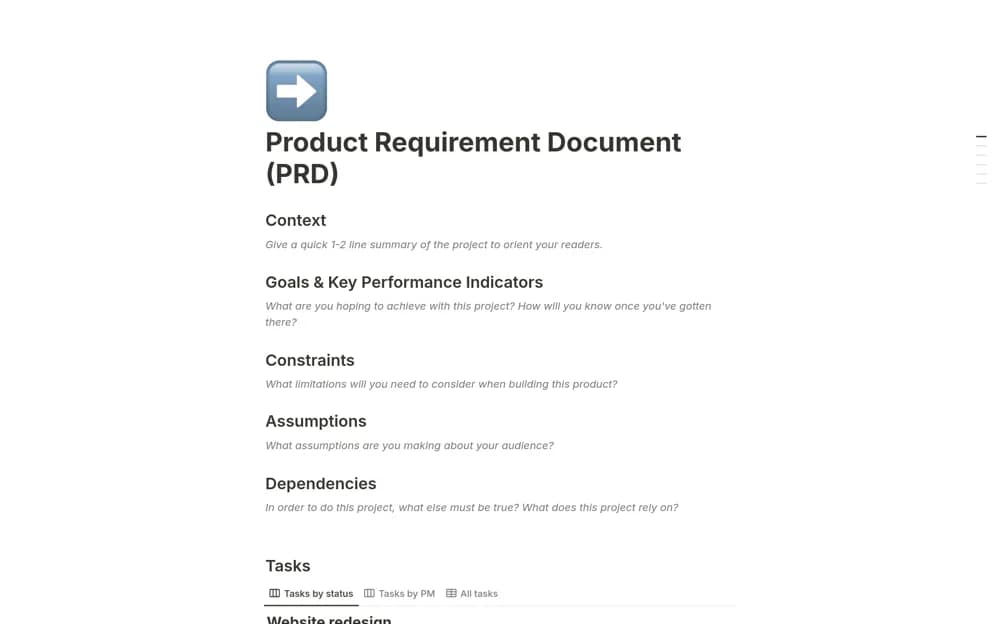
A product requirements page for context, goals, user interaction, edge cases, and the steps behind a proposed improvement.
What’s included
- Problem and user context
- Goals and edge-case considerations
- A structured product-improvement plan
How to use it in practice
Write the user problem with supporting evidence and define the intended result. Discuss edge cases with design and engineering, then mark unresolved decisions clearly. Keep the agreed document linked to implementation and update it when a change affects the requirements.
Set it up in your workspace
- Open the original Notion Marketplace listing and add the template to your chosen workspace while signed in. Keep its example records until you understand how the pages connect.
- Write the user problem with supporting evidence and define the intended result.
- Try one complete example before adding a large backlog. Check that its views and any calculations show what you expect, then replace the sample content with your own.
Who it suits and what to consider
Product teams clarifying a change before design and implementation. A PRD organizes intent; it does not independently prove customer demand or technical feasibility.