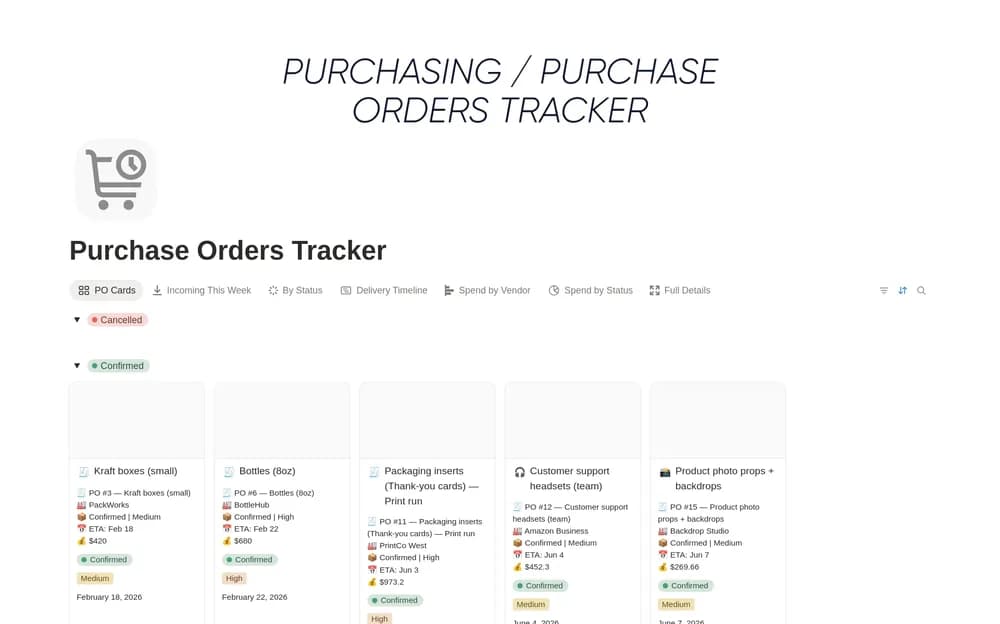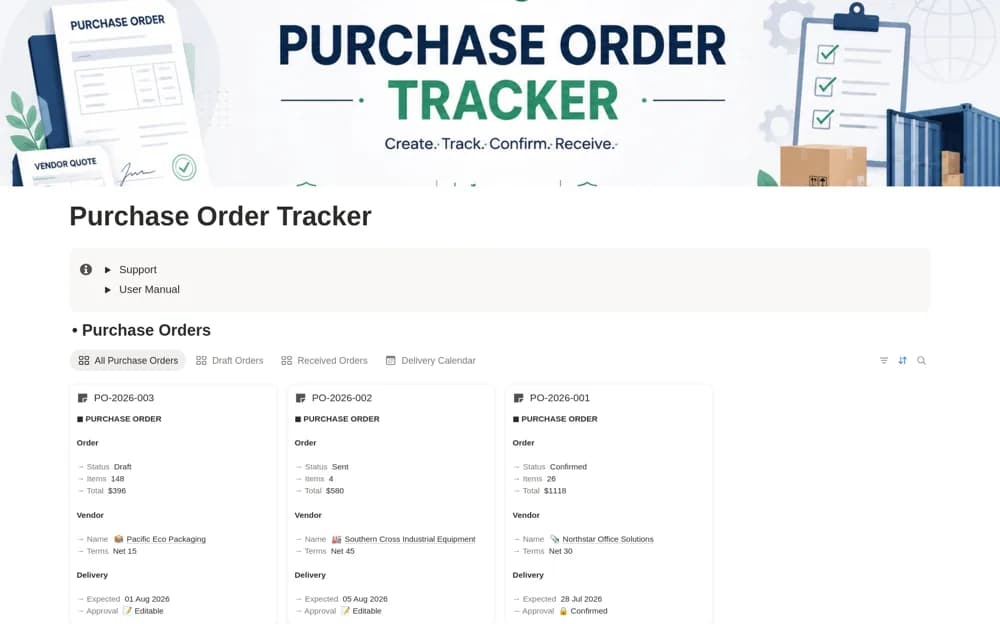
About Purchase Order Tracker
A procurement workspace for purchase orders, vendors, ordered items, approvals, payment terms, and delivery follow-up.
What’s included
- PO numbers, dates, terms, approvals, and status
- Vendor and ordered-item organization
- Delivery schedules and supporting-document context
How to use it in practice
Test one completed order against the supplier’s actual documents. Agree how approvals and received quantities are recorded, then review open deliveries regularly. Keep the tracker connected to your accounting and purchasing procedures without assuming a page status authorizes a commitment.
Set it up in your workspace
- Open the original Notion Marketplace listing and add the template to your chosen workspace while signed in. Keep its example records until you understand how the pages connect.
- Test one completed order against the supplier’s actual documents.
- Try one complete example before adding a large backlog. Check that its views and any calculations show what you expect, then replace the sample content with your own.
Who it suits and what to consider
Small businesses and operations teams maintaining purchasing records. The template does not establish legally sufficient purchase terms, payment execution, or formal procurement compliance.