 Free
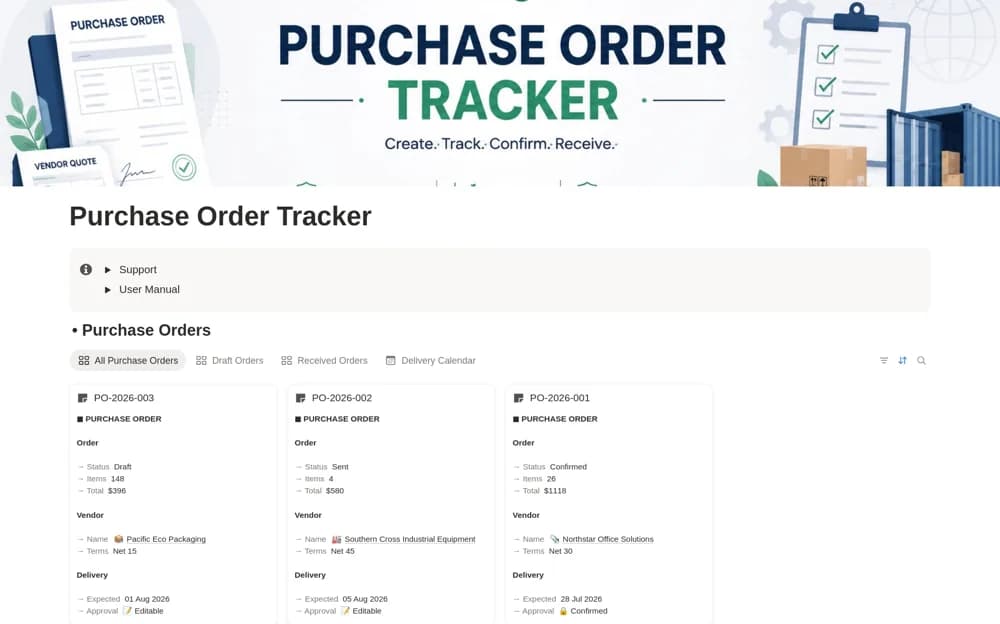
Purchase Order Tracker
A procurement workspace for purchase orders, vendors, ordered items, approvals, payment terms, and delivery follow-up.
Track purchasing requests from approval to receipt. Find Notion templates for suppliers, order details, responsibilities, delivery status, document links, and resolving differences between orders and received items.
Showing 1–3 of 3 templates
FreeA procurement workspace for purchase orders, vendors, ordered items, approvals, payment terms, and delivery follow-up.
 Free
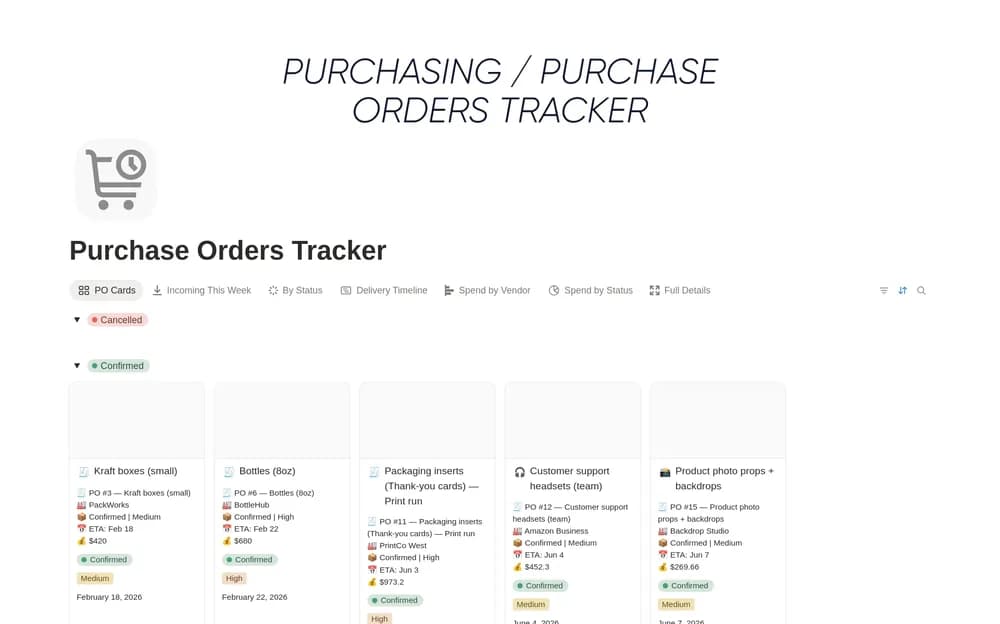
Keep purchase orders and their current status easy to review.
 Free
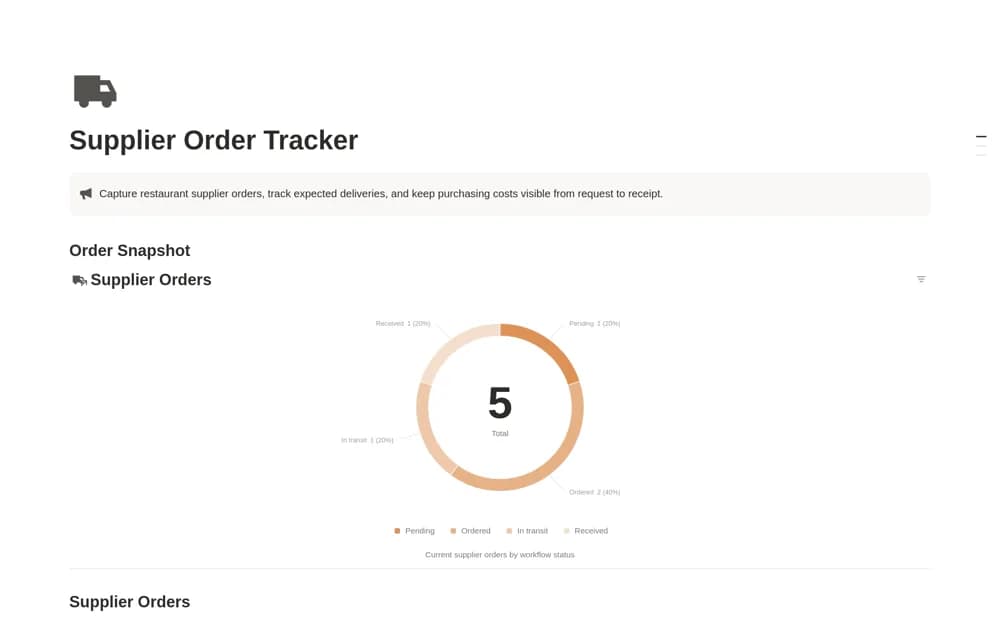
Track restaurant supplier orders in Notion with order dates, expected deliveries, purchasing totals, and a request-to-receipt status view.
Compare the purpose and included features before choosing a workspace.
Small businesses and operations teams maintaining purchasing records.
Restaurant managers and hospitality purchasing teams coordinating recurring vendor deliveries.
Small teams coordinating purchasing records.
3 working templates from 3 creators: 3 free. Links last checked October 12, 2026.
| Template | Best for | Price | Creator |
|---|---|---|---|
| Purchase Order Tracker | Small businesses and operations teams maintaining purchasing records. | Free | Rodro |
| Supplier Order Tracker | Restaurant managers and hospitality purchasing teams coordinating recurring vendor deliveries. | Free | RunBook |
| Purchase Orders Tracker | Small teams coordinating purchasing records. | Free | NimbleGot |
Keep a purchase request distinct from an approved order. Record the responsible buyer, supplier reference, expected delivery, and source document. Test how the workflow handles a partial receipt or a changed order before importing active purchases. Link invoice and receipt evidence where appropriate, and use the organization’s actual approval process rather than assuming the template enforces it.
Request and approval status
Order and receipt references
Partial-delivery handling
About the directoryRecord the request, supplier, agreed items, quantities, prices, and responsible approver. Retain the confirmed order reference and distinguish it from a draft. Track delivery discrepancies against the original order and link the relevant invoice or receipt. Follow the organization's actual procurement process rather than treating a completed template field as authorization to purchase.
Jump straight to any listing in the collection.
A tracker organizes requests and records. It does not by itself send an order, establish spending authority, or process payment. Confirm any connected workflow and use the organization's approved procurement and financial controls for the actual transaction.
It depends on the job you need it to do. Good starting points in this collection include Purchase Order Tracker (small businesses and operations teams maintaining purchasing records), Supplier Order Tracker (restaurant managers and hospitality purchasing teams coordinating recurring vendor deliveries) and Purchase Orders Tracker (small teams coordinating purchasing records). Compare the included features below, then try your first choice with a week of real information before moving everything across.
Yes. This collection currently includes 3 listings with a confirmed free creator offer. Use the Free filter to compare them. A free version can have different features from a creator’s paid upgrade, so check the original listing and current access terms before adding it to your workspace.