About Remote Connection Log
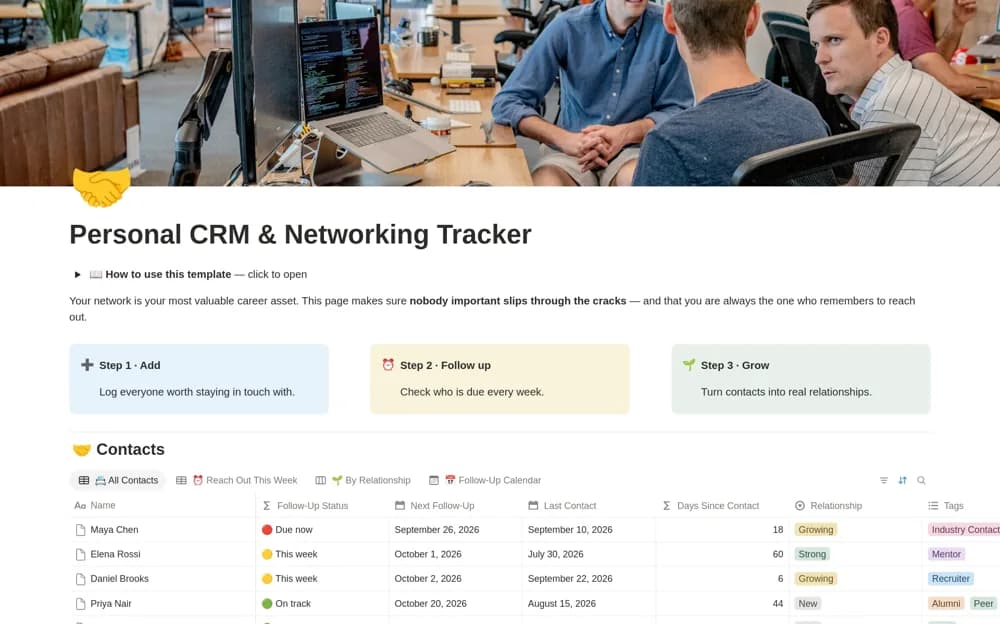
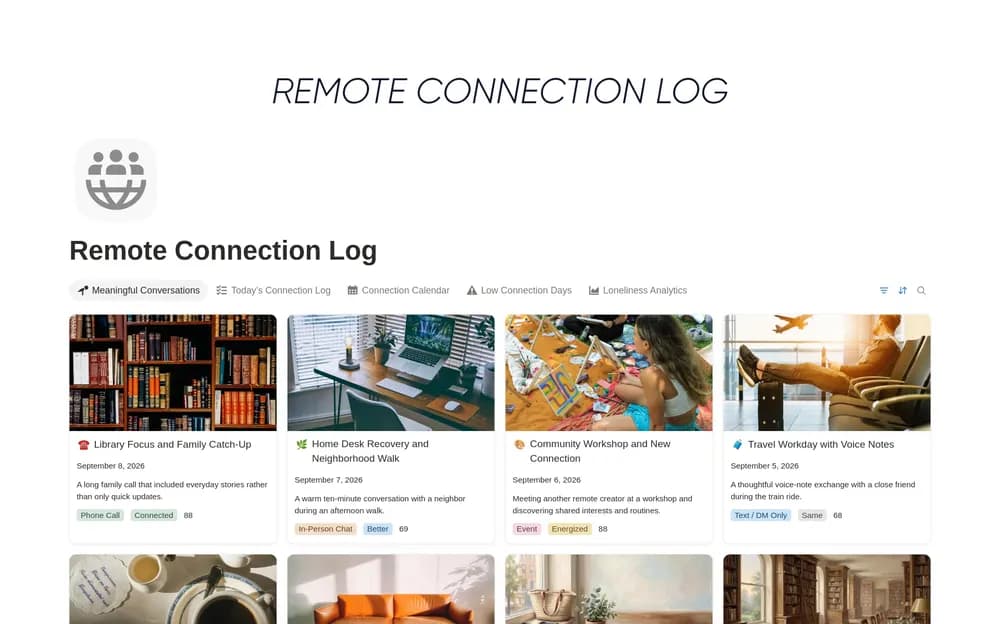
Stay in touch with long-distance friends, family, and remote colleagues in Notion by logging last contact, next check-ins, and follow-ups.
What’s included
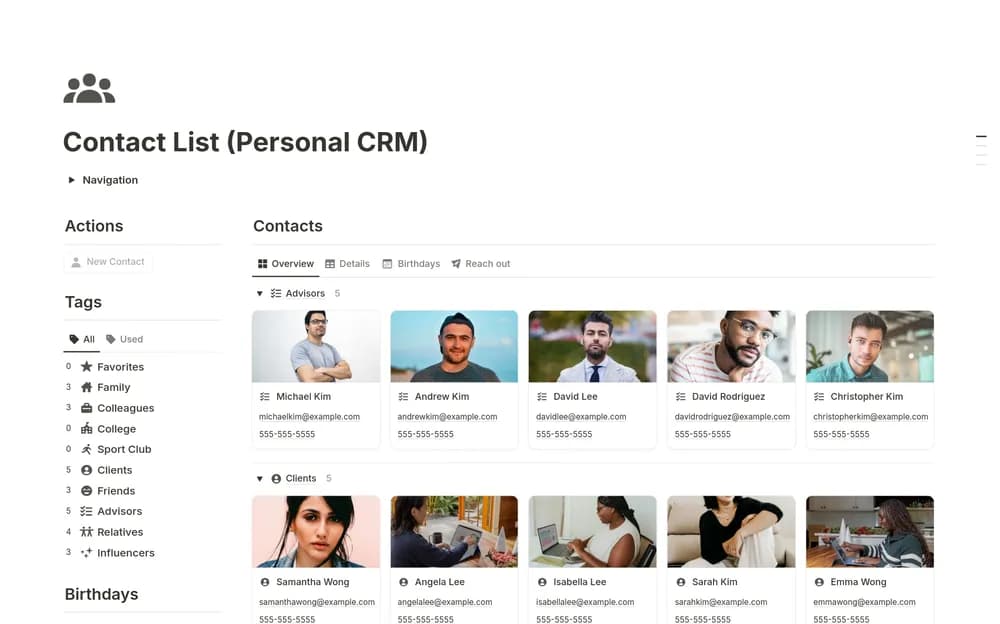
- Database of people and check-ins
- Last contact and next check-in dates
- Relationship type, notes, and follow-ups
- Views for people who need attention or are going quiet
How to use it in practice
Add five or six people you want to hear from more often and record when you last spoke. Set a realistic next check-in date for each, noting their time zone where it matters. Through the week, log each conversation and any follow-up, then review the going-quiet view to choose who to message next.
Set it up in your workspace
- Open the original Notion Marketplace listing and add the template to your chosen workspace while signed in. Keep its example records until you understand how the pages connect.
- Add five or six people you want to hear from more often and record when you last spoke.
- Try one complete example before adding a large backlog. Check that its views and any calculations show what you expect, then replace the sample content with your own.
Who it suits and what to consider
People with long-distance relationships or distributed teammates who rely on memory to stay in contact. Check-in dates are entered manually, and the listing does not mention notifications, so pair it with Notion reminders if you need prompts. Conversations are not imported from messaging apps.