About Screenshots Organizer
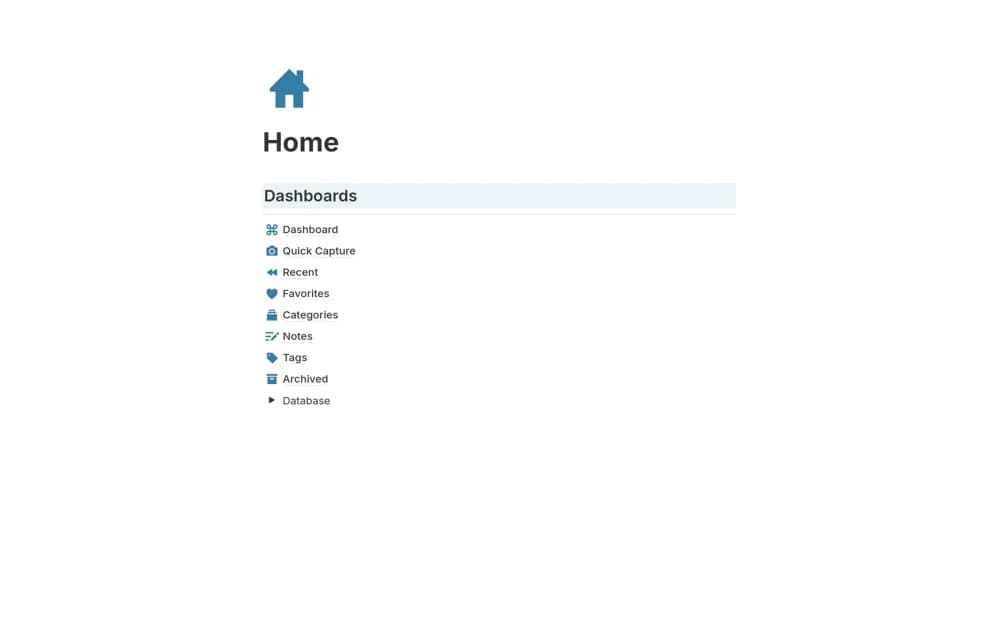
A screenshot reference library with quick capture, tags, source notes, favorites, and recent-item views.
What’s included
- Screenshot dashboard and quick-capture page
- Tagging, source links, and notes
- Recent, favorite, and categorized views
How to use it in practice
Save a few references and note why each is useful. Include the source and date, then test finding an example by its tag rather than memory. Review the library periodically, keeping relevant references and removing duplicates or screenshots containing private information.
Set it up in your workspace
- Open the original Notion Marketplace listing and add the template to your chosen workspace while signed in. Keep its example records until you understand how the pages connect.
- Save a few references and note why each is useful.
- Try one complete example before adding a large backlog. Check that its views and any calculations show what you expect, then replace the sample content with your own.
Who it suits and what to consider
Designers and creatives organizing visual research they want to retrieve later. The source describes organizing saved images, without establishing automatic capture from your device.