About Side Hustle Profit & Loss
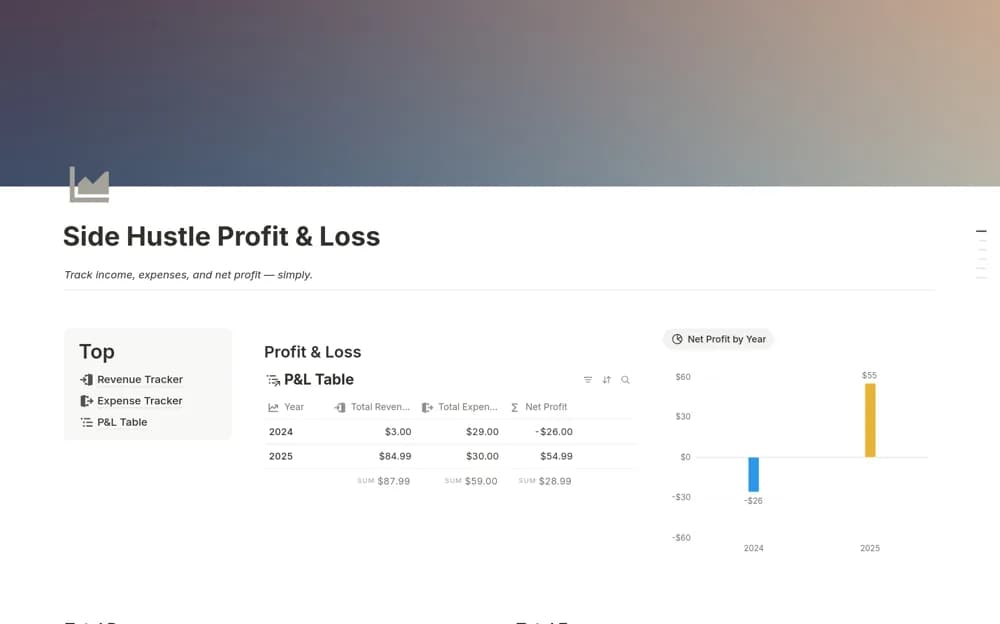
A focused side-business finance tracker recording income, expenses, categories, and sources, with revenue, spending, and net-profit summaries filtered by month or another period.
What’s included
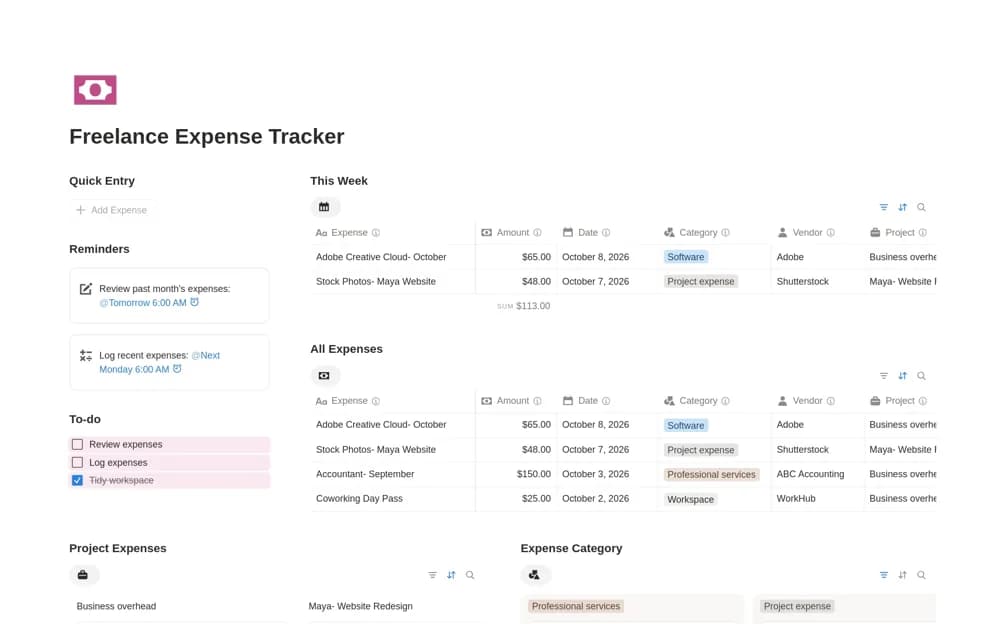
- Income and expense log
- Category and source fields
- Revenue, expense, and net-profit summaries with date filters
How to use it in practice
Record a month of side-business activity and check whether every entry belongs to that business. Use the category and source fields consistently, then review the summary for the same period. Investigate missing costs before interpreting a high revenue month as a profitable one.
Set it up in your workspace
- Open the original Notion Marketplace listing and add the template to your chosen workspace while signed in. Keep its example records until you understand how the pages connect.
- Record a month of side-business activity and check whether every entry belongs to that business.
- Try one complete example before adding a large backlog. Check that its views and any calculations show what you expect, then replace the sample content with your own.
Who it suits and what to consider
Freelancers and side-hustle owners who want a small finance tool beside their project work. This is a standalone financial tracker. The creator’s larger Sideboard workspace is a separate option, so do not assume its project and task modules are included.