 Free
FreeEcommerce & Dropshipping Tracker
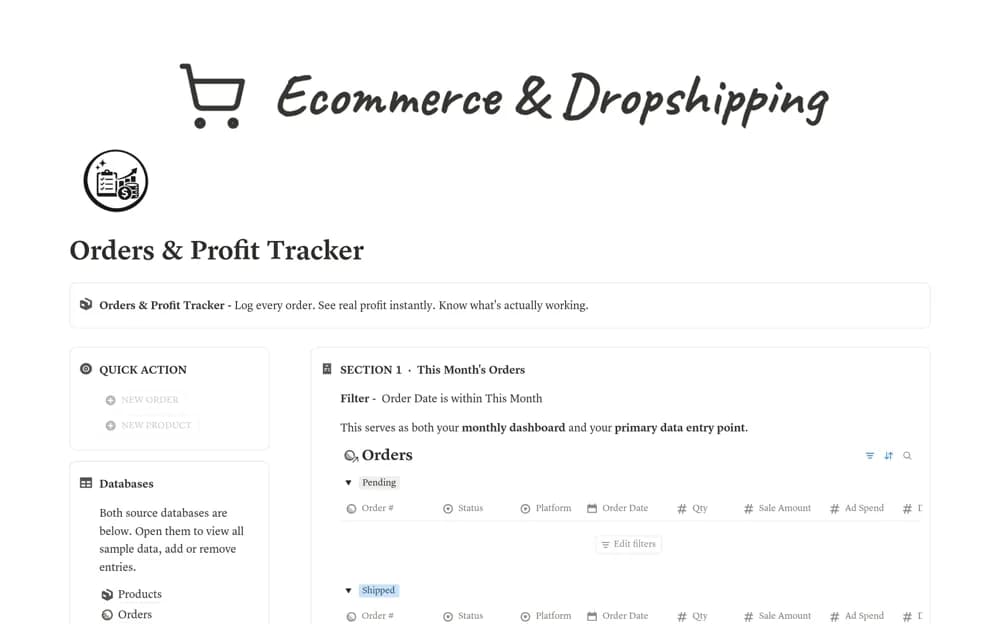
An order-profit tracker linking orders and products, with manually entered fees, shipping, and advertising costs feeding net profit, margin percentages, and product-level summaries.
See income, expenses, and the costs behind a reported profit. Compare Notion templates for small-business profit and loss tracking, side-hustle reviews, and product-level margin analysis.
Showing 1–4 of 4 templates
A little structure goes a long way.FreeAn order-profit tracker linking orders and products, with manually entered fees, shipping, and advertising costs feeding net profit, margin percentages, and product-level summaries.
 Free
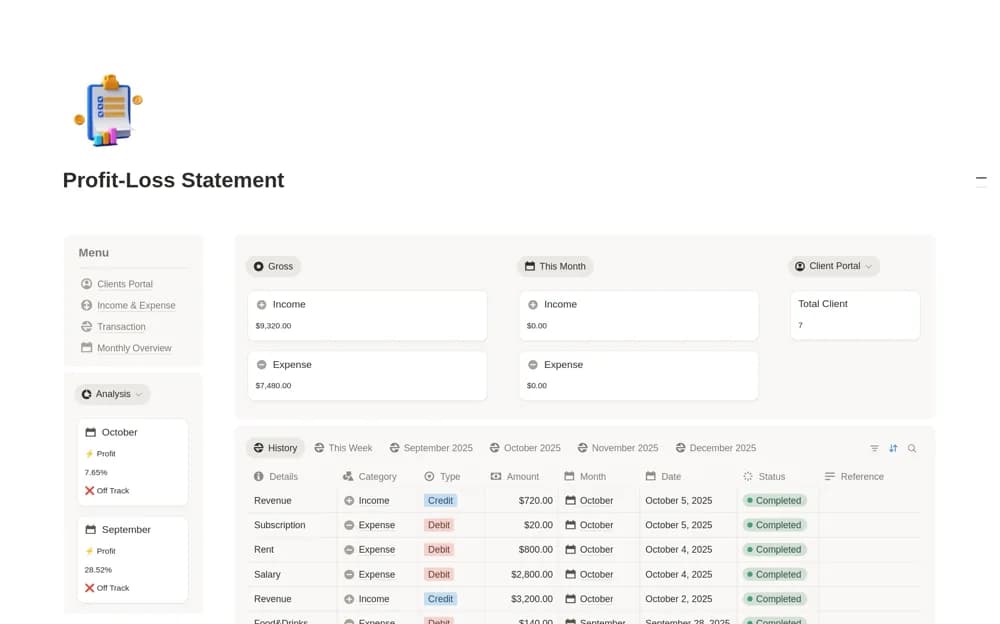
FreeA business finance workspace linking clients, income and expenses, transactions, and a monthly dashboard showing net profit, client revenue, and spending categories.
 Free
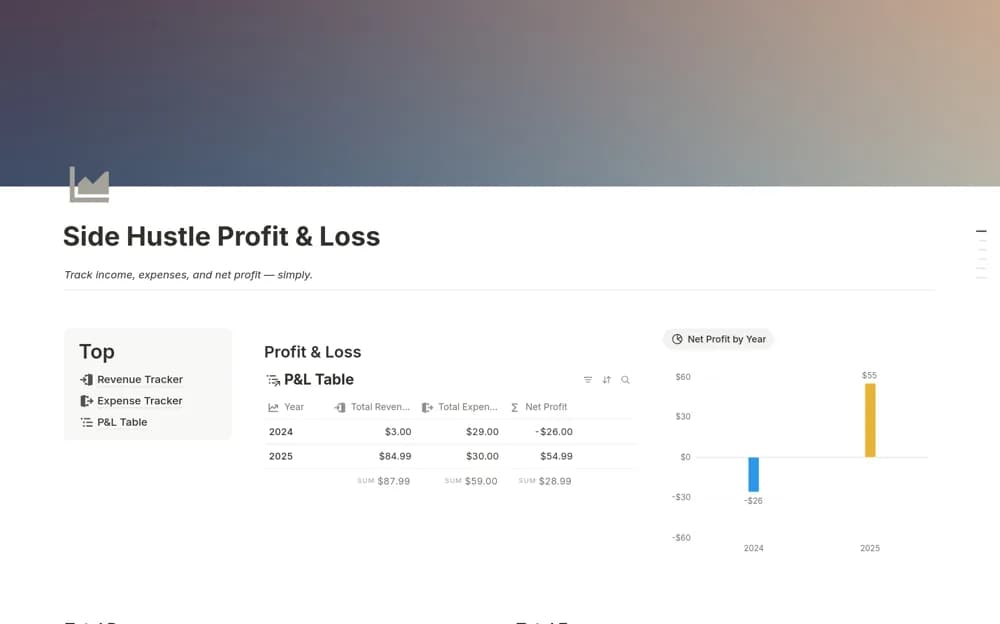
FreeA focused side-business finance tracker recording income, expenses, categories, and sources, with revenue, spending, and net-profit summaries filtered by month or another period.
 Free
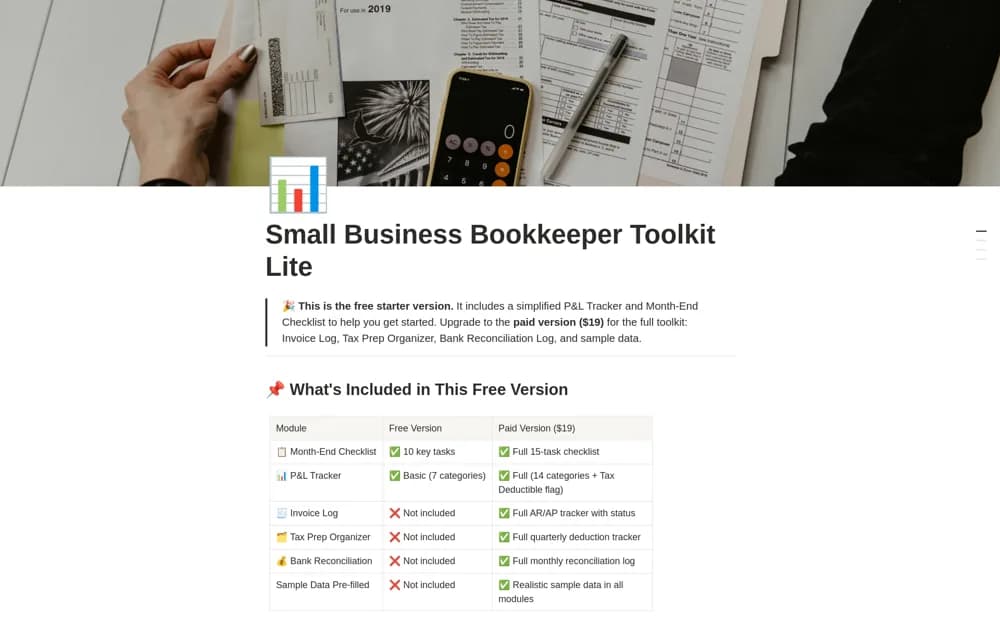
FreeA free bookkeeping starter kit with a ten-task month-end checklist and a profit-and-loss tracker using seven categories for income and expense records.
Compare the purpose and included features before choosing a workspace.
Ecommerce sellers and dropshippers checking what remains after order-related costs.
Freelancers and small businesses reviewing financial activity with its client context attached.
Freelancers and side-hustle owners who want a small finance tool beside their project work.
Check how the template defines revenue, expenses, and profit before entering figures. A product margin view, a cash-based side-hustle tracker, and a formal profit and loss statement answer different questions. Keep the reporting period and source records visible. Include the cost categories relevant to your activity and compare a sample calculation with your own figures. Use the result as an organized working view and reconcile it with authoritative business accounts.
Defined income and expense categories
Visible reporting periods
Transparent profit calculations
About the directoryKeep income and expense categories consistent and identify whether the records describe cash received or another accounting basis. Record the reporting period and the costs the calculation includes. Check a sample total against the underlying transactions. A product margin, side-hustle summary, and formal business statement can all be useful while answering different questions.
Not necessarily. A tool may subtract only fees or refunds from revenue, while profit requires the relevant expense definitions. Read the formula’s scope and review omitted operating costs before interpreting the result.
Yes. This collection currently includes 4 listings with a confirmed free creator offer. Use the Free filter to compare them. A free version can have different features from a creator’s paid upgrade, so check the original listing and current access terms before adding it to your workspace.