About Simple Sticky Notes Plus
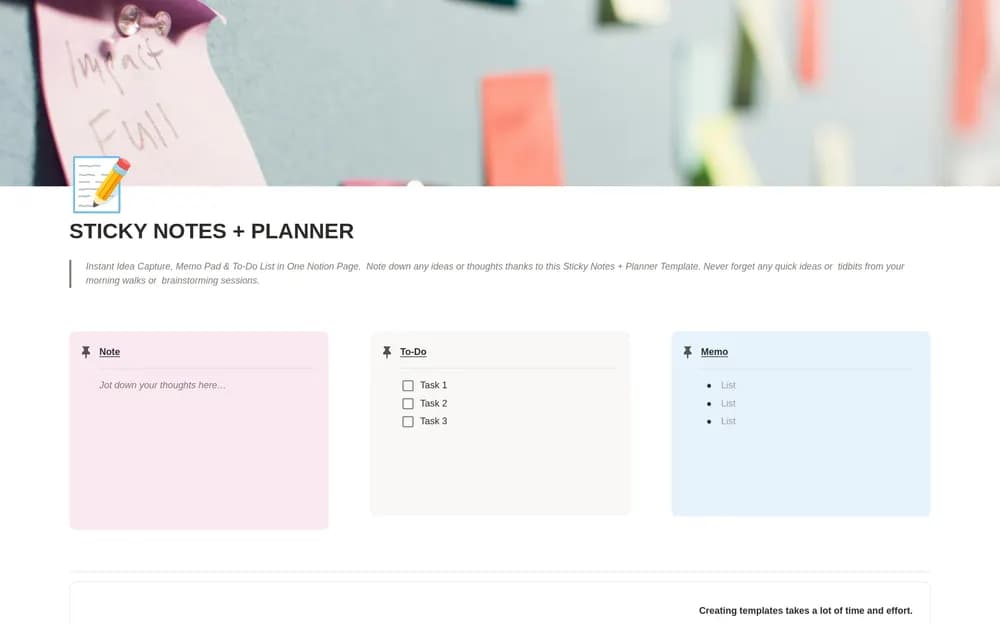
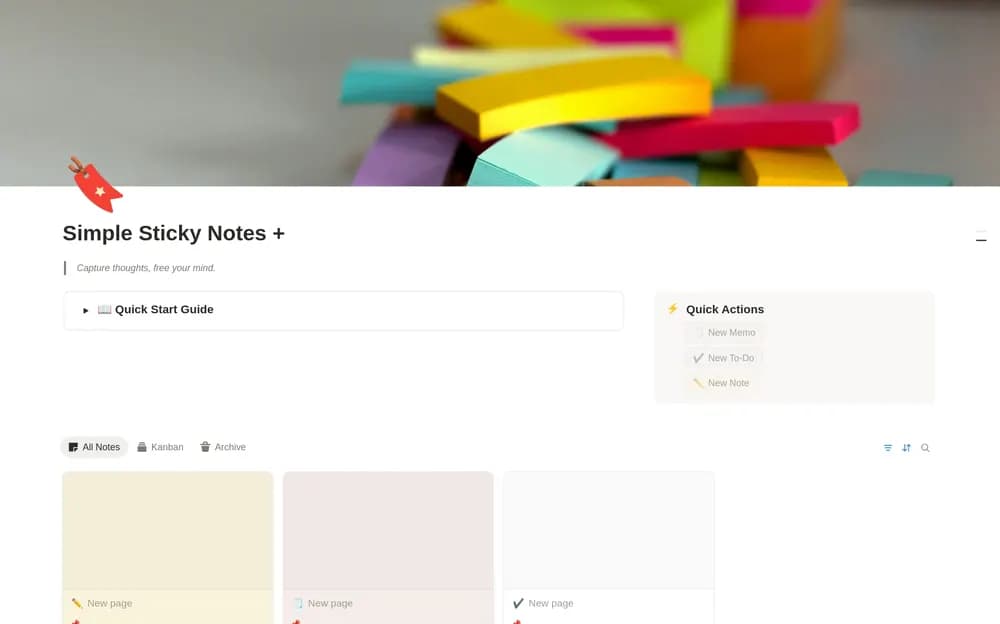
Capture memos, tasks, and quick notes as color-coded sticky notes in Notion using buttons, then pin key notes and archive finished ones in a click.
What’s included
- Buttons that create color-coded notes
- Brown memos, gray tasks, and yellow notes
- Pinned option that keeps notes at the front
- Archived option that clears finished notes
How to use it in practice
Keep the page open during a normal workday and use the buttons whenever something comes up. Check off tasks and archive notes once they are handled. Pin the two or three notes you need all week, and on Friday skim the archive to see whether any ideas deserve a proper project.
Set it up in your workspace
- Open the original Notion Marketplace listing and add the template to your chosen workspace while signed in. Keep its example records until you understand how the pages connect.
- Keep the page open during a normal workday and use the buttons whenever something comes up.
- Try one complete example before adding a large backlog. Check that its views and any calculations show what you expect, then replace the sample content with your own.
Who it suits and what to consider
People who like the feel of sticky notes but want Notion to handle the sorting and cleanup. It is a capture board rather than a full task manager, so no due dates or priority views are described. Notes are only as organized as the three color types allow.