 Paid
2027 Money Reset: Budget, Debt Payoff & Savings Planner
Reset household finances for 2027 in Notion with a needs-and-wants budget, rolling bill dates, debt payoff views, savings goals, and a year review.
Remember recurring services before the next renewal. Browse Notion subscription trackers for costs, billing intervals, account owners, cancellation dates, and deciding which services still earn their place.
Showing 1–9 of 9 templates
PaidReset household finances for 2027 in Notion with a needs-and-wants budget, rolling bill dates, debt payoff views, savings goals, and a year review.
 Free
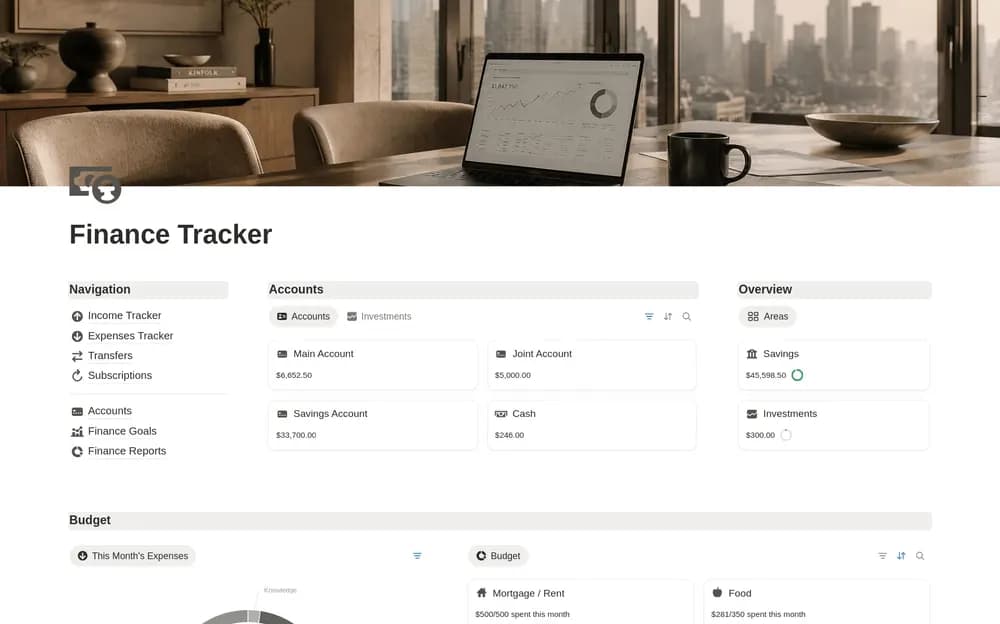
Manage personal money in Notion with linked income, expense, budget, subscription, transfer, account, and savings goal trackers plus monthly reports.
 Free
Track software licenses, seat counts, client assignments, and renewal dates in Notion, with a 30-day renewals view and a renewal-stage board.
 Free
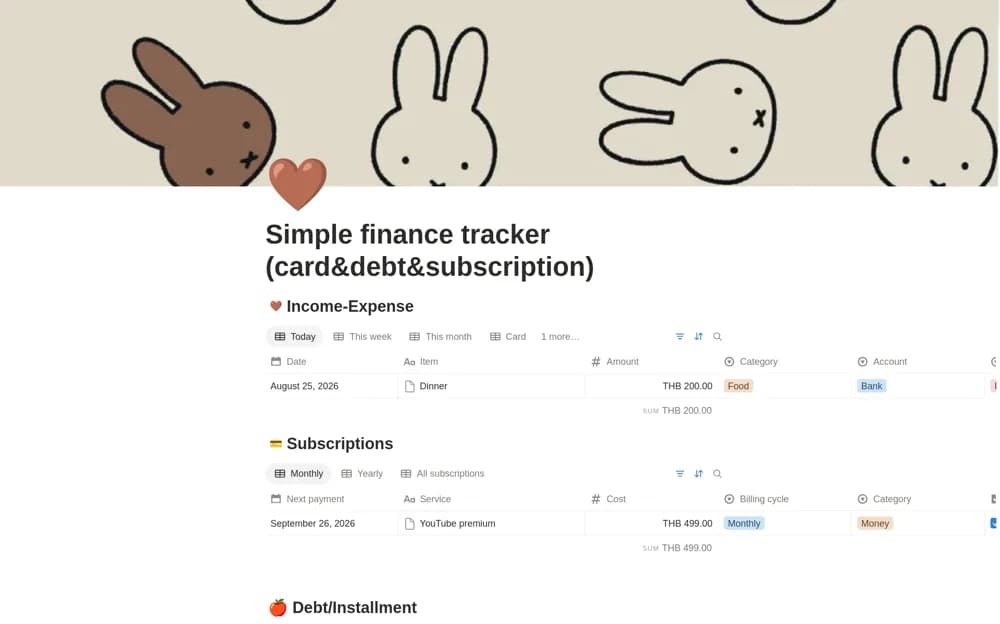
A phone-oriented personal finance tracker combining cards, subscriptions, installments, and time-based summaries.
 Free
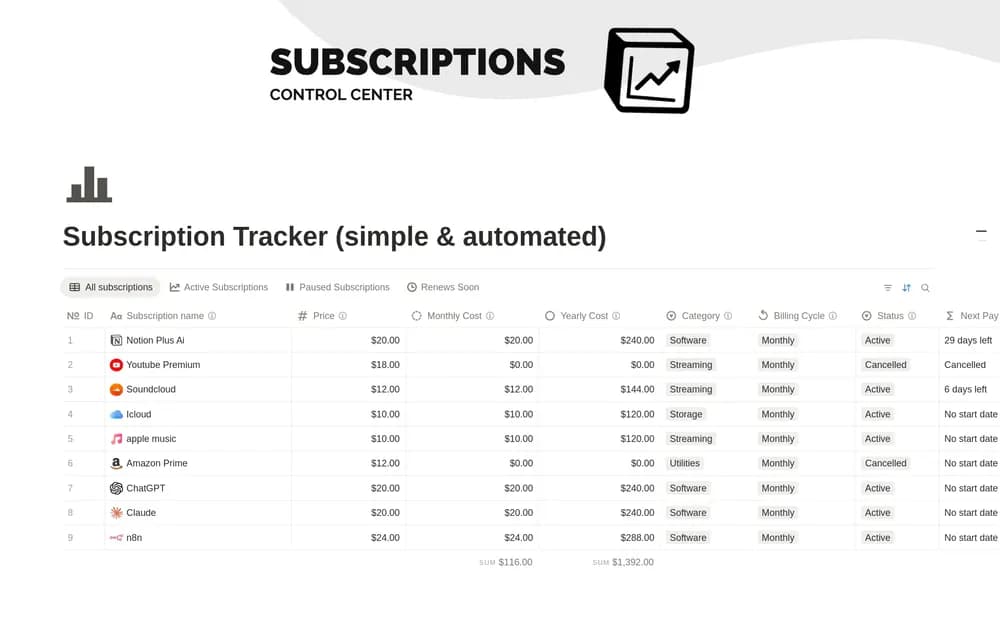
List every recurring charge in Notion with monthly and yearly cost totals, a seven-day renewal view, a billing calendar, and spend-to-date figures.
 Free
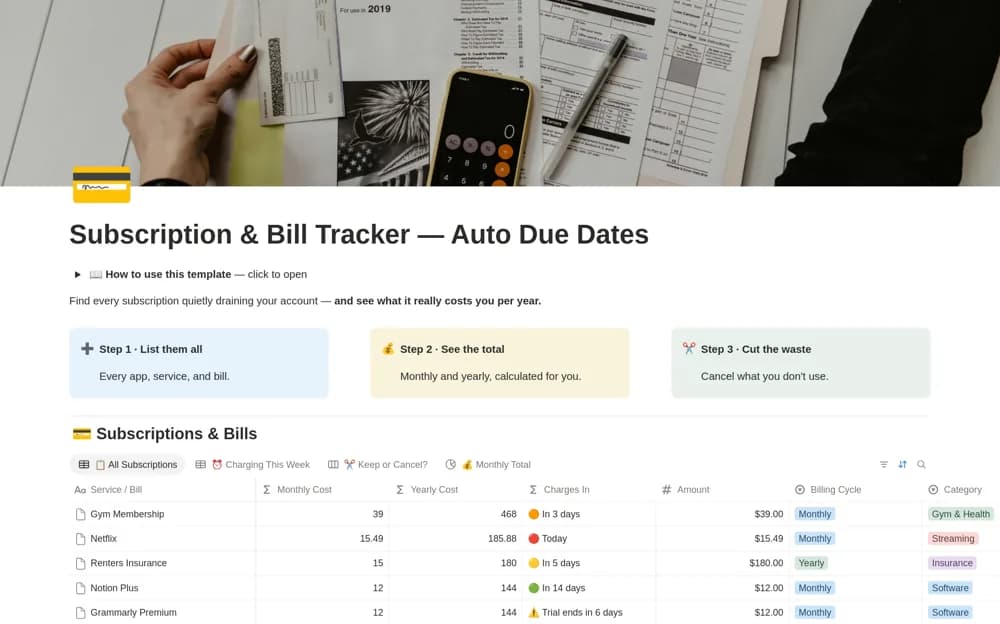
Review recurring bills in Notion with rolling due dates, comparable monthly and annual costs, trial flags, and a keep-or-cancel board.
 Free
A software subscription register for vendor details, recurring costs, contract information, categories, and renewal dates.
 Free
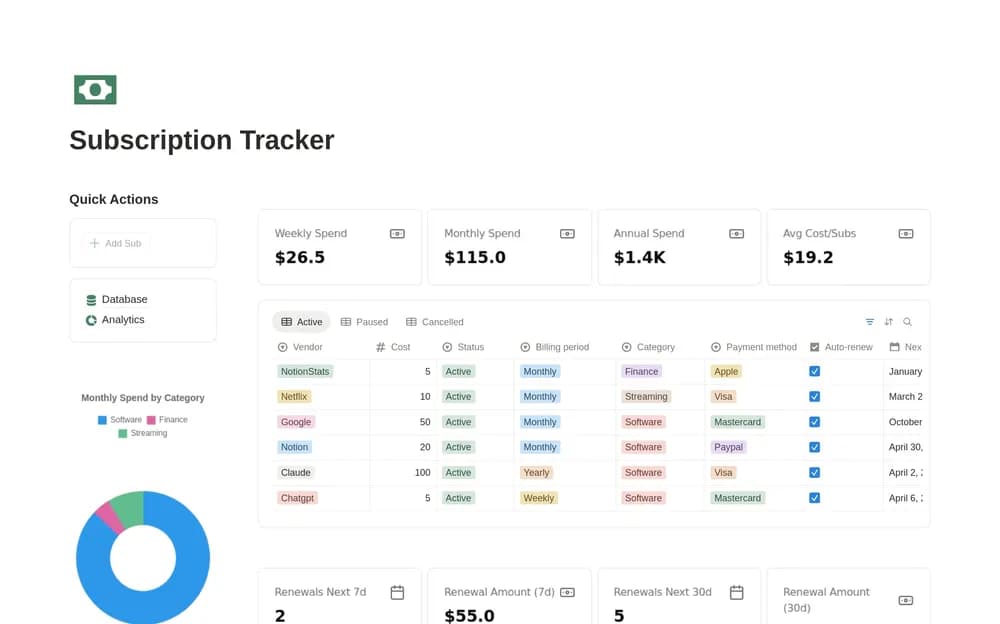
Analyze subscription spending in Notion with total, monthly, weekly, and annual figures, renewal counts, and charts by category, vendor, and card.
 Paid
Keep UK home admin in Notion, tracking bills, subscriptions, and renewal deadlines such as MOT, insurance, and passports, plus meter readings.
Compare the purpose and included features before choosing a workspace.
Anyone with personal or business subscriptions who wants to catch renewals before they bill.
People reviewing subscriptions and recurring household charges on a regular schedule.
People with many subscriptions who want charts and spending breakdowns, not only a list.
9 working templates from 9 creators: 7 free and 2 paid, with paid options from $12. Links last checked November 22, 2026.
| Template | Best for | Price | Creator |
|---|---|---|---|
| Simple Subscription Tracker | Anyone with personal or business subscriptions who wants to catch renewals before they bill. | Free | That Vibe Coder |
| Subscription & Bill Tracker — Auto Due Dates | People reviewing subscriptions and recurring household charges on a regular schedule. | Free | The Blueprint |
| Subscription Tracker & Analytics Dashboard | People with many subscriptions who want charts and spending breakdowns, not only a list. | Free | Joe |
| 2027 Money Reset: Budget, Debt Payoff & Savings Planner | Individuals and households planning a fresh budget, debt payoff, and savings plan for the new year. | $12 | Kelp Ledger |
| Finance Tracker: Budget, Income & Expense Planner | Beginners setting up a first finance system and existing trackers who want a cleaner, more visual layout. | Free | Pablo |
| LicenseGuard OS: Software License & Renewal Tracker | Freelancers, agencies, and small IT teams managing software subscriptions for themselves or their clients. | Free | Solo Studio OS |
| Simple finance tracker (card&subscription) | People organizing a small set of recurring and card-related financial records. | Free | teeme |
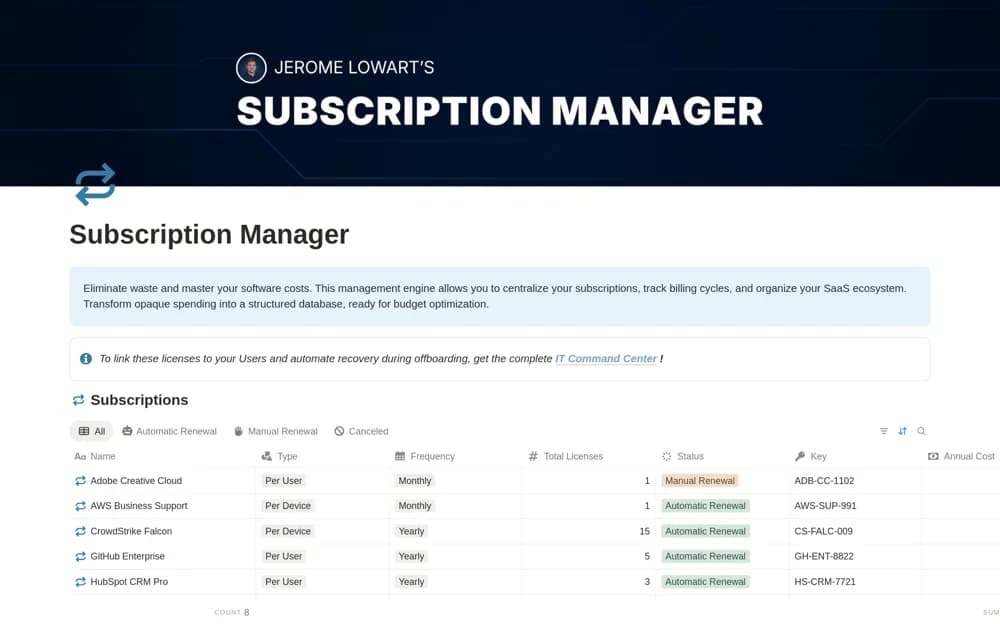
| Subscription Manager | Businesses reviewing software commitments and upcoming renewal decisions. | Free | Jerome Lowart |
Record the billing interval as well as the amount so annual and monthly plans compare fairly. Keep renewal dates distinct from cancellation notice deadlines. Add an owner for shared or business subscriptions and link the account’s management page without storing passwords. Review services before renewal and mark cancellations only after you have confirmation from the provider.
Billing and renewal intervals
Cancellation notice dates
Clear account ownership
About the directoryRecord the service, account owner, billing period, cost, renewal date, and source account or agreement. Distinguish a planned cancellation from one confirmed by the provider. Review upcoming renewals and whether the service is still needed. Keep credentials in an appropriate password manager rather than in a shared spending list.
Jump straight to any listing in the collection.
No. A tracker records information; cancellation must follow the provider's actual process. Check confirmation and any relevant terms, then update the record to reflect what happened instead of treating a removed database row as a canceled charge.
It depends on the job you need it to do. Good starting points in this collection include Simple Subscription Tracker (anyone with personal or business subscriptions who wants to catch renewals before they bill), Subscription & Bill Tracker — Auto Due Dates (people reviewing subscriptions and recurring household charges on a regular schedule), Subscription Tracker & Analytics Dashboard (people with many subscriptions who want charts and spending breakdowns and not only a list). Compare the included features below, then try your first choice with a week of real information before moving everything across.
Yes. This collection currently includes 7 listings with a confirmed free creator offer, alongside 2 paid or freemium options. Use the Free filter to compare them. A free version can have different features from a creator’s paid upgrade, so check the original listing and current access terms before adding it to your workspace.