About Simple Subscription Tracker
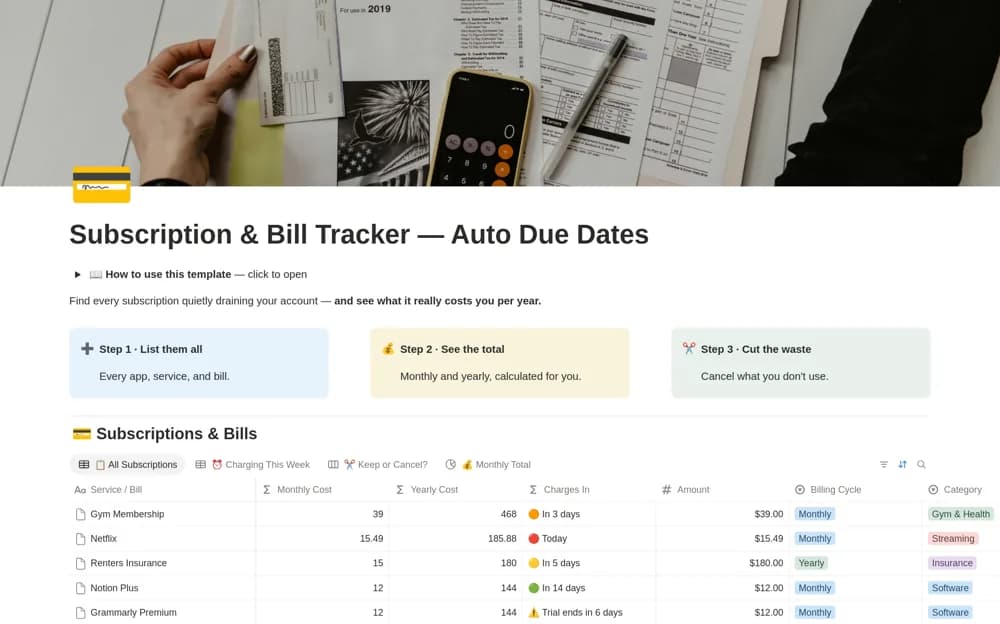
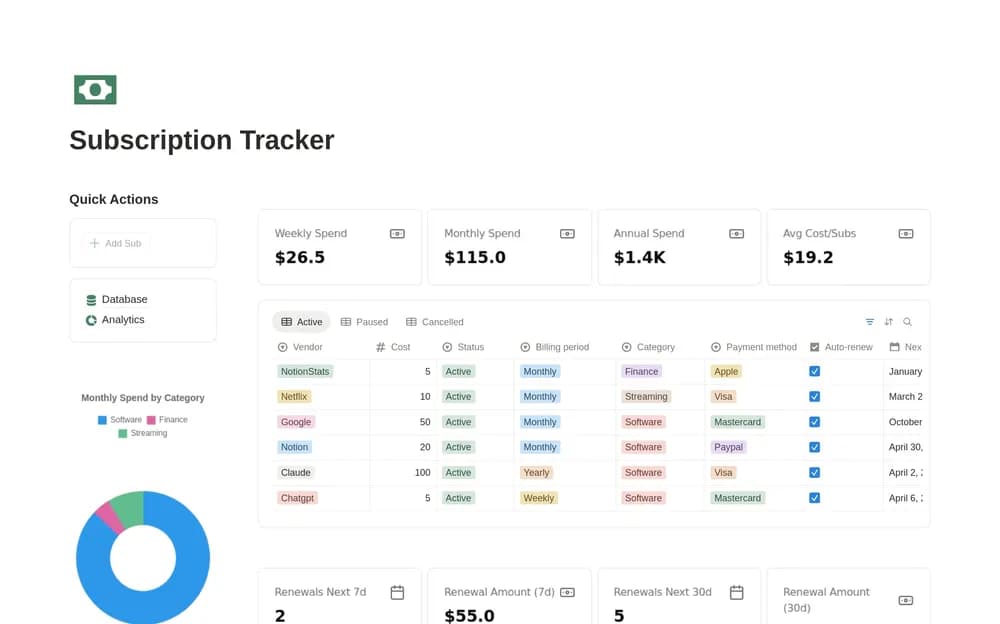
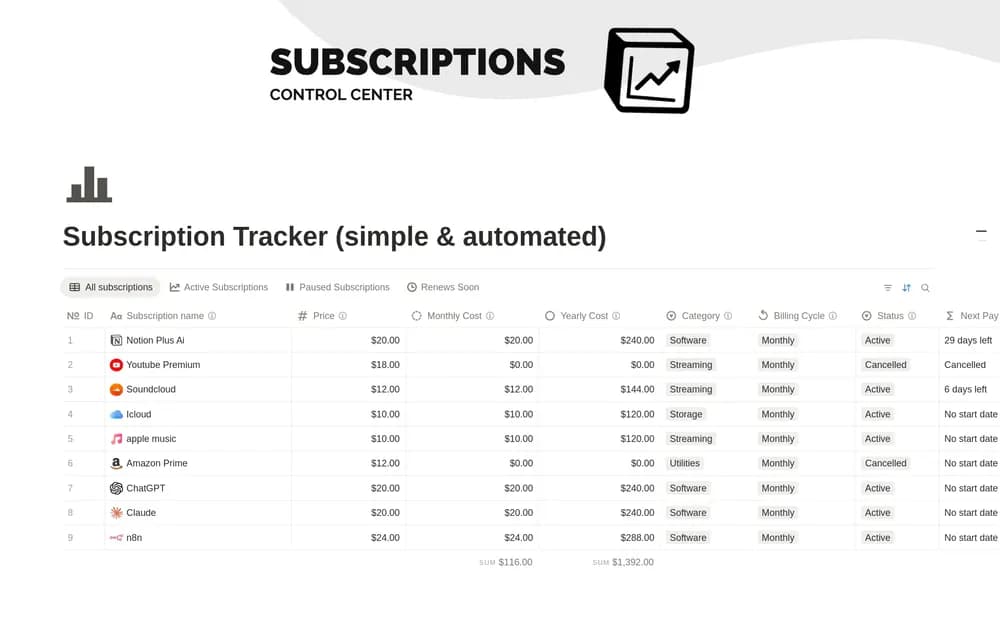
List every recurring charge in Notion with monthly and yearly cost totals, a seven-day renewal view, a billing calendar, and spend-to-date figures.
What’s included
- Active and inactive subscription tracking
- Automatic monthly and yearly cost calculations
- Categories such as Personal and Business
- Upcoming renewals in the next 7 days
- Billing calendar and total spent to date
How to use it in practice
Go through a month of bank and card statements and add each recurring charge with its billing cycle and next renewal date. Mark anything already cancelled as inactive. Check the seven-day renewal view a couple of times during the week and decide whether each upcoming charge is still worth keeping. Note the monthly and yearly totals before and after any cancellations.
Set it up in your workspace
- Open the original Notion Marketplace listing and add the template to your chosen workspace while signed in. Keep its example records until you understand how the pages connect.
- Go through a month of bank and card statements and add each recurring charge with its billing cycle and next renewal date.
- Try one complete example before adding a large backlog. Check that its views and any calculations show what you expect, then replace the sample content with your own.
Who it suits and what to consider
Anyone with personal or business subscriptions who wants to catch renewals before they bill. Renewal dates come from what you enter; the template does not detect charges from your bank. The alerts are a filtered view rather than push notifications.