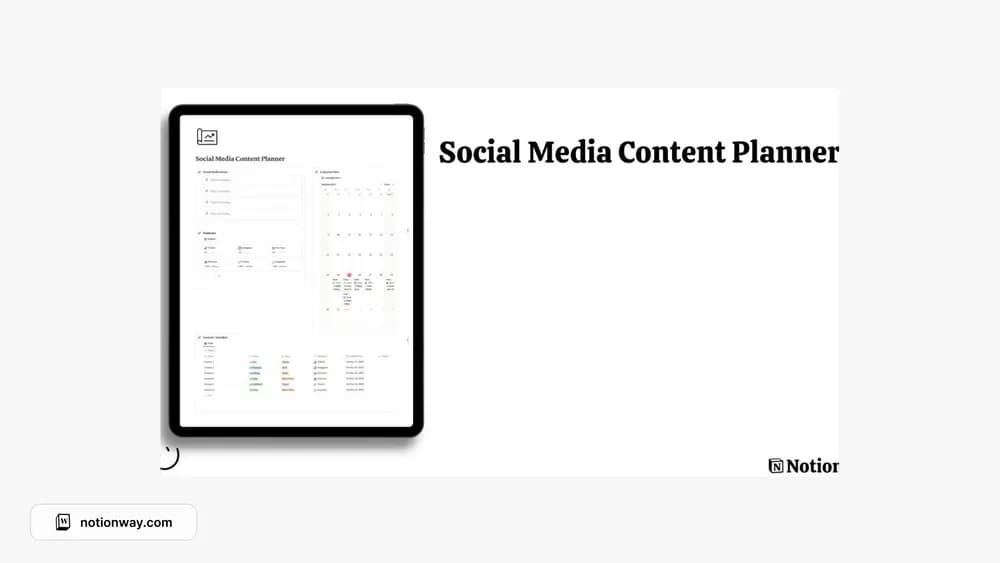
About Social Media Content Planner
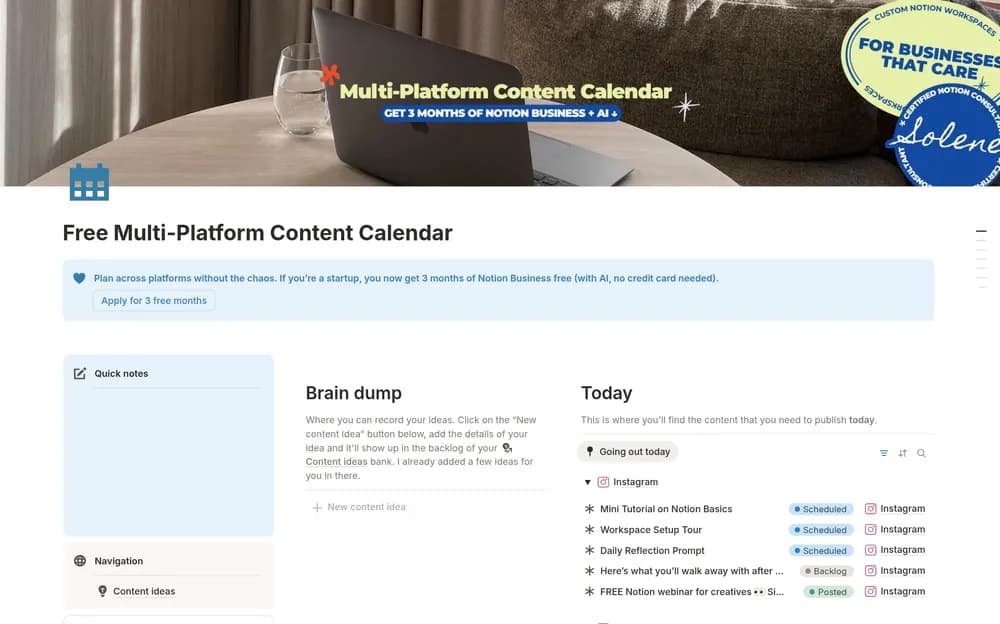
This is another social-media planning layout from the source collection. Compare it based on how you work: the number of channels, the amount of copy, and how assets are stored. A useful planner should make unfinished work as visible as the publication date.
What’s included
- A social-media planning workspace
- A content calendar for organizing intended publication
- A place to develop ideas into a more consistent schedule
How to use it in practice
Enter three upcoming posts with enough context to draft them later. Decide which needs research, images, or approval and keep those next steps visible in your copy. Review the plan against the time you actually have for production. A smaller schedule you can complete gives you a better basis for improving the process next week.
Set it up in your workspace
- Follow the original creator’s checkout or access instructions to obtain the Notion page. Open that page while signed in, then duplicate it into the workspace you want to use.
- Enter a small batch of upcoming posts. Check whether the layout makes the required copy and assets easy to find.
- Try one complete example before adding a large backlog. Check that its views and any calculations show what you expect, then replace the sample content with your own.
Who it suits and what to consider
People maintaining a consistent social publishing plan. The creator’s public description is brief, so inspect the preview for specific channel fields and workflow stages. The listed personal license also matters if you intend to use the copy with a team.