About Social Media & Marketing Planner
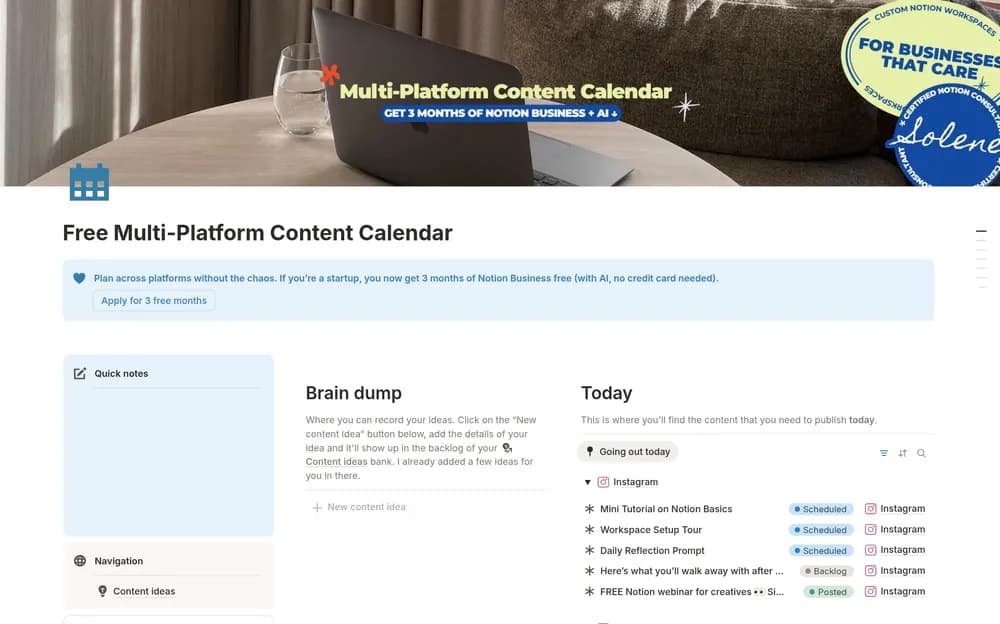
This planner brings a marketing context to social content organization. It is useful to compare if you want the purpose of a post to stay close to the publishing plan. Check the creator’s layout for how campaigns, channels, and individual pieces fit together.
What’s included
- A social-media and marketing planning layout
- A place to retain content ideas
- Scheduling context for a more consistent publishing routine
How to use it in practice
Begin with a few ideas tied to the audience you currently serve. Add a purpose and an achievable date, then record what each piece needs before it is ready. Review the plan weekly and remove posts that no longer make sense. Use the creator preview to decide where copy, assets, and strategy notes should live in your version.
Set it up in your workspace
- Follow the original creator’s checkout or access instructions to obtain the Notion page. Open that page while signed in, then duplicate it into the workspace you want to use.
- Plan a short campaign and write the purpose of each post. Keep the production tasks close to the calendar.
- Try one complete example before adding a large backlog. Check that its views and any calculations show what you expect, then replace the sample content with your own.
Who it suits and what to consider
Creators and small businesses coordinating content. The public description emphasizes planning and consistency without a detailed database inventory. Confirm specific platform fields, analytics, or integrations in the preview before choosing it for those needs.