About Subscription Tracker & Analytics Dashboard
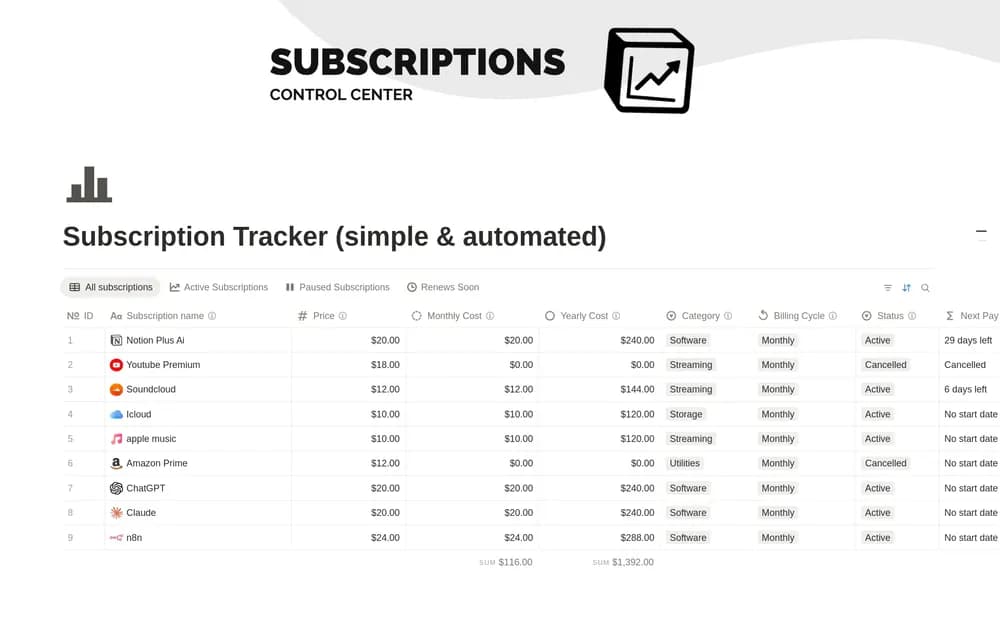
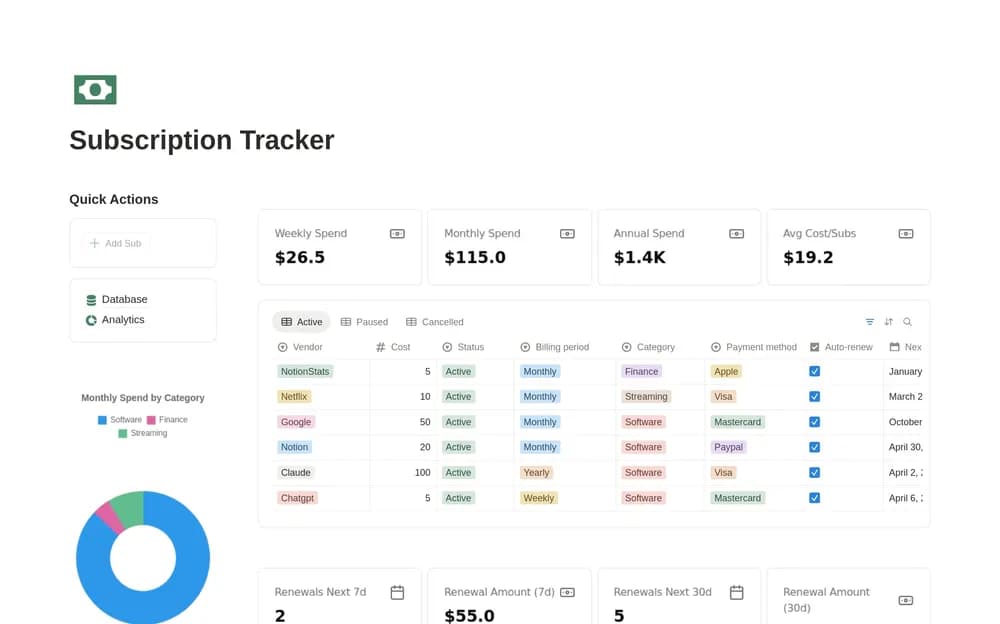
Analyze subscription spending in Notion with total, monthly, weekly, and annual figures, renewal counts, and charts by category, vendor, and card.
What’s included
- Dashboard with total, monthly, weekly, and annual spend
- Active subscription count and average cost
- Renewals due in the next 7 and 30 days
- Charts by category, vendor, payment method, billing period, and renewal month
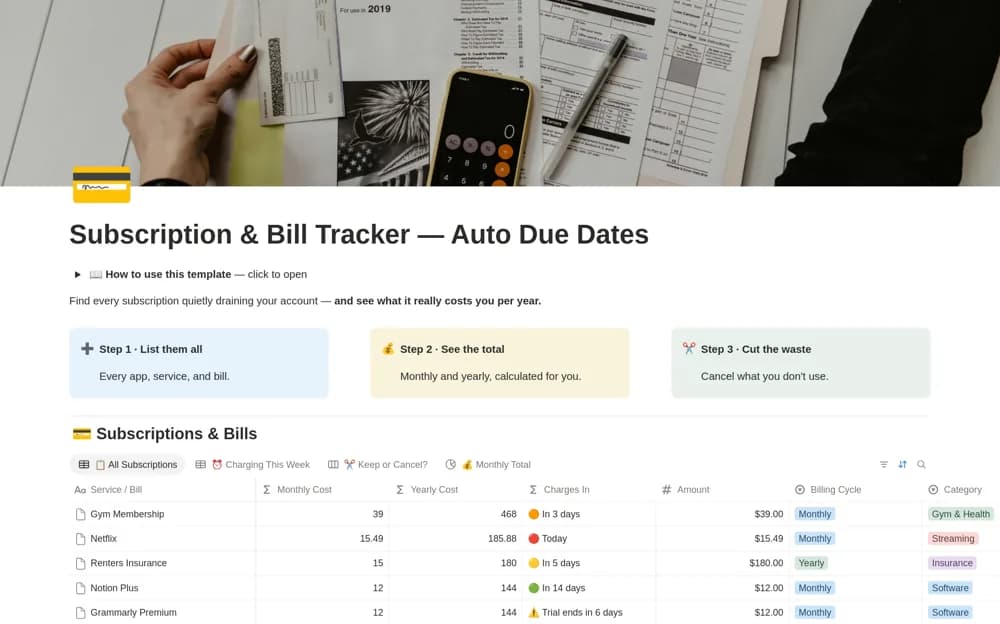
- Subscription database with cost, billing period, status, auto-renew, and a calendar view
How to use it in practice
Add every subscription with its cost, billing period, payment method, and auto-renew setting. Look at the vendor and payment method charts to spot duplicate services or cards you forgot about. Check the 7-day renewal list midweek and cancel anything you no longer use. Revisit the annual spend figure at the end of the week to see the effect.
Set it up in your workspace
- Open the original Notion Marketplace listing and add the template to your chosen workspace while signed in. Keep its example records until you understand how the pages connect.
- Add every subscription with its cost, billing period, payment method, and auto-renew setting.
- Try one complete example before adding a large backlog. Check that its views and any calculations show what you expect, then replace the sample content with your own.
Who it suits and what to consider
People with many subscriptions who want charts and spending breakdowns, not only a list. Charts depend on consistent category and vendor values, and costs are typed in by hand. The listing does not mention detecting subscriptions from bank or email data.