About Team Hub - Team Collaboration Management System
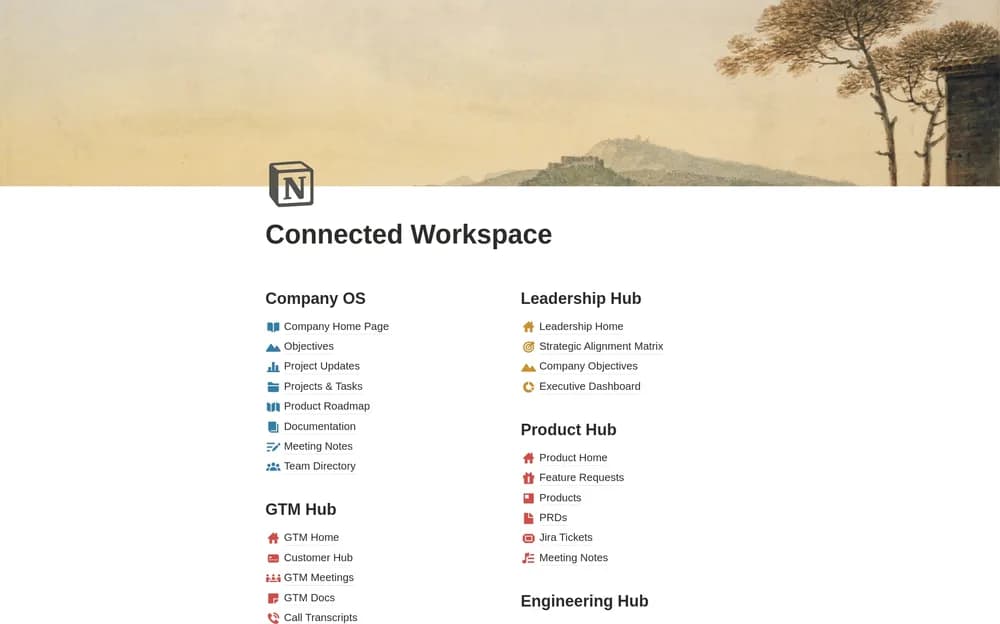
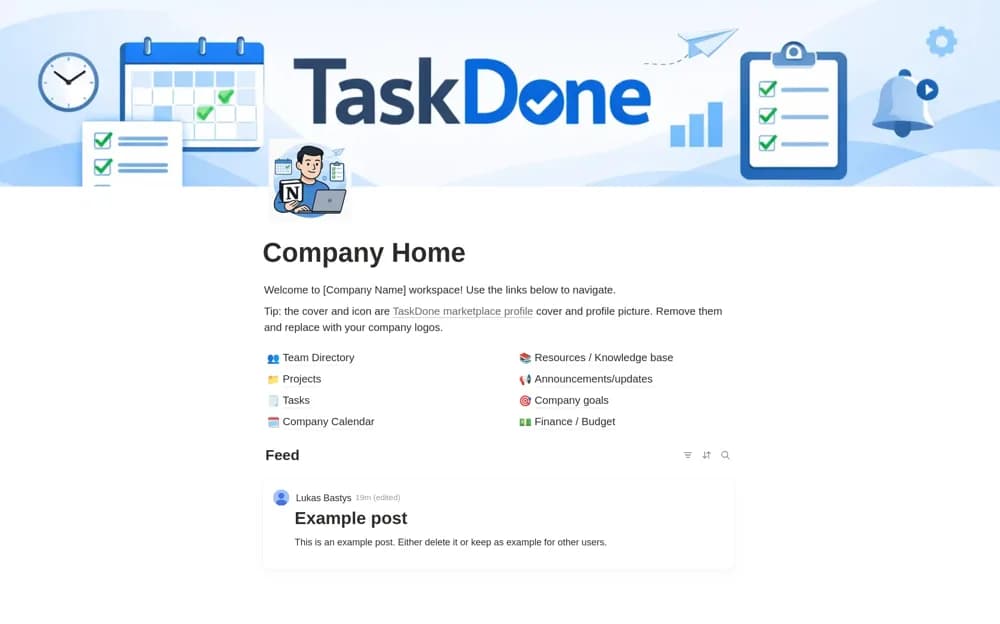
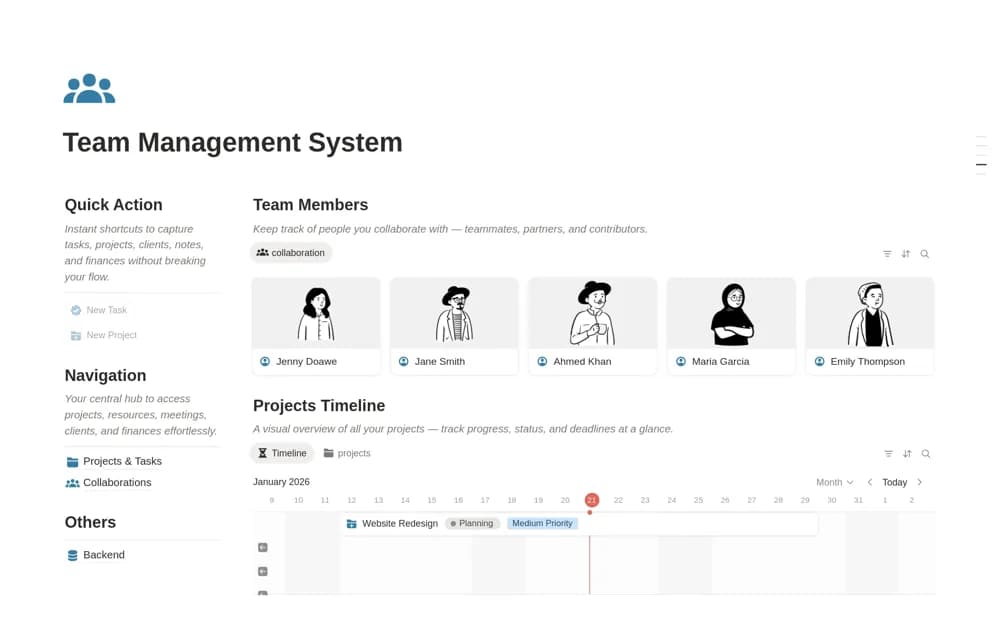
A team workspace for member profiles, projects, assigned tasks, timelines, shared resources, meetings, and decisions.
What’s included
- Team directory and work assignments
- Project timeline and status organization
- Shared resources, meeting records, and quick-capture actions
How to use it in practice
Start with one project and agree how members update their tasks. Link the resources needed for delivery and use a short review to resolve blocked work. Check external-sharing permissions before involving collaborators and avoid interpreting a task count as a complete measure of workload.
Set it up in your workspace
- Open the original Notion Marketplace listing and add the template to your chosen workspace while signed in. Keep its example records until you understand how the pages connect.
- Start with one project and agree how members update their tasks.
- Try one complete example before adding a large backlog. Check that its views and any calculations show what you expect, then replace the sample content with your own.
Who it suits and what to consider
Managers and project coordinators maintaining a common overview of team work. A shared dashboard needs consistent updates; the source does not establish synchronization with every communication or project tool.