 Free
Connected Workspace
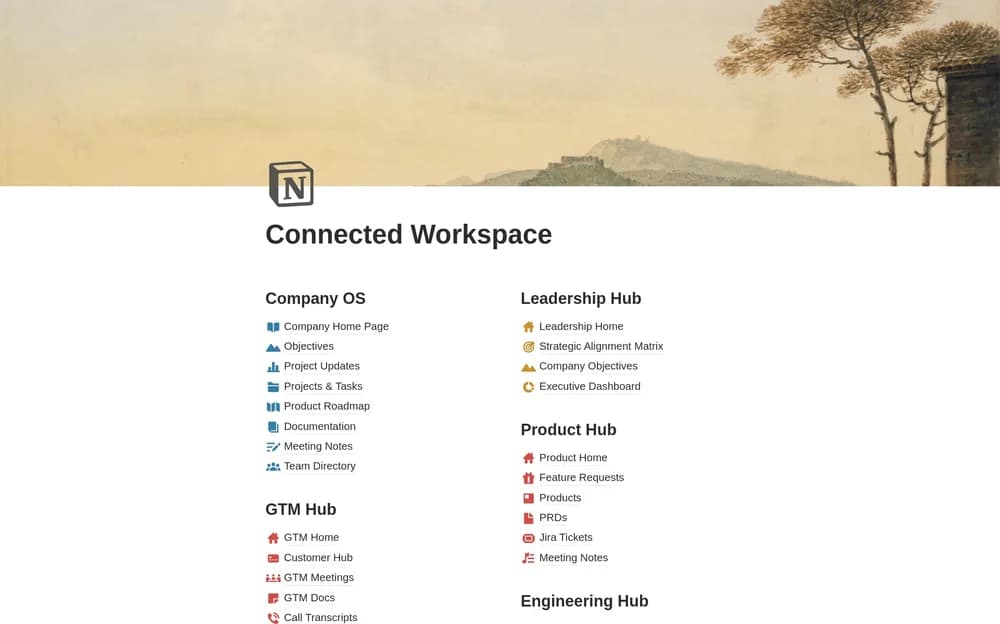
Notion’s connected-workspace template for giving company information a shared home.
Create a dependable front door for company information. Find Notion home-page templates for priorities, team links, announcements, and resources employees return to often.
Showing 1–3 of 3 templates
FreeNotion’s connected-workspace template for giving company information a shared home.
 Free
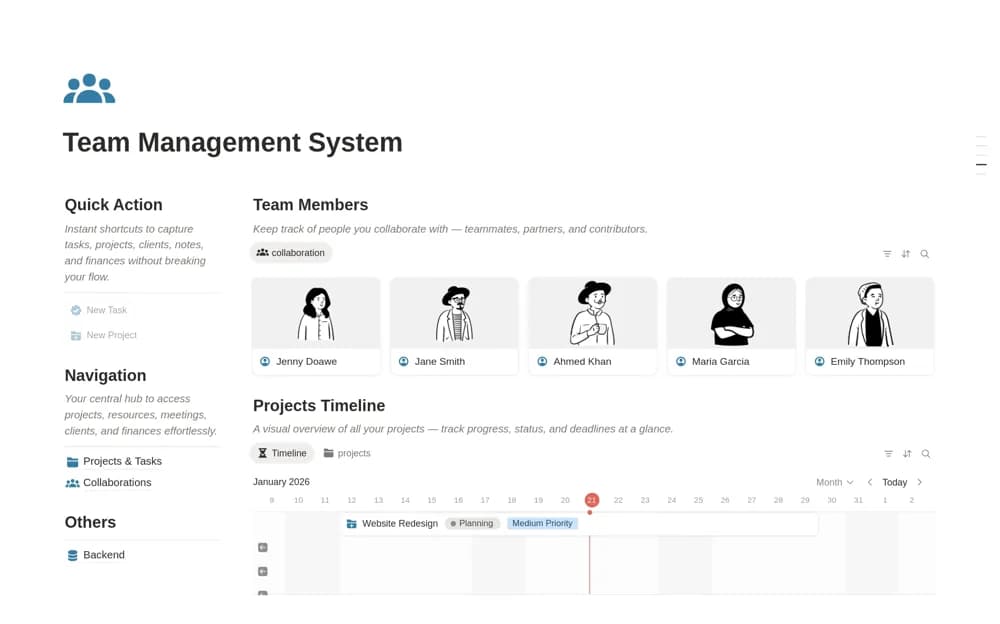
A team workspace for member profiles, projects, assigned tasks, timelines, shared resources, meetings, and decisions.
 Free
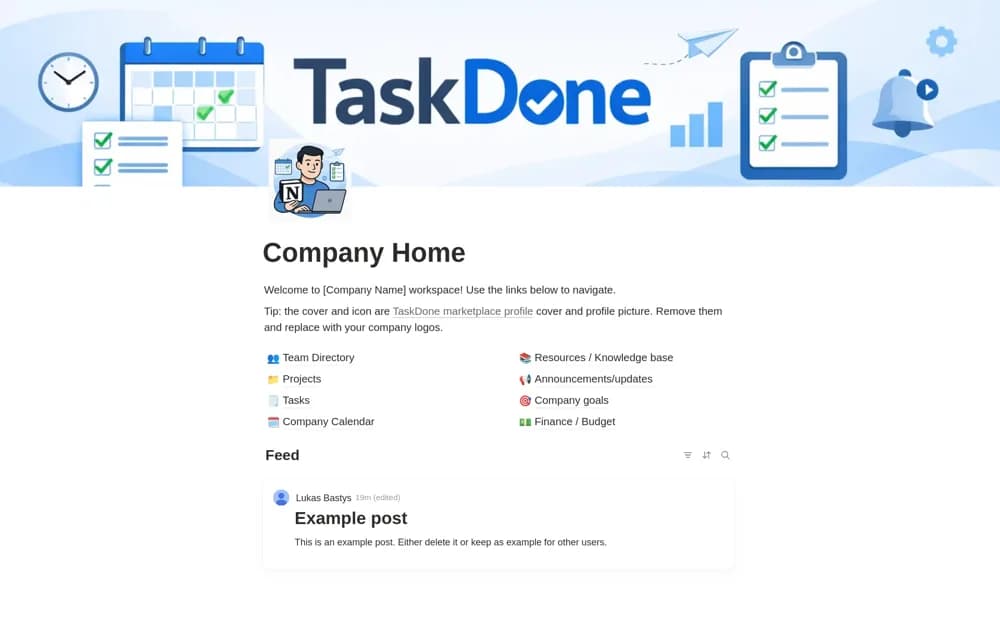
A simple company home connecting projects, daily tasks, a page-based wiki, and short team announcements.
Compare the purpose and included features before choosing a workspace.
Managers and project coordinators maintaining a common overview of team work.
Small teams wanting a clear starting hub without a large operating system.
Teams setting up a central company workspace.
3 working templates from 3 creators: 3 free. Links last checked October 11, 2026.
| Template | Best for | Price | Creator |
|---|---|---|---|
| Team Hub - Team Collaboration Management System | Managers and project coordinators maintaining a common overview of team work. | Free | heyismail |
| Your Company Home | Small teams wanting a clear starting hub without a large operating system. | Free | TaskDone |
| Connected Workspace | Teams setting up a central company workspace. | Free | Notion |
Choose a few useful destinations rather than linking every page in the workspace. Make current announcements easy to distinguish from permanent guidance. Give each section an owner and keep the main page concise enough to scan. Test the links with the permissions of an ordinary colleague so restricted or broken destinations are found before the page becomes the default starting point.
Useful first destinations
Current announcements
Maintained section owners
About the directoryChoose the few links and updates people need most often: team information, shared resources, active priorities, and where to ask for help. Link to maintained records rather than copying their contents into the home page. Assign an owner to navigation and remove obsolete shortcuts after a process or team changes.
Jump straight to any listing in the collection.
It should provide useful navigation, not reproduce the entire workspace. Keep frequently needed destinations obvious and let departmental areas handle detail. Access to a home page should not imply access to confidential records linked elsewhere.
It depends on the job you need it to do. Good starting points in this collection include Team Hub - Team Collaboration Management System (managers and project coordinators maintaining a common overview of team work), Your Company Home (small teams wanting a clear starting hub without a large operating system) and Connected Workspace (teams setting up a central company workspace). Compare the included features below, then try your first choice with a week of real information before moving everything across.
Yes. This collection currently includes 3 listings with a confirmed free creator offer. Use the Free filter to compare them. A free version can have different features from a creator’s paid upgrade, so check the original listing and current access terms before adding it to your workspace.