 Free
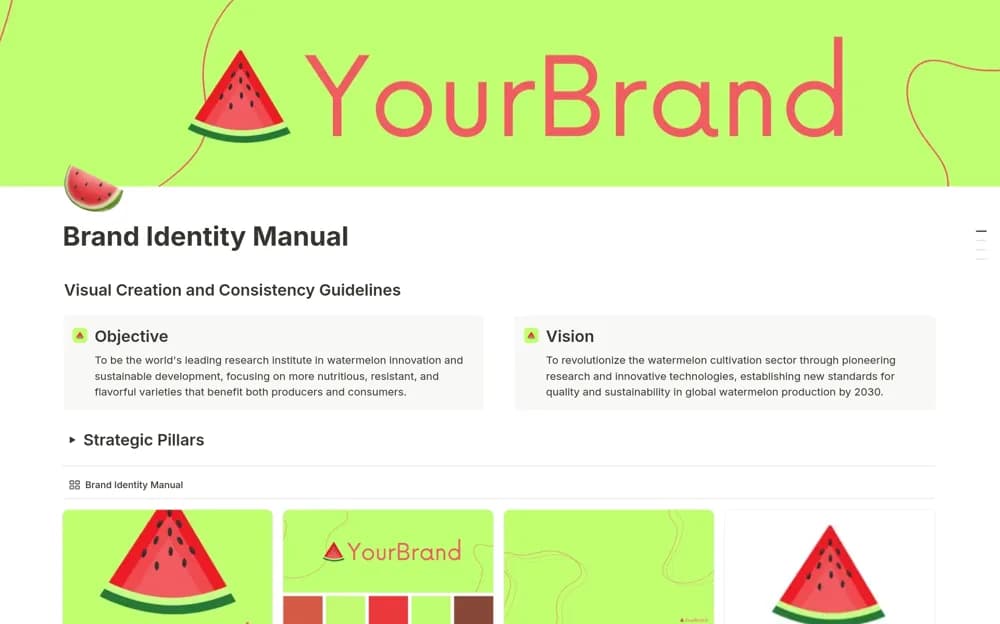
Brand Identity Manual
A brand identity reference for logos, color, typography, voice, and consistent use across channels.
Keep reusable design decisions understandable. Browse Notion templates for component guidance, patterns, ownership, and the documentation that helps a team use a design system consistently.
Showing 1–3 of 3 templates
FreeA brand identity reference for logos, color, typography, voice, and consistent use across channels.
 Free
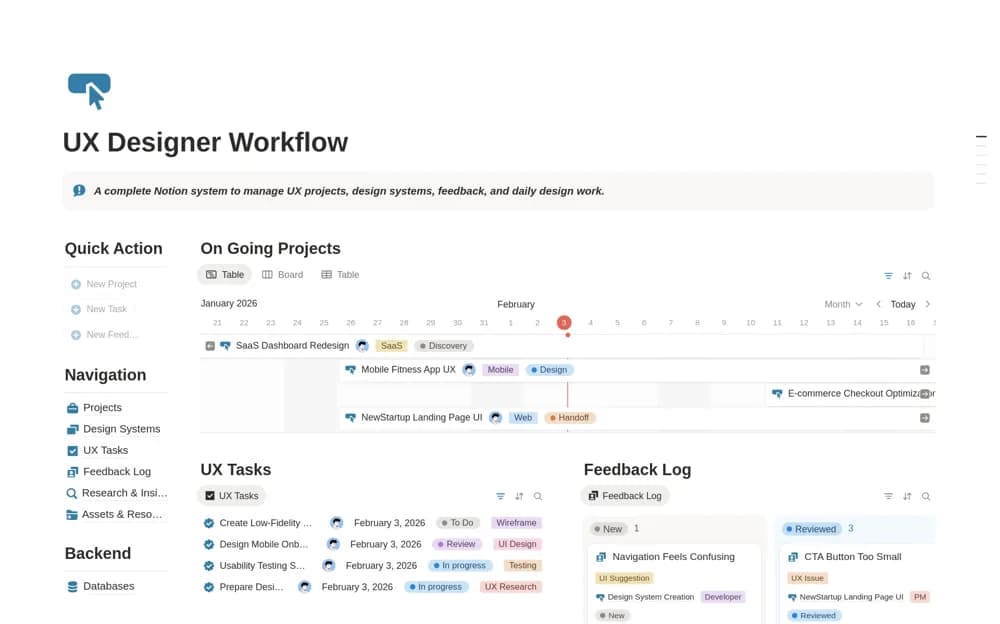
A UX project workspace organizing research insights, feedback, design tasks, resources, and design-system references.
 Free
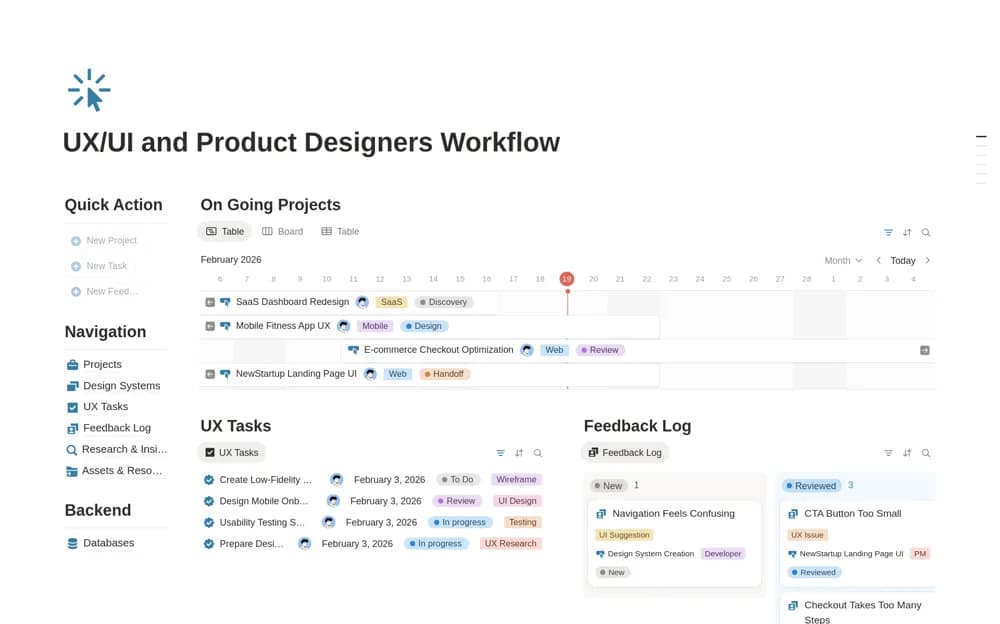
A product-design workflow for timelines, UX tasks, categorized feedback, research, assets, design systems, and handoff.
Compare the purpose and included features before choosing a workspace.
Teams organizing approved visual and writing guidance for collaborators.
UX designers managing discovery and delivery across several projects.
Product designers and UX/UI teams coordinating work through implementation.
3 working templates from 2 creators: 3 free. Links last checked October 11, 2026.
| Template | Best for | Price | Creator |
|---|---|---|---|
| Brand Identity Manual | Teams organizing approved visual and writing guidance for collaborators. | Free | Isabela Pascoal |
| UX Designer Workflow OS | UX designers managing discovery and delivery across several projects. | Free | heyismail |
| UX/UI and Product Designers Workflow | Product designers and UX/UI teams coordinating work through implementation. | Free | heyismail |
Use the workspace to explain when a component or pattern should be used. Link to the current source files rather than uploading copies that can go stale. Give guidance an owner and record its status, especially while a system is evolving. Try answering a new teammate’s real implementation question using only the documentation; gaps become easier to identify.
Usage guidance
Links to current assets
Component ownership and status
About the directoryDocument the purpose and appropriate use of a component or pattern, then link the current design and implementation references. Make draft proposals distinguishable from approved guidance. Assign ownership for changes and record relevant version context. Ask a collaborator to use the guidance on a real screen and note where examples or exceptions are missing.
Jump straight to any listing in the collection.
It may be a documentation structure rather than a component library. Check whether the creator supplies assets, code, examples, or only organizing pages. Your production components still need their own implementation, accessibility checks, and version maintenance.
It depends on the job you need it to do. Good starting points in this collection include Brand Identity Manual (teams organizing approved visual and writing guidance for collaborators), UX Designer Workflow OS (uX designers managing discovery and delivery across several projects) and UX/UI and Product Designers Workflow (product designers and UX/UI teams coordinating work through implementation). Compare the included features below, then try your first choice with a week of real information before moving everything across.
Yes. This collection currently includes 3 listings with a confirmed free creator offer. Use the Free filter to compare them. A free version can have different features from a creator’s paid upgrade, so check the original listing and current access terms before adding it to your workspace.