About Video Editor OS — Cutting Room Workflow
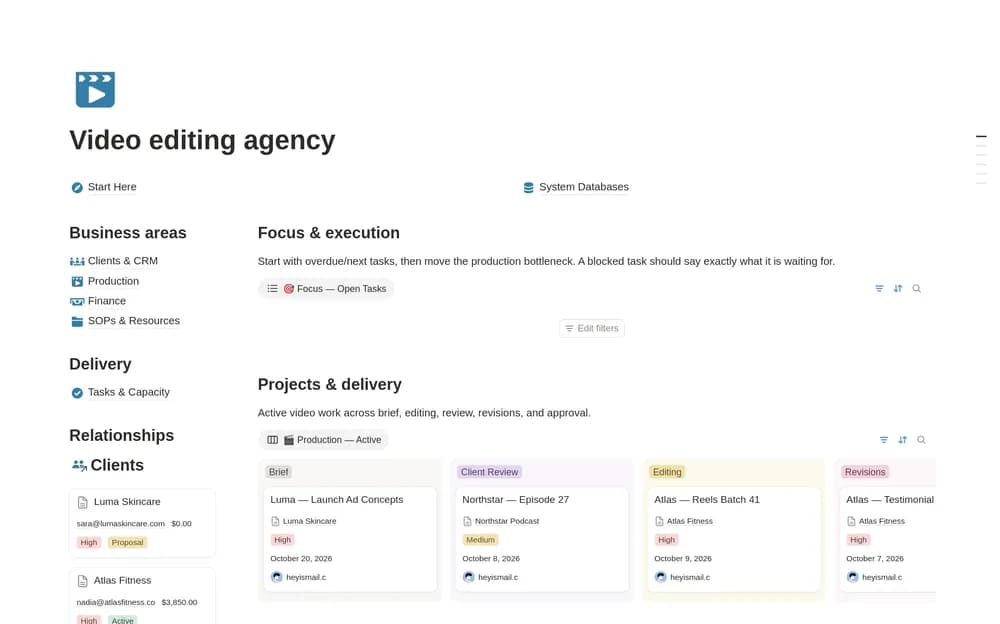
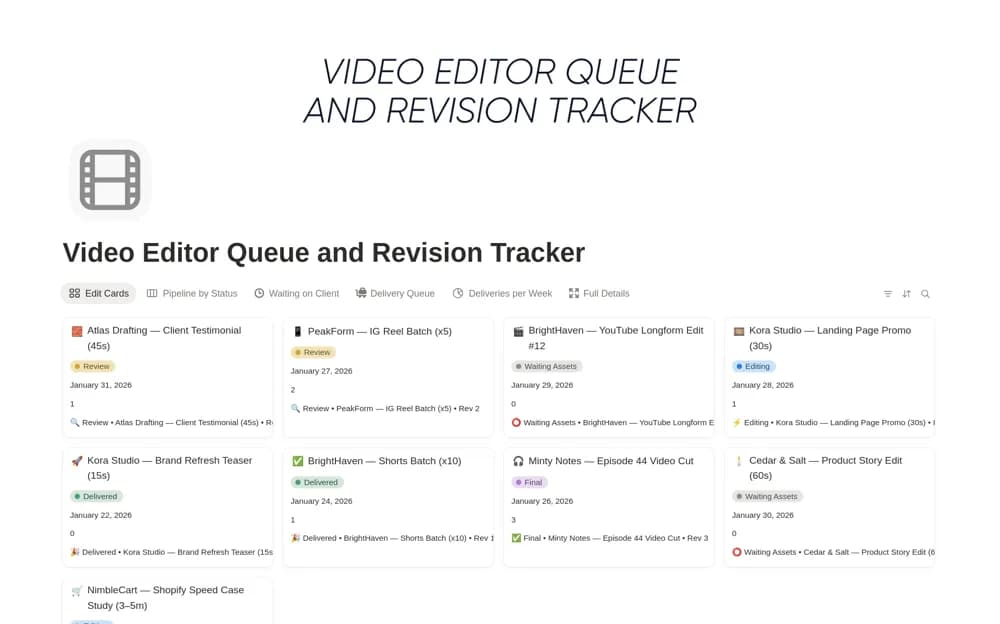
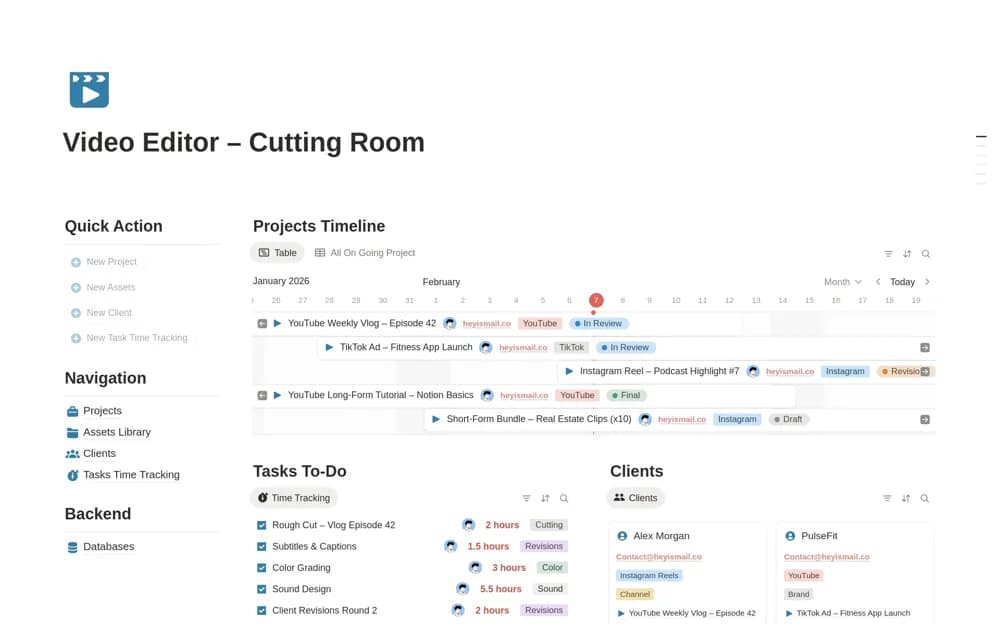
Coordinate video-editing projects in Notion with production stages, asset references, timestamped feedback, time records, and client handoffs.
What’s included
- Project-stage overview
- Asset organization
- Timestamped feedback records
- Time and client-delivery tracking
How to use it in practice
Create one editing project and link the source assets from their actual storage location. Record feedback with a clear timestamp and identify the version it concerns, then update the stage as revisions are completed. Review the remaining feedback and delivery requirements before sharing a final cut with the client.
Set it up in your workspace
- Open the original Notion Marketplace listing and add the template to your chosen workspace while signed in. Keep its example records until you understand how the pages connect.
- Create one editing project and link the source assets from their actual storage location.
- Try one complete example before adding a large backlog. Check that its views and any calculations show what you expect, then replace the sample content with your own.
Who it suits and what to consider
Editors who need broader project context alongside the day-to-day revision queue. This is an organizational workspace, not video-editing software or media storage. Keep the actual assets and versioned exports in your established production tools.