About Video Editing Agency OS — CRM, Projects & Invoices
Video delivery often involves revisions as well as the original brief. This agency workspace brings the client and project context together. Check how the included workflow fits your own review process and make the agreed revision scope clear before inviting a client into any shared area.
What’s included
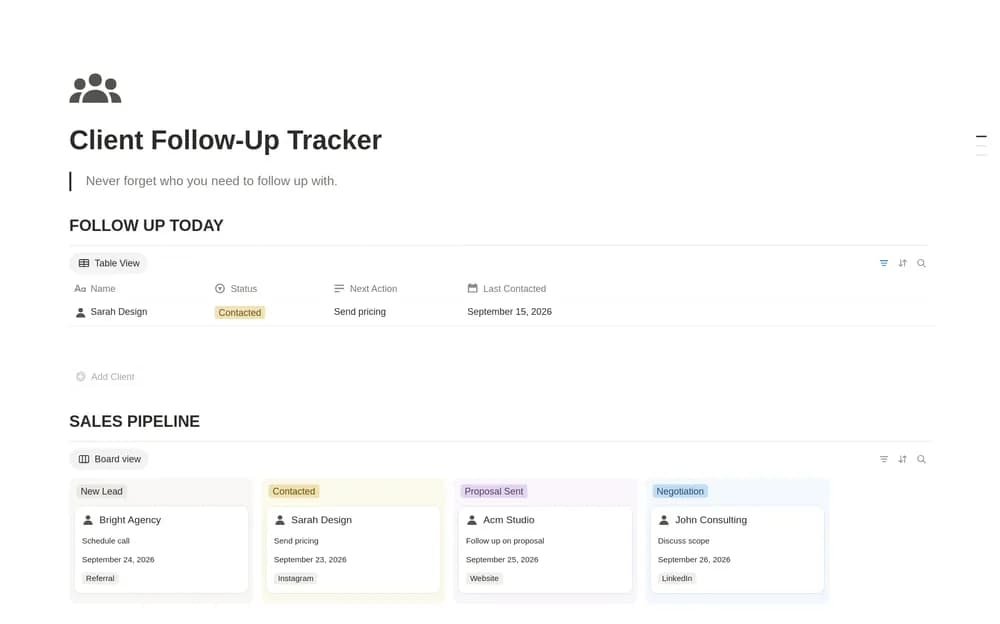
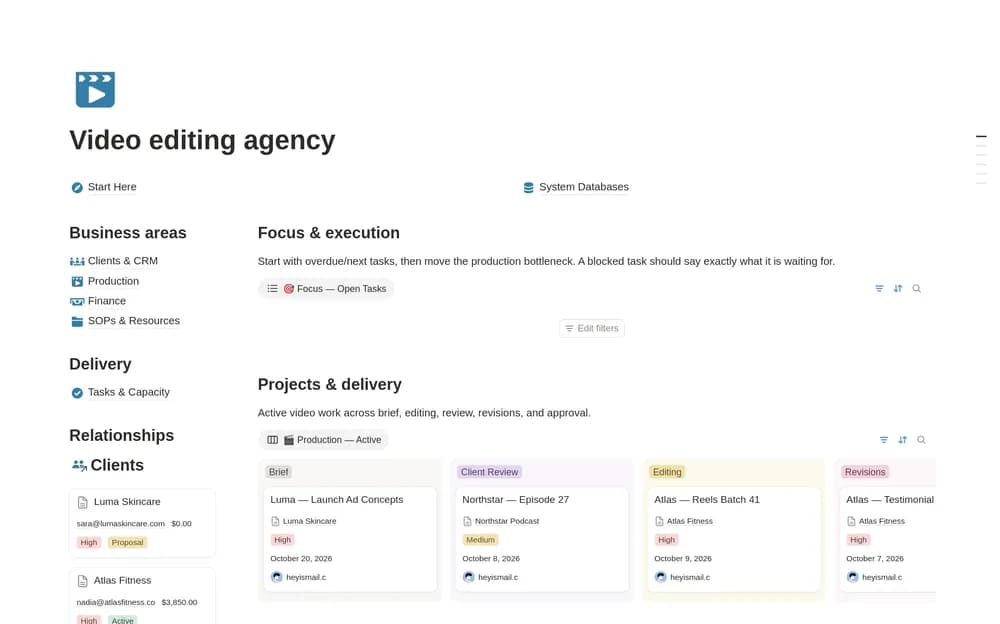
- Client records and editing projects from brief through final delivery
- Revision rounds, approvals, tasks, deadlines, and team-capacity context
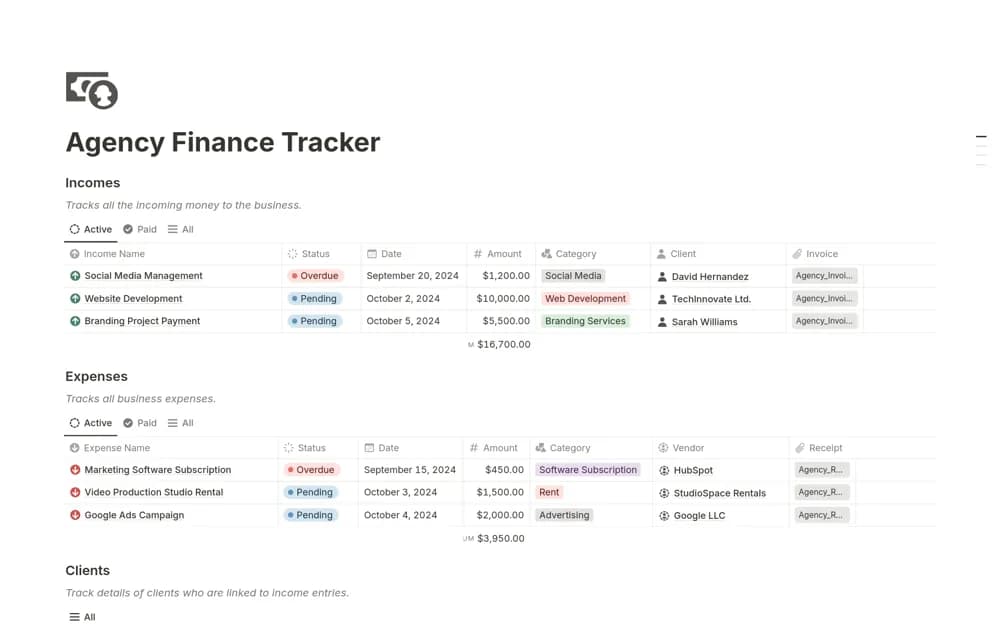
- Invoices, receivables, SOPs, and production resources
How to use it in practice
Create one editing project and define its deliverables and revision allowance. Keep feedback tied to the correct version so editors know what needs changing. Update the production stage when the work actually moves and check capacity before promising another deadline. Retain final approval and delivery details alongside the invoice record.
Set it up in your workspace
- Open the original Notion Marketplace listing and add the template to your chosen workspace while signed in. Keep its example records until you understand how the pages connect.
- Set up a sample client project with a brief and delivery stages. Test the revision workflow before using it live.
- Try one complete example before adding a large backlog. Check that its views and any calculations show what you expect, then replace the sample content with your own.
Who it suits and what to consider
Editors and small agencies handling several client projects. Useful for agencies handling several edits and client-review cycles. Agree on feedback and file-version conventions so the workspace points to the correct media assets.