About Video Editor Queue and Revision Tracker
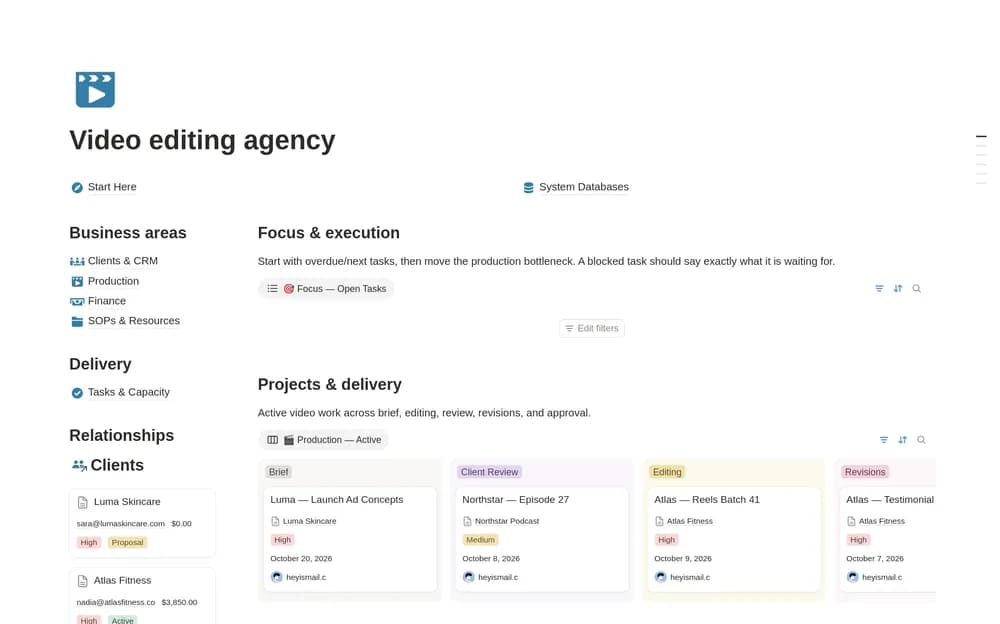
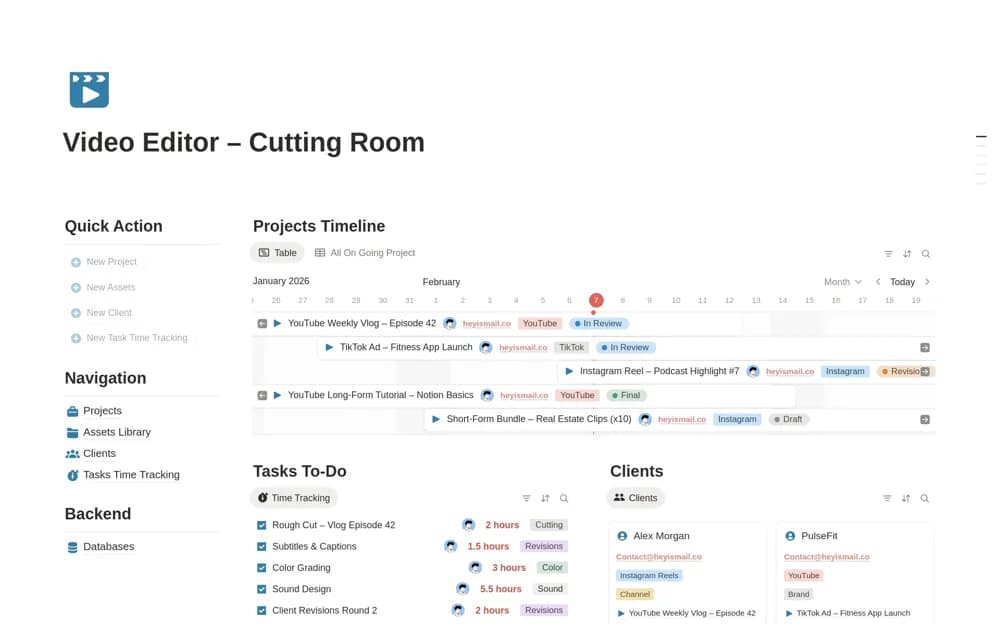
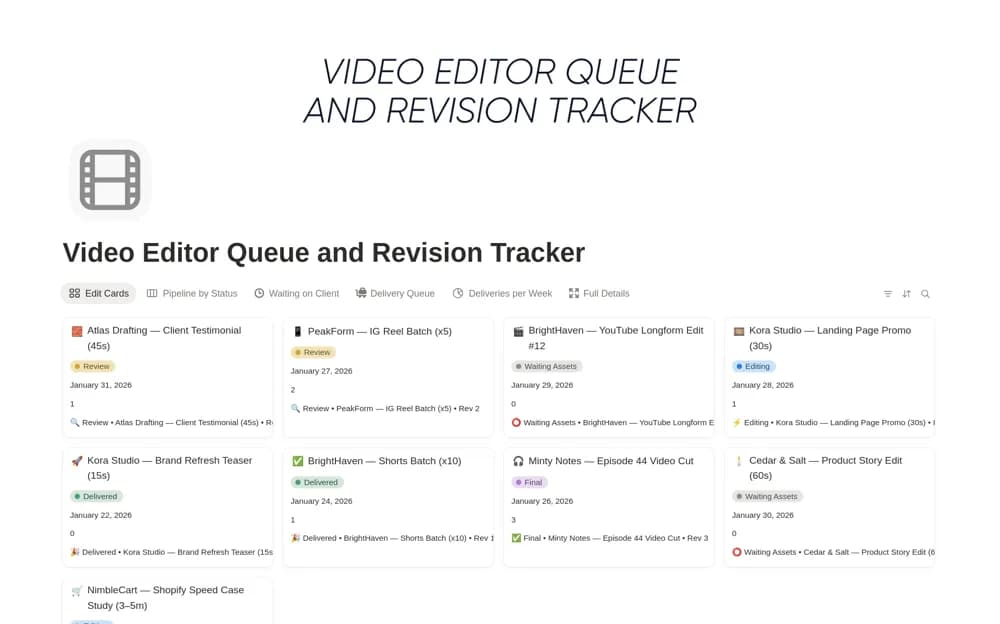
Organize a video-editing queue in Notion with clients, deadlines, edit status, revision notes, and delivery links in a focused tracker.
What’s included
- Client and video-title records
- Due-date and edit-status tracking
- Revision and feedback notes
- Delivery links with client or deadline filters
How to use it in practice
Add each promised edit as a separate record and confirm its deadline with the client. Record the current status and the latest feedback before choosing what to work on next. After delivery, save the exact link and note whether another revision is expected so the queue reflects the actual handoff.
Set it up in your workspace
- Open the original Notion Marketplace listing and add the template to your chosen workspace while signed in. Keep its example records until you understand how the pages connect.
- Add each promised edit as a separate record and confirm its deadline with the client.
- Try one complete example before adding a large backlog. Check that its views and any calculations show what you expect, then replace the sample content with your own.
Who it suits and what to consider
Freelance video editors balancing several edits and feedback deadlines. The creator suggests adding video-specification and approval fields as customizations. Do not assume those extra fields are already configured in the download.