 Free
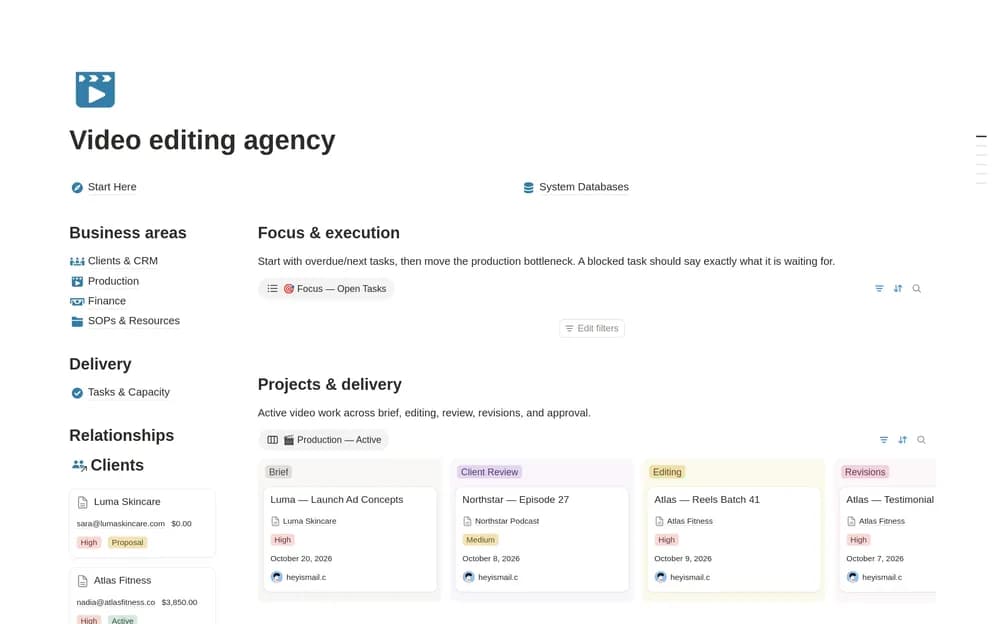
Video Editing Agency OS — CRM, Projects & Invoices
A workspace built around video-editing clients and delivery work.
Keep editing work connected to the brief and delivery requirements. Browse Notion templates for video editors handling client projects, versions, feedback, revisions, invoices, or a public portfolio.
Showing 1–5 of 5 templates
FreeA workspace built around video-editing clients and delivery work.
 Free
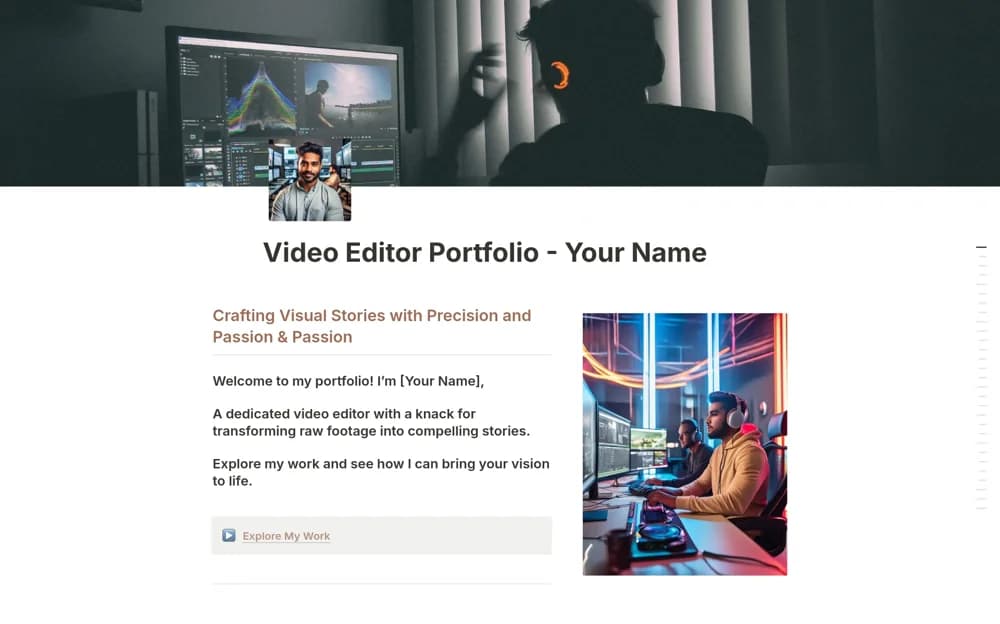
A video-editor portfolio layout for presenting selected projects, editing capabilities, and relevant client or career context.
 Free
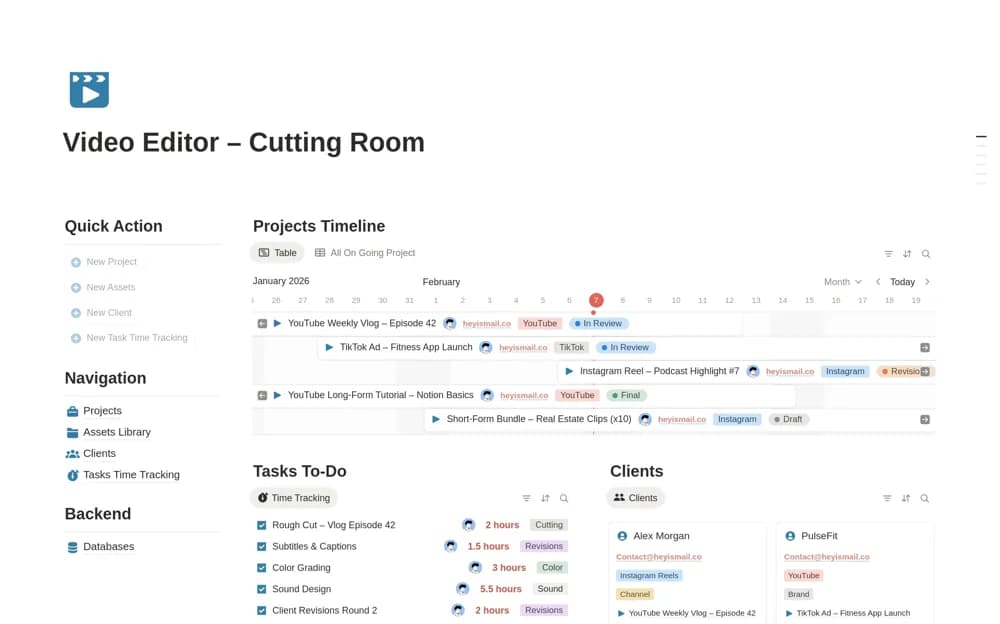
Coordinate video-editing projects in Notion with production stages, asset references, timestamped feedback, time records, and client handoffs.
 Free
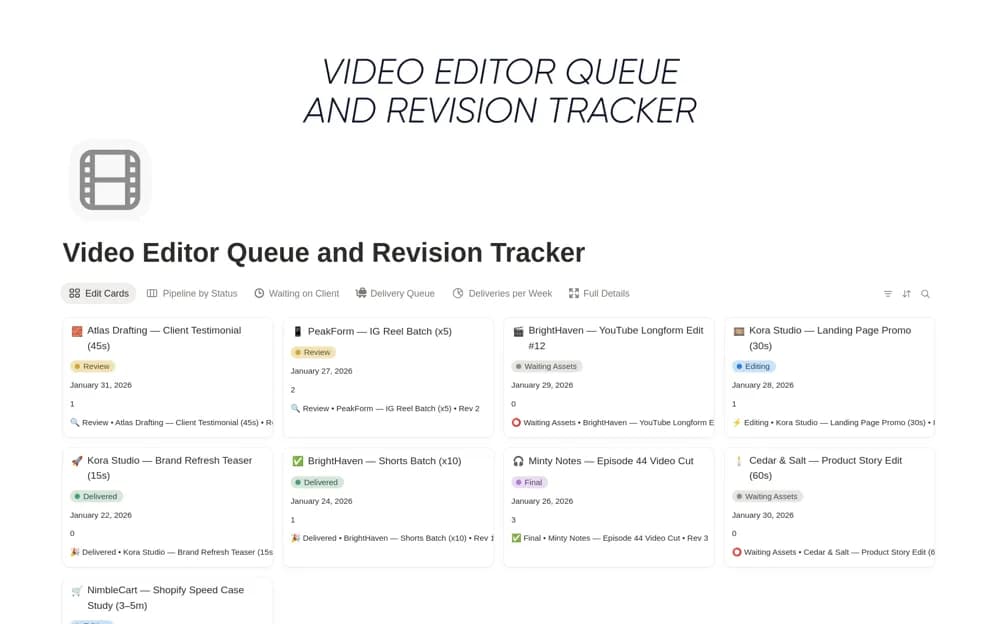
Organize a video-editing queue in Notion with clients, deadlines, edit status, revision notes, and delivery links in a focused tracker.
 Paid
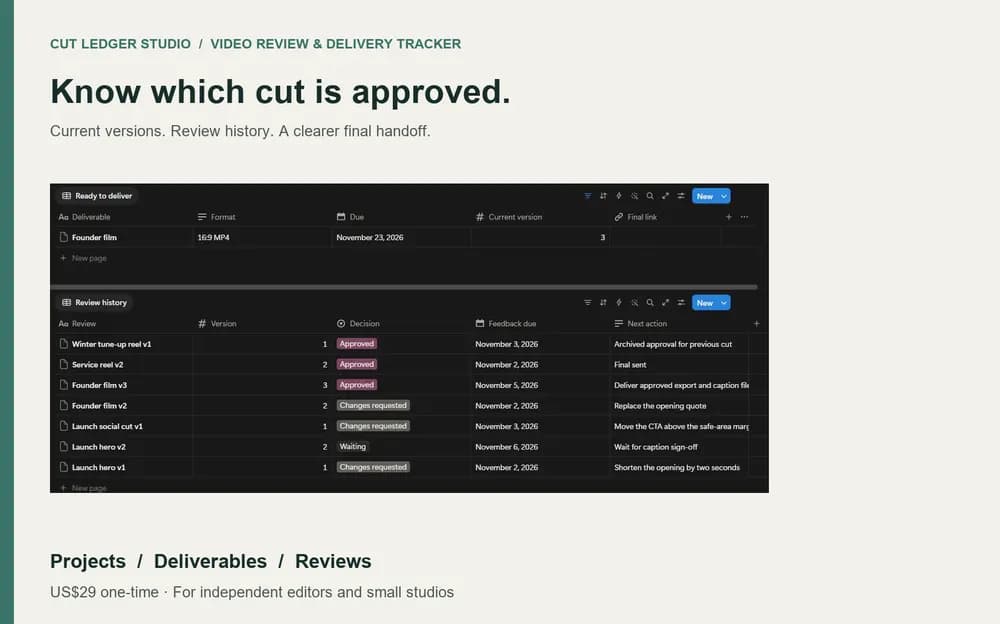
Track video projects, each export and version-specific client approvals in Notion, so an older approval never clears a newer cut for final delivery.
Compare the purpose and included features before choosing a workspace.
Video editors preparing a focused showcase for potential clients or employers.
Editors who need broader project context alongside the day-to-day revision queue.
Freelance video editors balancing several edits and feedback deadlines.
5 working templates from 4 creators: 4 free and 1 paid, with paid options from $29. Links last checked November 24, 2026.
| Template | Best for | Price | Creator |
|---|---|---|---|
| Video Editing Portfolio | Video editors preparing a focused showcase for potential clients or employers. | Free | Indic Designs |
| Video Editor OS — Cutting Room Workflow | Editors who need broader project context alongside the day-to-day revision queue. | Free | heyismail |
| Video Editor Queue and Revision Tracker | Freelance video editors balancing several edits and feedback deadlines. | Free | NimbleGot |
| Video Review & Delivery Tracker | Independent video editors and small studios managing several review rounds per project. | $29 | Cut Ledger Studio |
| Video Editing Agency OS — CRM, Projects & Invoices | Editors and small agencies handling several client projects. | Free | heyismail |
Record the agreed formats and review rounds before production starts. Link source files and working versions from their asset storage location, and keep feedback tied to the correct cut. Separate editing complete from client approval and final delivery. A portfolio should explain your contribution, while an operations workspace should make the next revision or handoff obvious.
Version-specific feedback
Agreed delivery requirements
Clear revision and approval stages
About the directoryRecord the brief, agreed formats, source-file locations, current version, review round, and delivery requirements. Link working media from maintained storage. Separate editing complete from client approval and final delivery. When feedback changes scope, record that decision before treating it as another ordinary revision. Keep the final approved export identifiable at handover.
Jump straight to any listing in the collection.
Use storage and editing tools suited to the media. A workspace can coordinate file links, briefs, versions, and decisions without holding every master asset. Check how files are backed up and shared separately from the project-page layout.
It depends on the job you need it to do. Good starting points in this collection include Video Editing Portfolio (video editors preparing a focused showcase for potential clients or employers), Video Editor OS — Cutting Room Workflow (editors who need broader project context alongside the day-to-day revision queue) and Video Editor Queue and Revision Tracker (freelance video editors balancing several edits and feedback deadlines). Compare the included features below, then try your first choice with a week of real information before moving everything across.
Yes. This collection currently includes 4 listings with a confirmed free creator offer, alongside 1 paid or freemium option. Use the Free filter to compare them. A free version can have different features from a creator’s paid upgrade, so check the original listing and current access terms before adding it to your workspace.