About Architectural Project Tracker
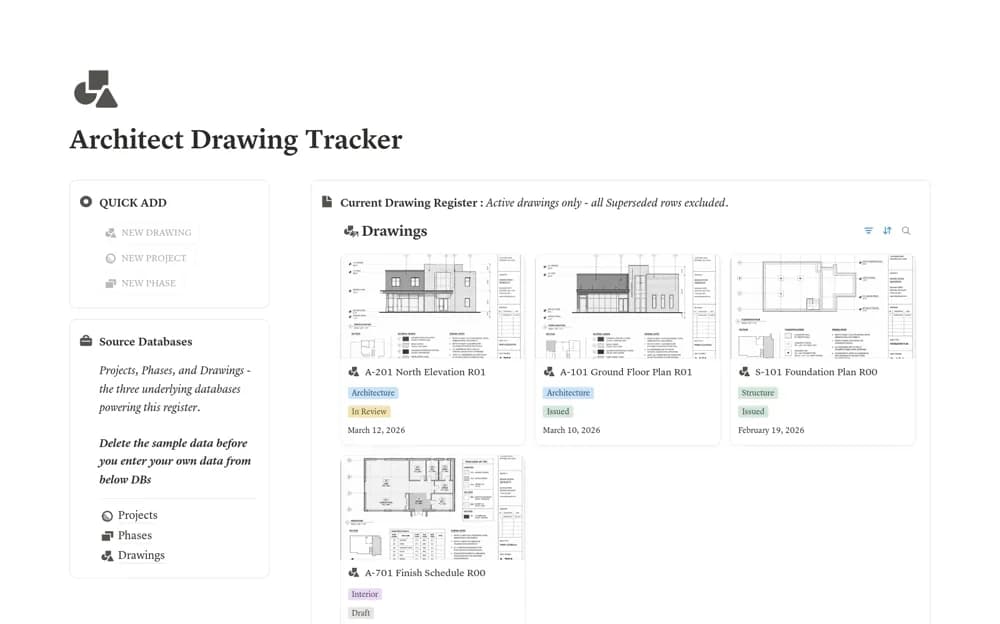
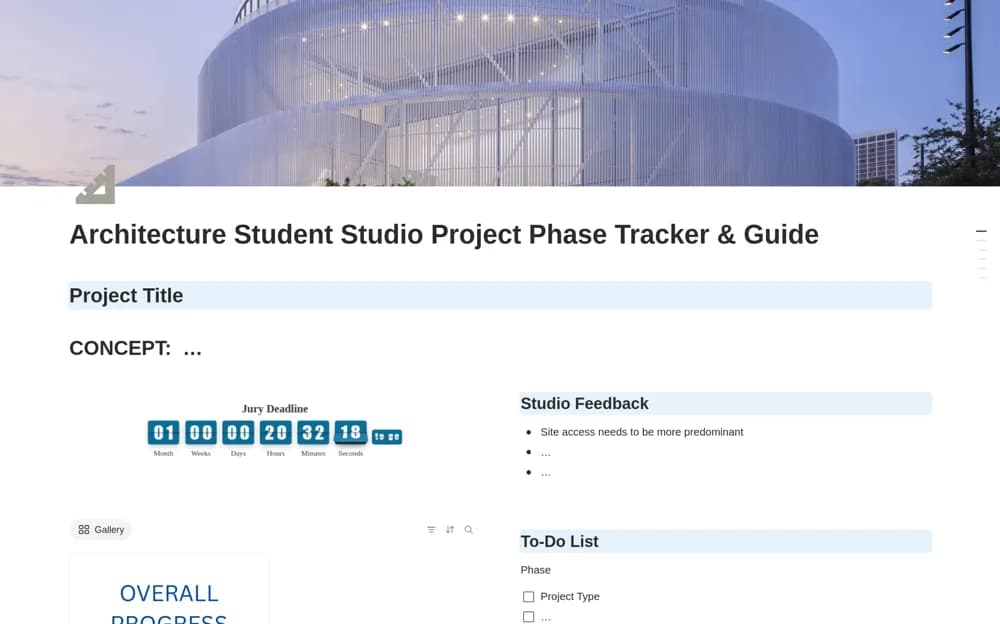
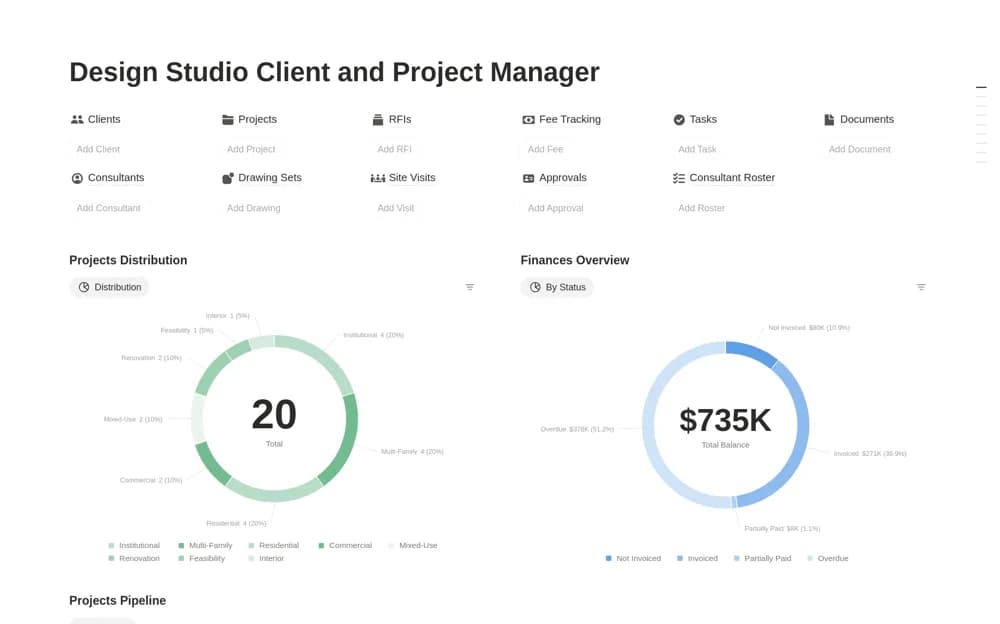
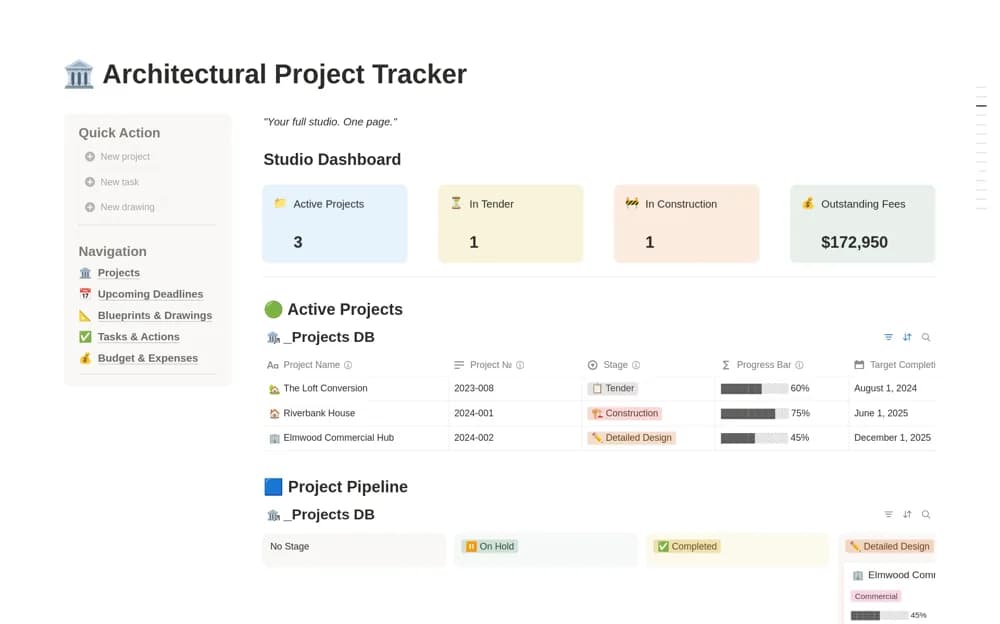
An architectural project workspace with phase tracking, fees and outstanding invoices, a drawing register, consultants, tasks, deadlines, and a studio overview.
What’s included
- Project pipeline from pre-planning to completion
- Fee tracker and drawing revision register
- Tasks, consultants, deadline calendar, and studio dashboard
How to use it in practice
Add a current project and check its phase against the actual appointment and delivery plan. Enter a drawing revision and a known invoice balance, then review the next submission tasks. Keep the issued document and fee evidence linked so the dashboard can support a real project conversation without becoming the only record of an agreement.
Set it up in your workspace
- Open the original Notion Marketplace listing and add the template to your chosen workspace while signed in. Keep its example records until you understand how the pages connect.
- Add a current project and check its phase against the actual appointment and delivery plan.
- Try one complete example before adding a large backlog. Check that its views and any calculations show what you expect, then replace the sample content with your own.
Who it suits and what to consider
Solo architects and small design teams coordinating project delivery and fee administration. The supplied phases are editable planning choices. The workspace does not replace technical design tools, contractual administration, or authoritative drawing issue procedures.