About Design Studio Client and Project Manager
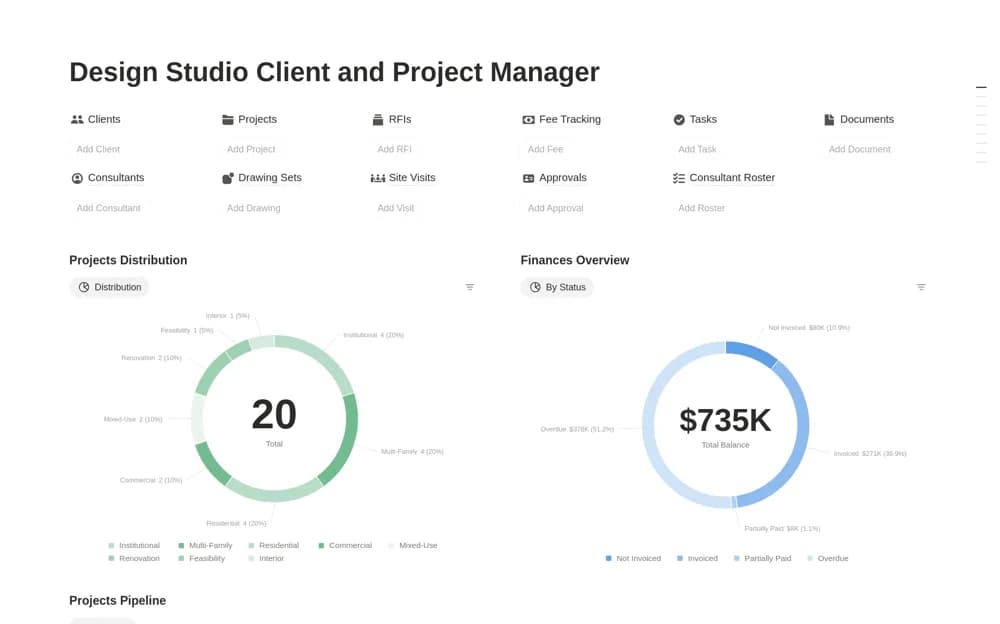
A studio operations workspace linking clients, design projects, drawings, approvals, site visits, and fees.
What’s included
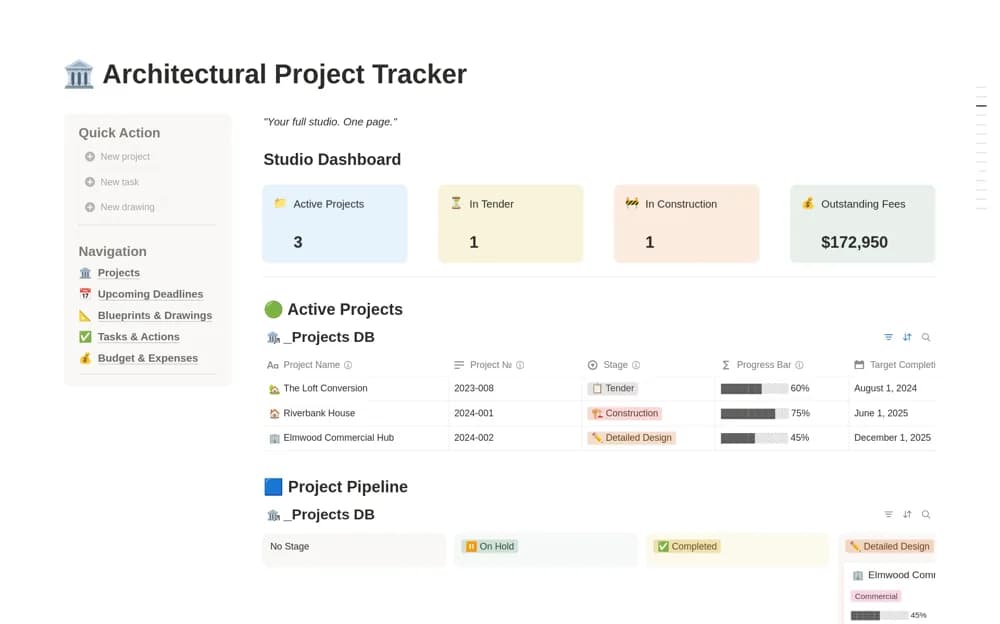
- Client CRM and project pipeline
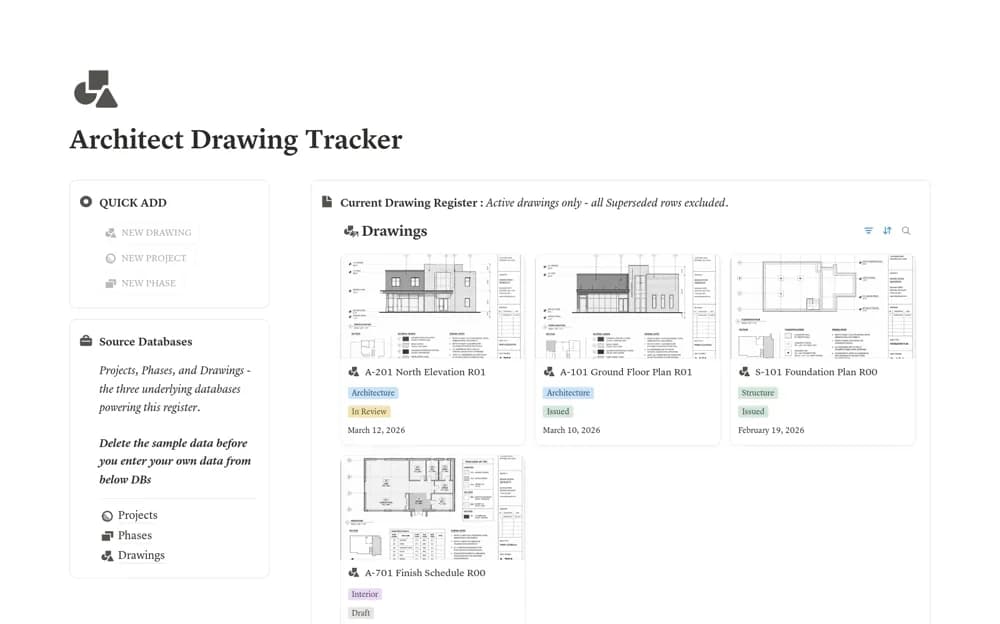
- Drawing sets, RFIs, approvals, and site visits
- Tasks, fees, overdue invoices, consultants, and document links
How to use it in practice
Trial one active project with its current drawings and pending decisions. Agree how revisions and approvals are recorded, then assign owners to open RFIs and tasks. Check access for external collaborators before linking project documents or extending the system across the studio.
Set it up in your workspace
- Open the original Notion Marketplace listing and add the template to your chosen workspace while signed in. Keep its example records until you understand how the pages connect.
- Trial one active project with its current drawings and pending decisions.
- Try one complete example before adding a large backlog. Check that its views and any calculations show what you expect, then replace the sample content with your own.
Who it suits and what to consider
Architecture and design studios coordinating delivery across clients and consultants. The workspace organizes delivery records; professional document control, contractual notices, and regulated obligations need appropriate procedures.