About Careers Page
Create a public Notion careers page with open roles, job descriptions, company values, employee stories, and benefits information.
What’s included
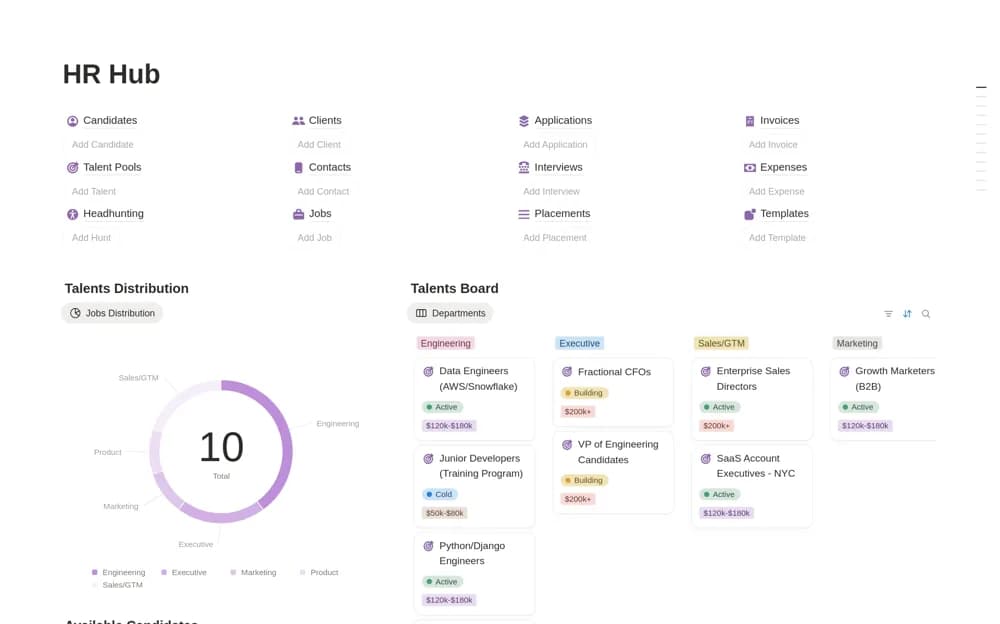
- Public board of open positions
- Detailed job-description pages
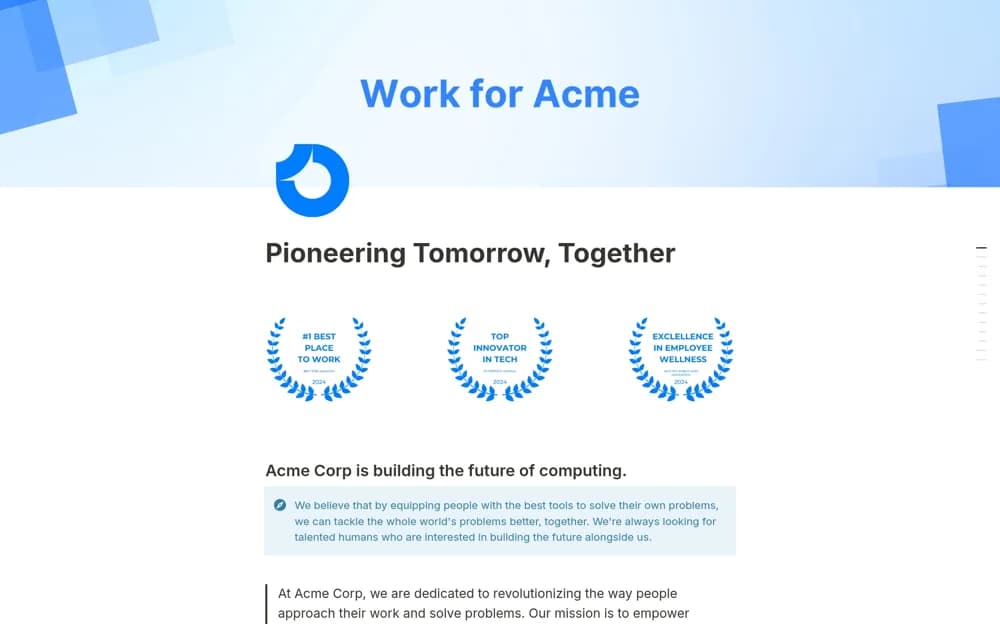
- Company culture and values sections
- Employee testimonials and benefits
How to use it in practice
Replace the company introduction and add one real opening with an accurate job description. Explain the application route and include benefits you actually provide. Preview the published page on mobile, test the application link, and remove sample employee stories before sharing it with candidates.
Set it up in your workspace
- Open the original Notion Marketplace listing and add the template to your chosen workspace while signed in. Keep its example records until you understand how the pages connect.
- Replace the company introduction and add one real opening with an accurate job description.
- Try one complete example before adding a large backlog. Check that its views and any calculations show what you expect, then replace the sample content with your own.
Who it suits and what to consider
Small hiring teams building a clear public destination for prospective applicants. A public careers page presents opportunities. The listing does not document an automated recruiting pipeline or application-screening service.