About HR Management OS
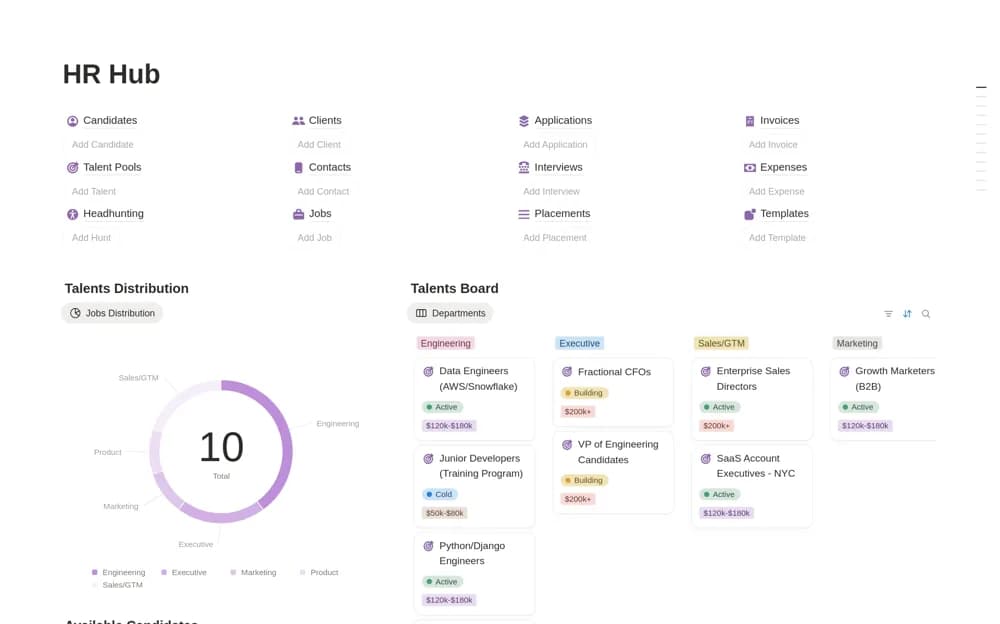
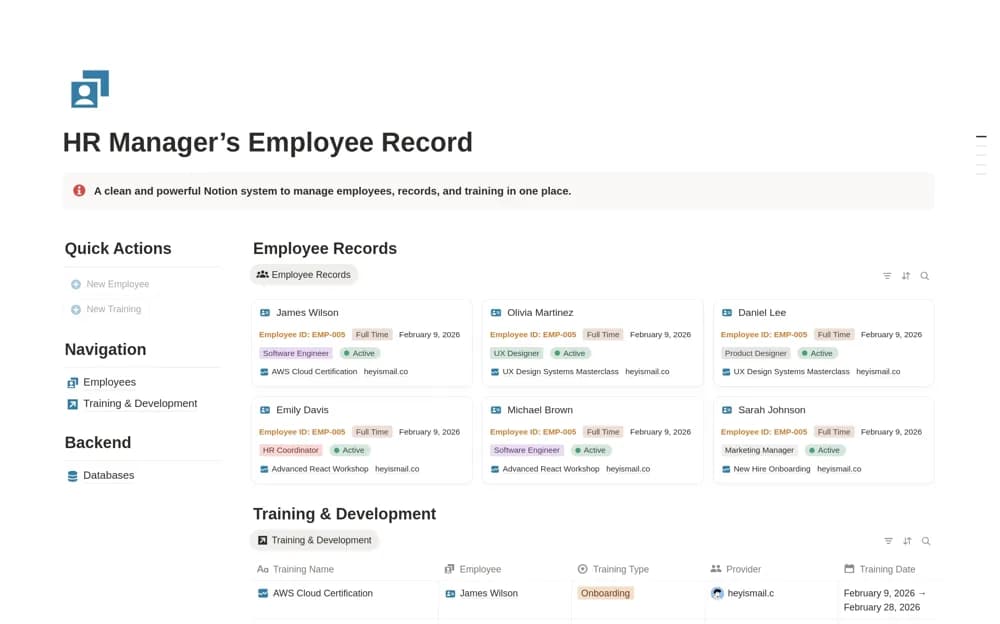
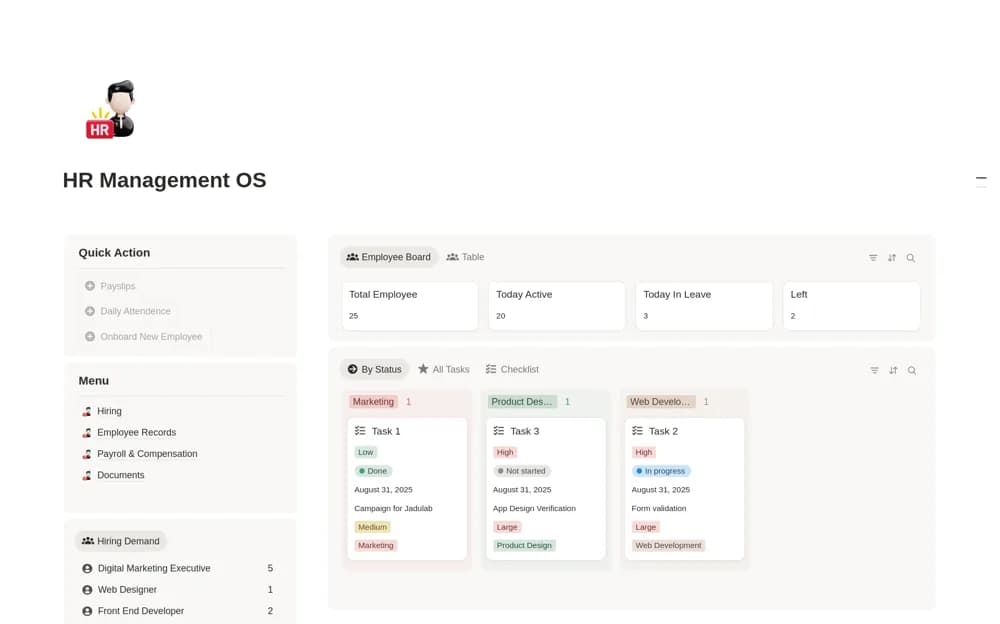
A broad HR workspace covering recruitment, onboarding, employee records, attendance, time and leave records, compensation, payroll-cycle administration, and document organization.
What’s included
- Hiring and recruitment hub
- Employee records, attendance, timesheets, and leave
- Payroll, compensation, and HR document sections
How to use it in practice
Set up a sample employee from hiring through onboarding before adding compensation details. Check the relationship between attendance, leave, and employee records, then review every shared view for access boundaries. Use the payroll area to organize your existing process only after confirming which figures and documents remain authoritative elsewhere.
Set it up in your workspace
- Open the original Notion Marketplace listing and add the template to your chosen workspace while signed in. Keep its example records until you understand how the pages connect.
- Set up a sample employee from hiring through onboarding before adding compensation details.
- Try one complete example before adding a large backlog. Check that its views and any calculations show what you expect, then replace the sample content with your own.
Who it suits and what to consider
Small HR teams comparing a complete employee-lifecycle workspace with focused people-management tools. A payroll dashboard does not establish salary payment, tax filing, or compliance automation. Sensitive employee and financial records need permissions appropriate to your organization.