About For The Busy Social Media Managers
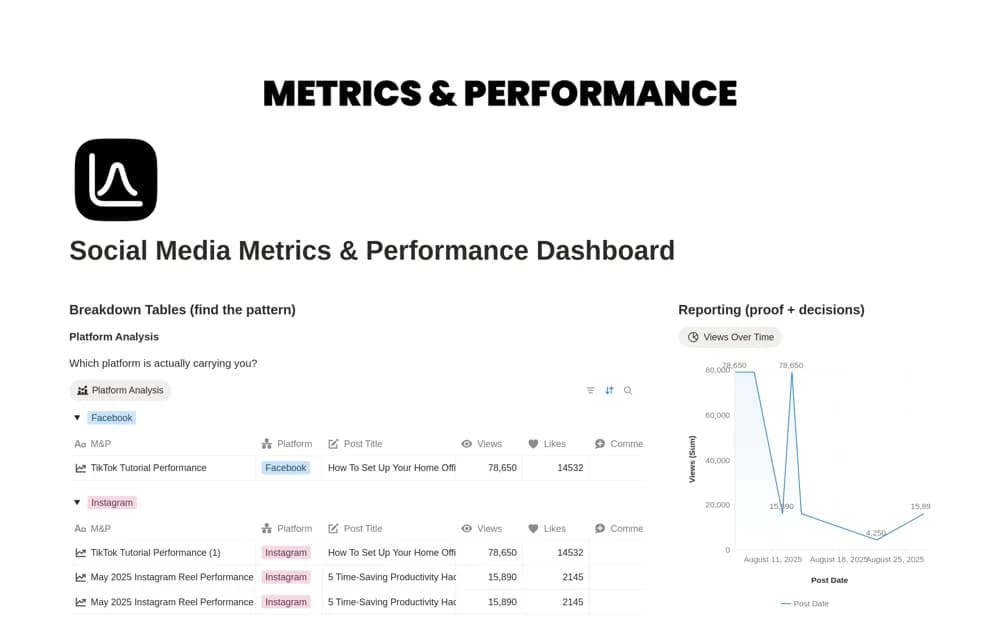
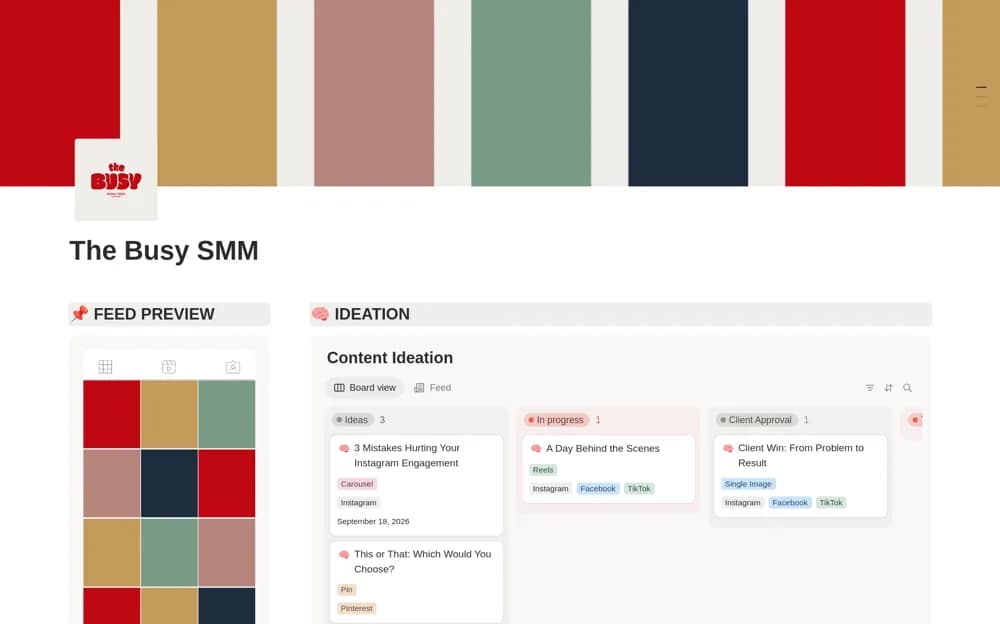
A social media dashboard connecting content ideas, calendar planning, feed previews, and weekly production tasks.
What’s included
- Content ideation board
- Calendar and feed preview
- Weekly task board with platform organization
How to use it in practice
Move one real idea from draft through review to a planned date. Keep client approval explicit and check how the feed preview helps the specific platform you use. Review the next week’s production tasks alongside the calendar so a scheduled idea has the assets it needs.
Set it up in your workspace
- Open the original Notion Marketplace listing and add the template to your chosen workspace while signed in. Keep its example records until you understand how the pages connect.
- Move one real idea from draft through review to a planned date.
- Try one complete example before adding a large backlog. Check that its views and any calculations show what you expect, then replace the sample content with your own.
Who it suits and what to consider
Social media managers planning posts across several platforms or clients. The source describes planning and previews, without confirming automatic publishing to social platforms.