 Free
FreeCampaign Launch Checklist
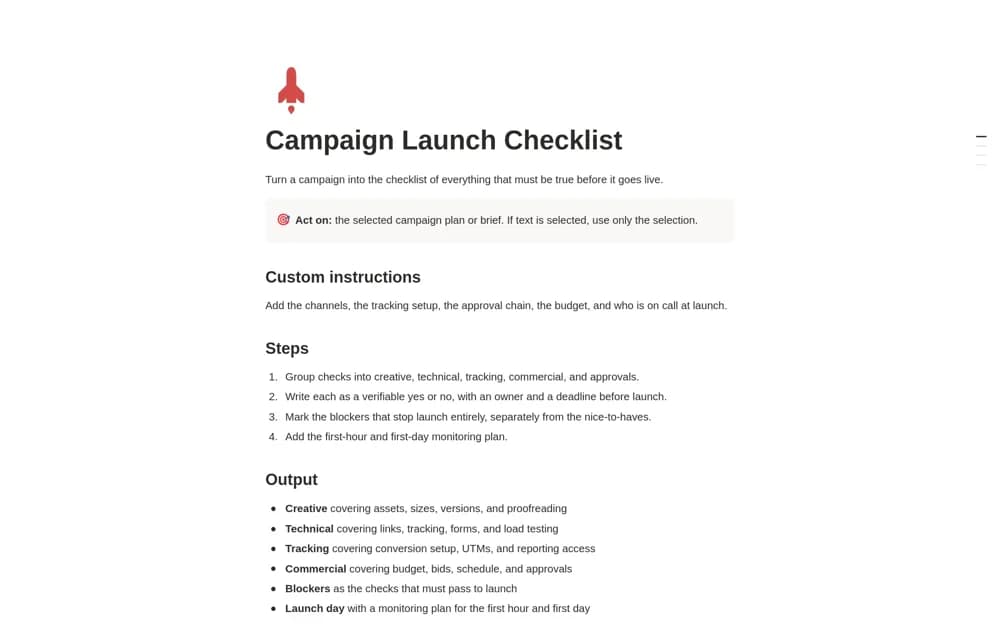
A Notion AI skill that drafts a campaign launch checklist with verifiable checks, owners, deadlines, launch blockers, and an initial monitoring or rollback plan.
Connect social plans with client goals and production work. Explore Notion templates for social media managers handling channels, ideas, briefs, assets, approvals, publication, and performance reviews.
Showing 1–4 of 4 templates
A little structure goes a long way.FreeA Notion AI skill that drafts a campaign launch checklist with verifiable checks, owners, deadlines, launch blockers, and an initial monitoring or rollback plan.
 Free
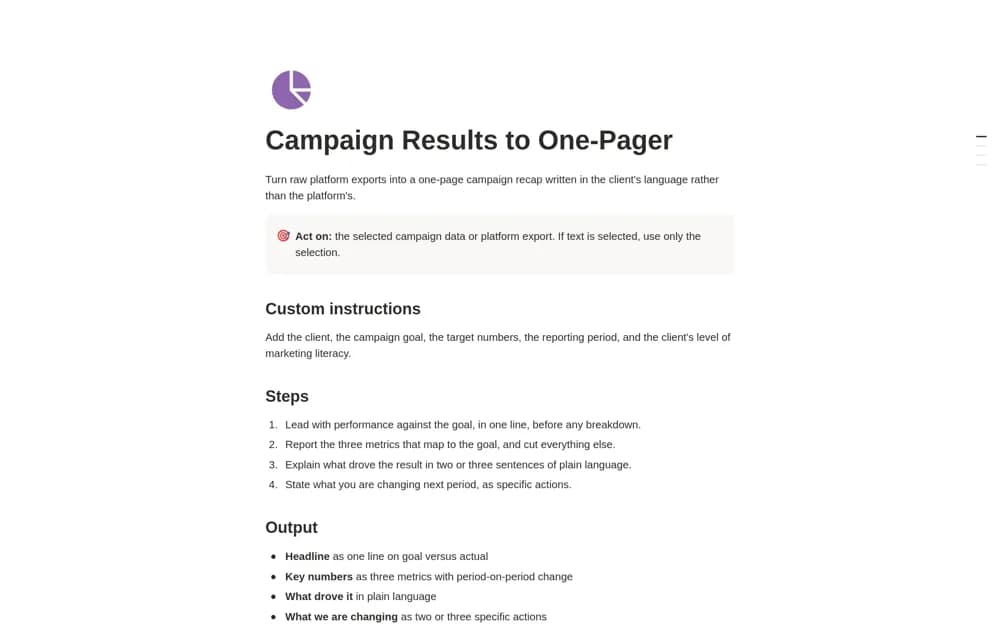
FreeA Notion AI reporting skill that turns supplied campaign data into a concise recap covering the goal, three relevant metrics, likely drivers, next actions, and any client request.
 Free
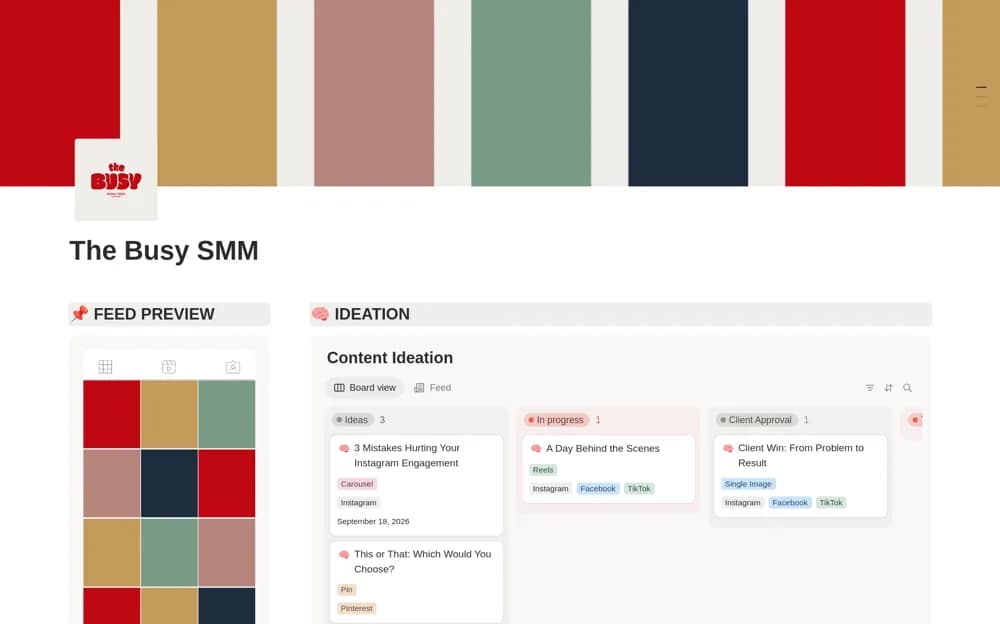
FreeA social media dashboard connecting content ideas, calendar planning, feed previews, and weekly production tasks.
 Free
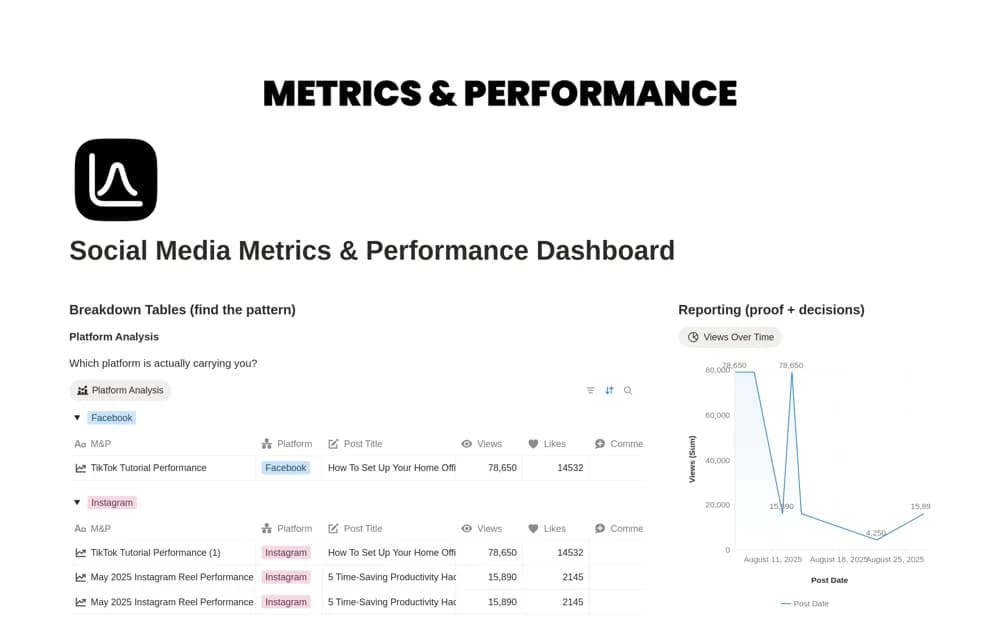
FreeA social performance workspace with platform comparisons, engagement breakdowns, publishing cadence, and reporting views.
Compare the purpose and included features before choosing a workspace.
Social media managers planning posts across several platforms or clients.
Social media managers reviewing content results on a regular schedule.
Marketing teams preparing to review creative, technical, tracking, and approval requirements before launch.
Separate each client’s content and agree how approval is recorded. Keep the purpose, channel, copy, and required asset with a post, then use status to show what still needs production. Treat a metrics dashboard as a review record unless an integration is explicitly documented. Include the reporting period and source so comparisons are meaningful, and keep the next campaign connected to what you learned.
Client and channel context
Asset and approval stages
Dated performance sources
About the directoryYes. This collection currently includes 4 listings with a confirmed free creator offer. Use the Free filter to compare them. A free version can have different features from a creator’s paid upgrade, so check the original listing and current access terms before adding it to your workspace.