About Freelance Command Center CRM
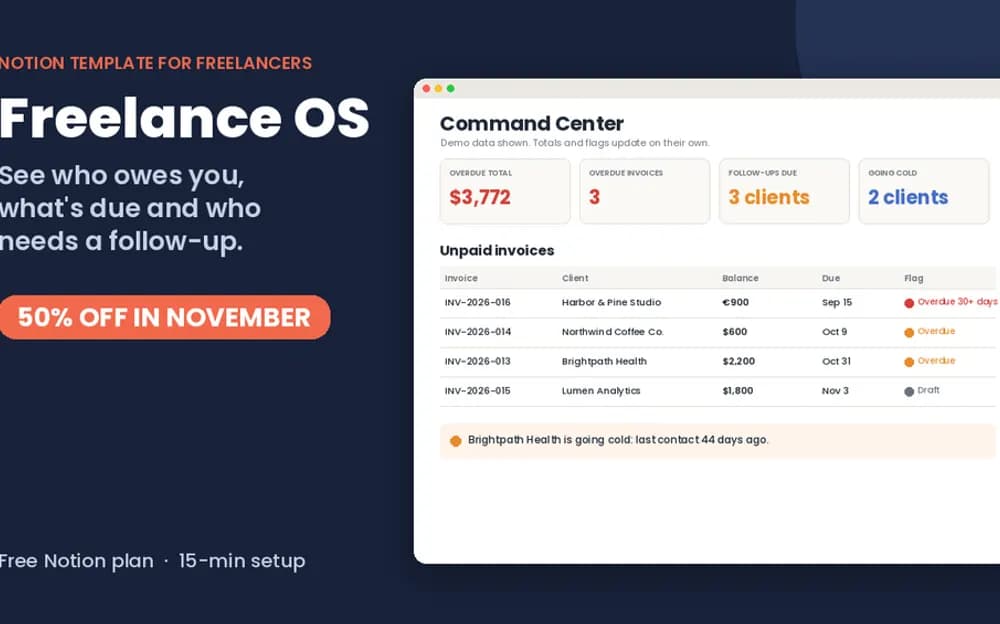
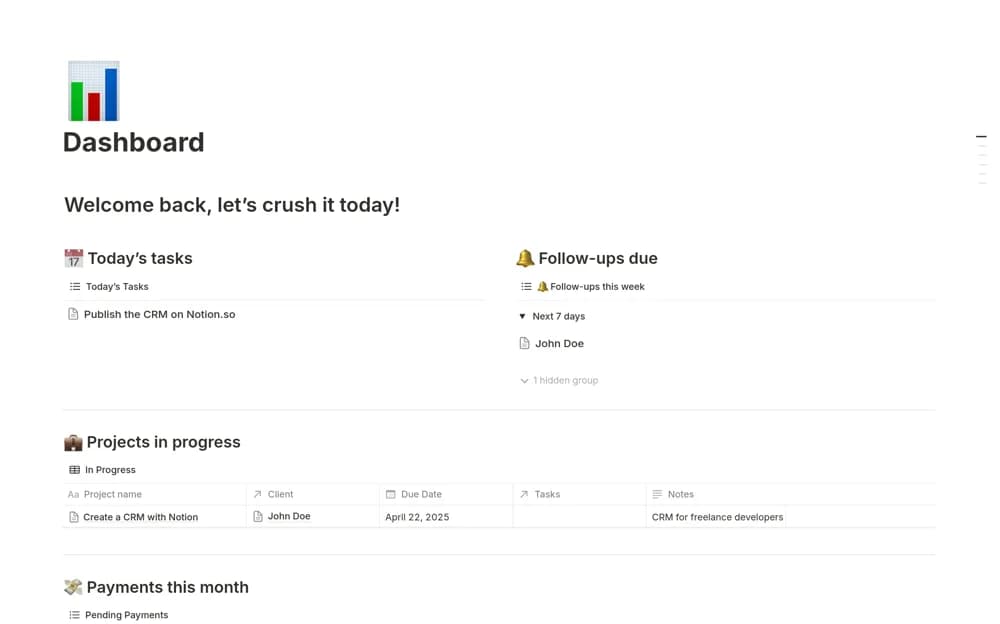
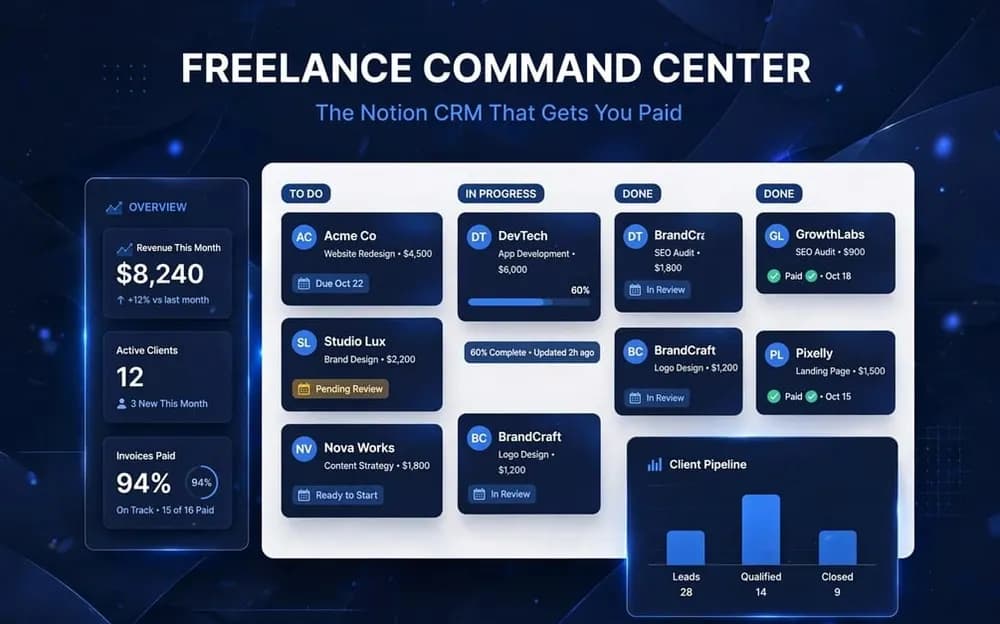
Manage freelance deals, projects, scope requests, invoices, and client interactions across seven linked Notion databases with health and overdue alerts.
What’s included
- Seven connected databases including clients, deals, projects, and tasks
- Scope requests log for out-of-scope work
- Invoices with overdue alerts
- Interactions log with follow-up reminders
- More than 20 views, five quick-action buttons, and demo data
How to use it in practice
Add your active clients and log the last conversation with each in the interactions log. Enter open deals on the pipeline board and current projects with their fees, then log your hours to see the effective hourly rate. Record any extra request as a scope item during the week and review it before invoicing.
Set it up in your workspace
- Follow the original creator’s checkout or access instructions to obtain the Notion page. Open that page while signed in, then duplicate it into the workspace you want to use.
- Add your active clients and log the last conversation with each in the interactions log.
- Try one complete example before adding a large backlog. Check that its views and any calculations show what you expect, then replace the sample content with your own.
Who it suits and what to consider
Freelance designers, developers, writers, and consultants juggling three or more clients. Effective hourly rates depend on logging time consistently, and the creator says it is not meant for agencies or automated invoicing. Resale and sharing are not permitted.