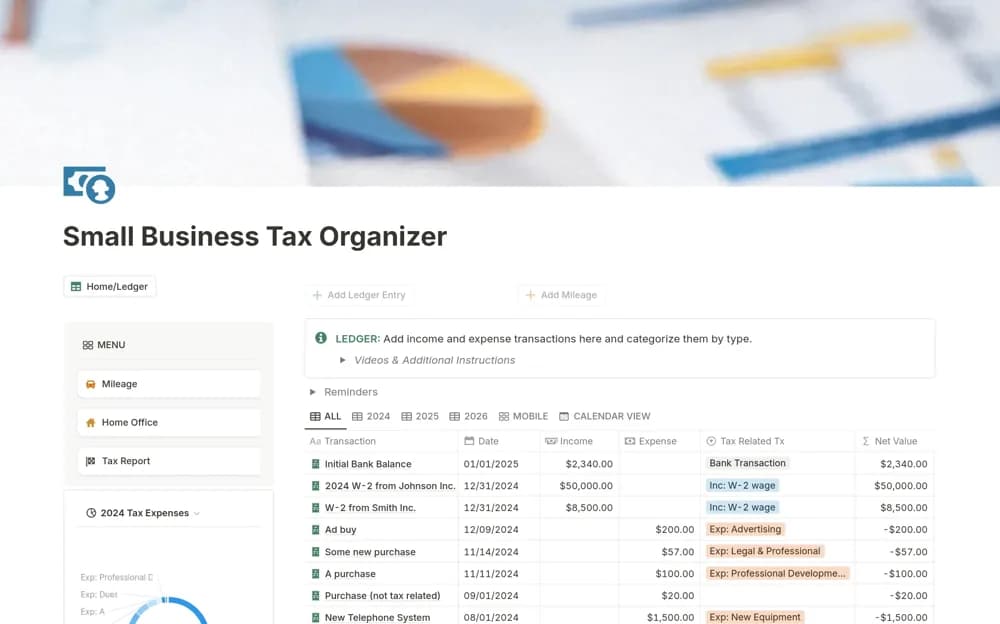
About Freelancer Tax Set-Aside & Quarterly Estimate Tracker
Log freelance payments in Notion, move a chosen share into tax savings, and compare planned and paid amounts before each quarterly US tax deadline.
What’s included
- Income database for client payments
- Set-aside transfer records based on your percentage
- Quarters database with due dates from Q1 2026 to Q3 2027
- Planned versus paid comparison for each quarter
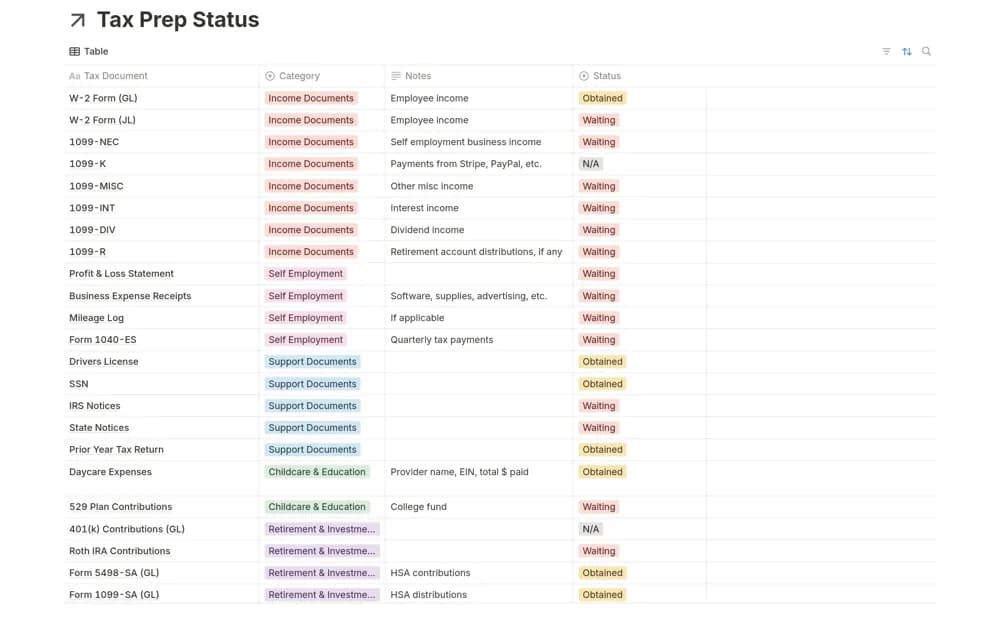
- Deductions checklist and self-reminder emails
How to use it in practice
Choose your set-aside percentage and log the client payments you received this month. Record each transfer to your tax savings account as you make it. Open the current quarter to compare the planned amount with what you have actually moved. Go through the deductions checklist and note any expenses that still need receipts.
Set it up in your workspace
- Follow the original creator’s checkout or access instructions to obtain the Notion page. Open that page while signed in, then duplicate it into the workspace you want to use.
- Choose your set-aside percentage and log the client payments you received this month.
- Try one complete example before adding a large backlog. Check that its views and any calculations show what you expect, then replace the sample content with your own.
Who it suits and what to consider
US-based freelancers who pay quarterly estimated taxes and want to set money aside as income arrives. It is an organizing tool, not tax advice, and the percentage is yours to choose. The prefilled quarters stop at Q3 2027, so later due dates need adding.