About Help Center / Documentation Hub
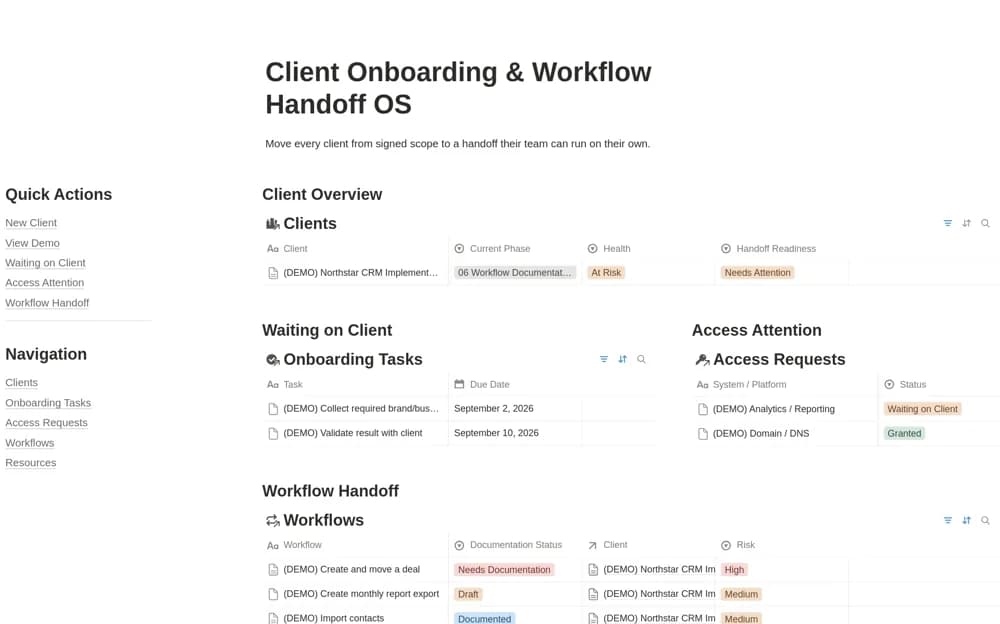
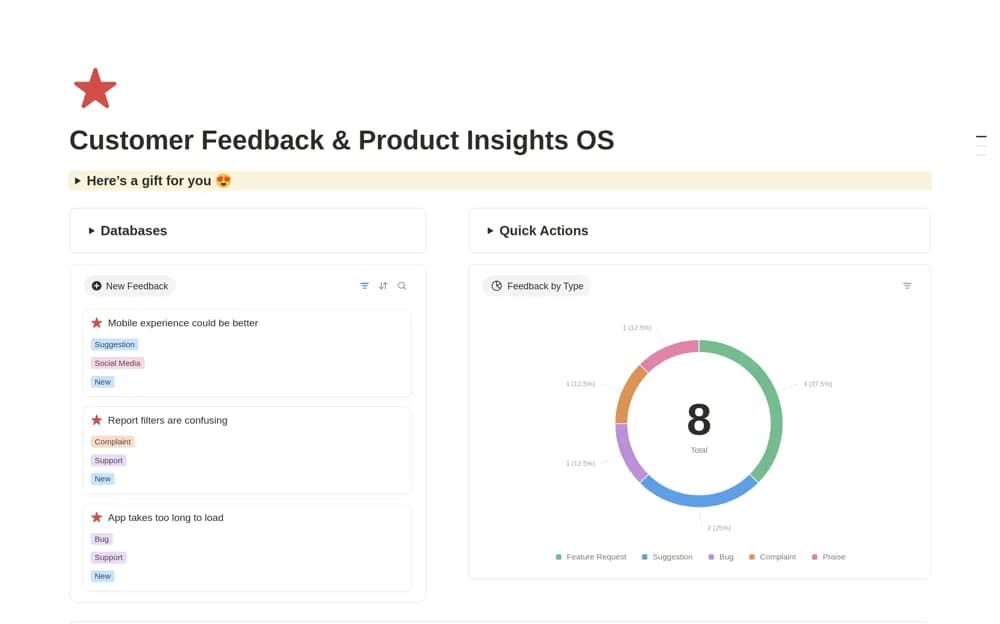
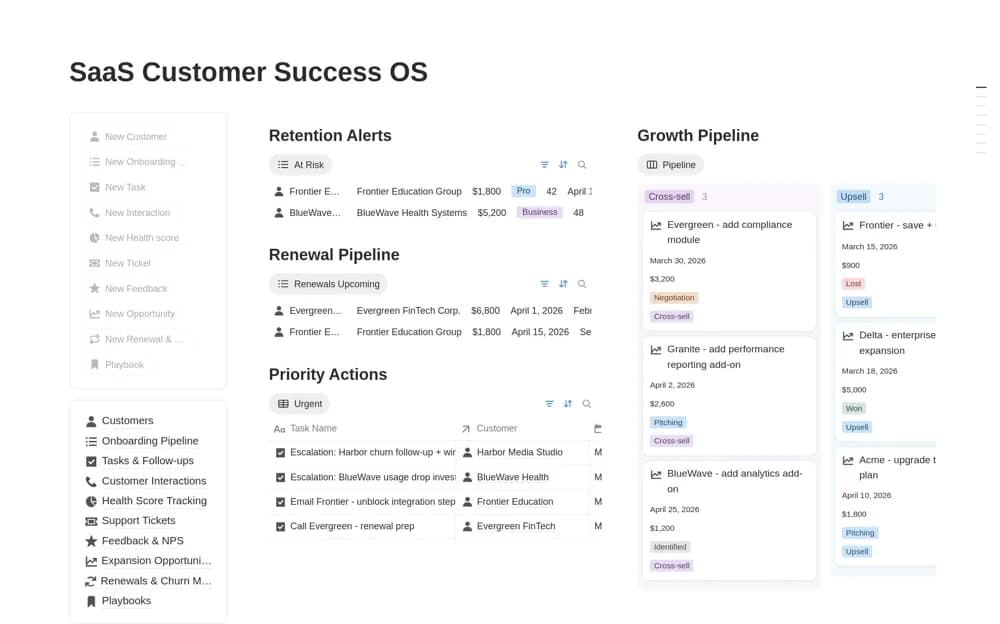
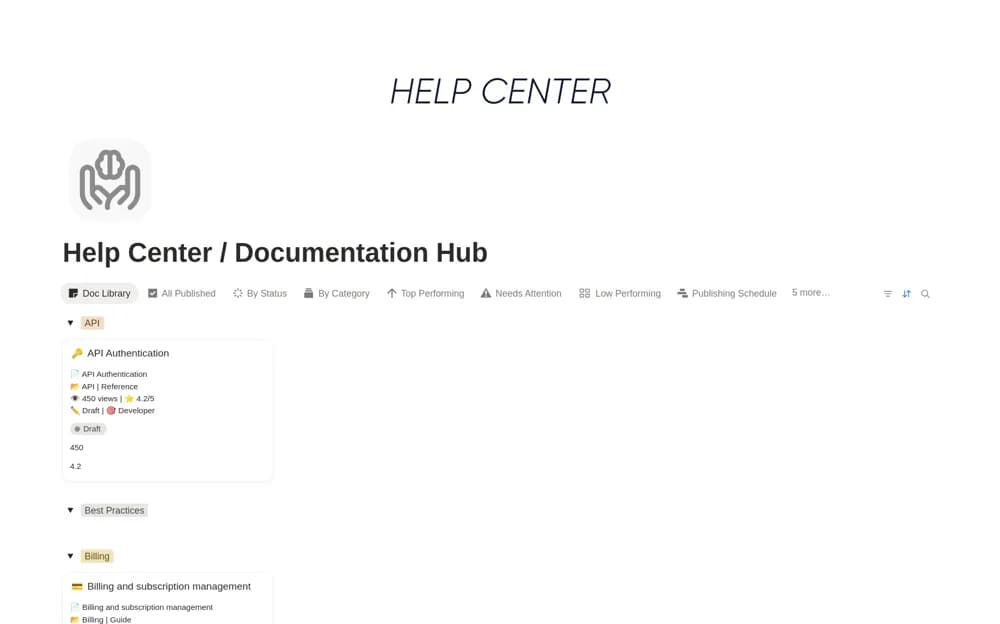
Maintain help articles in Notion with product, topic, and audience tags, plus draft, live, and outdated documentation statuses.
What’s included
- FAQs, tutorials, and troubleshooting records
- Product, topic, and audience organization
- Documentation publication status
- Release-note and setup-guide organization
How to use it in practice
Choose a recurring support question and write a short article that answers it with the actual product steps. Tag the intended audience and mark it for review before publishing. When the product changes, revisit affected articles and flag outdated guidance rather than leaving it in the live collection.
Set it up in your workspace
- Open the original Notion Marketplace listing and add the template to your chosen workspace while signed in. Keep its example records until you understand how the pages connect.
- Choose a recurring support question and write a short article that answers it with the actual product steps.
- Try one complete example before adding a large backlog. Check that its views and any calculations show what you expect, then replace the sample content with your own.
Who it suits and what to consider
Support teams and customer success managers organizing a maintained library of customer guidance. The hub organizes documentation. Publishing and navigation depend on how you share the Notion pages or move the content to your chosen help platform.