About SaaS Customer Success OS
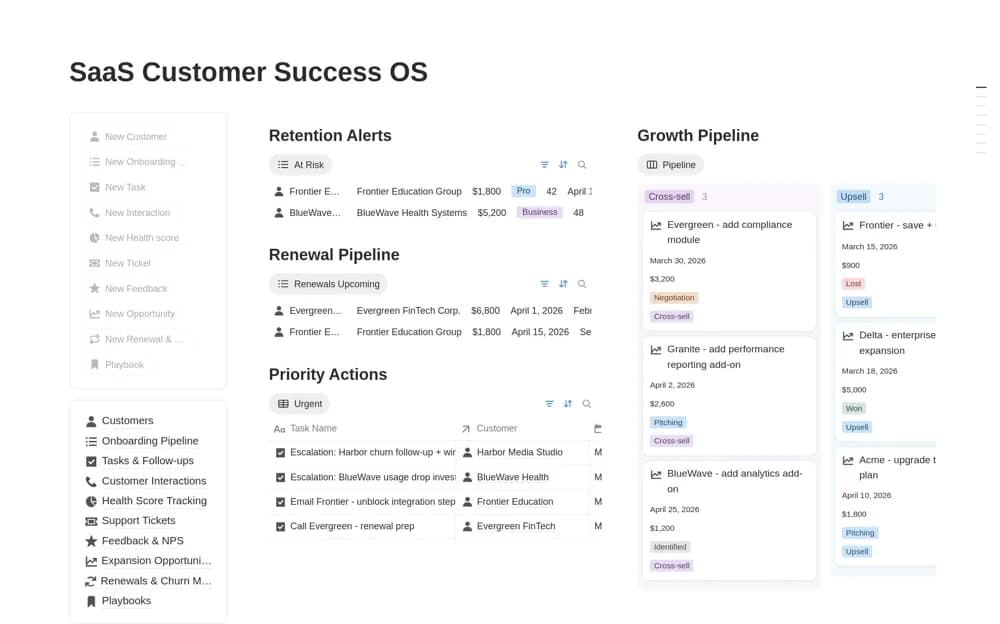
A SaaS customer-success workspace for accounts, onboarding, interactions, follow-ups, health indicators, and support context.
What’s included
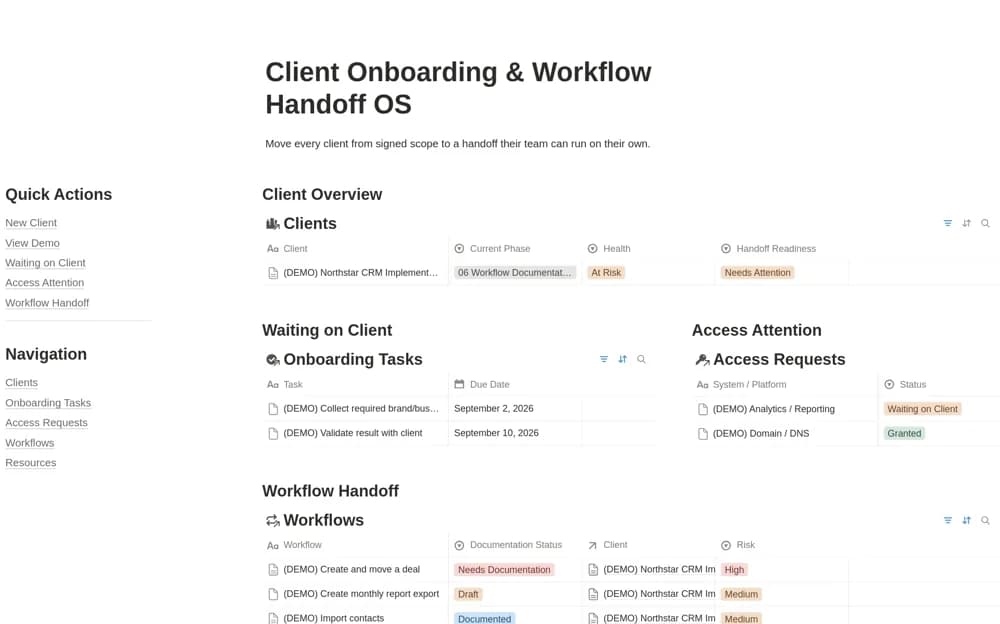
- Customer records with plans, ownership, and lifecycle stages
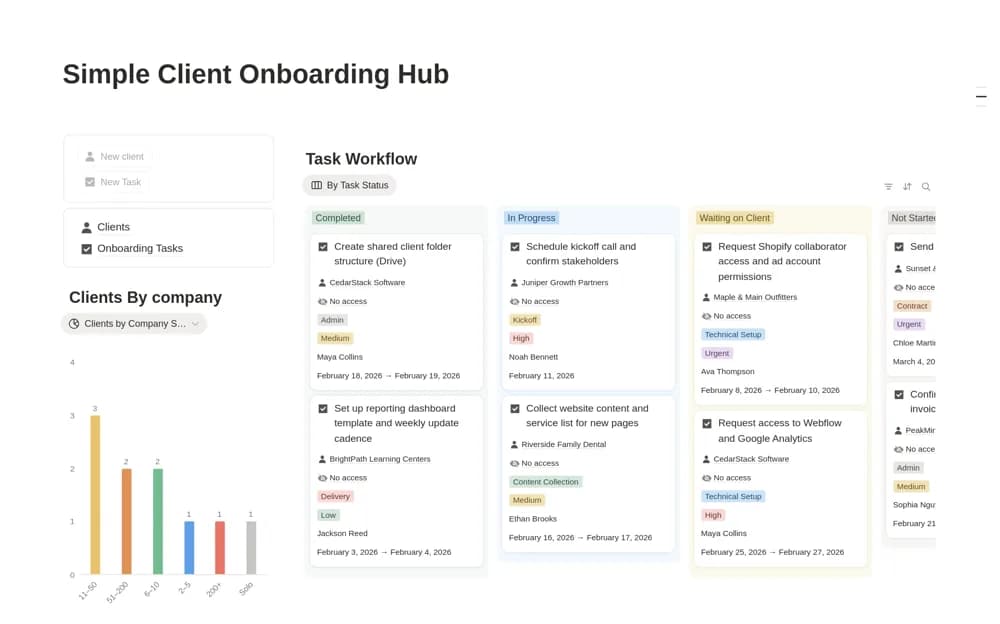
- Onboarding and task pipelines
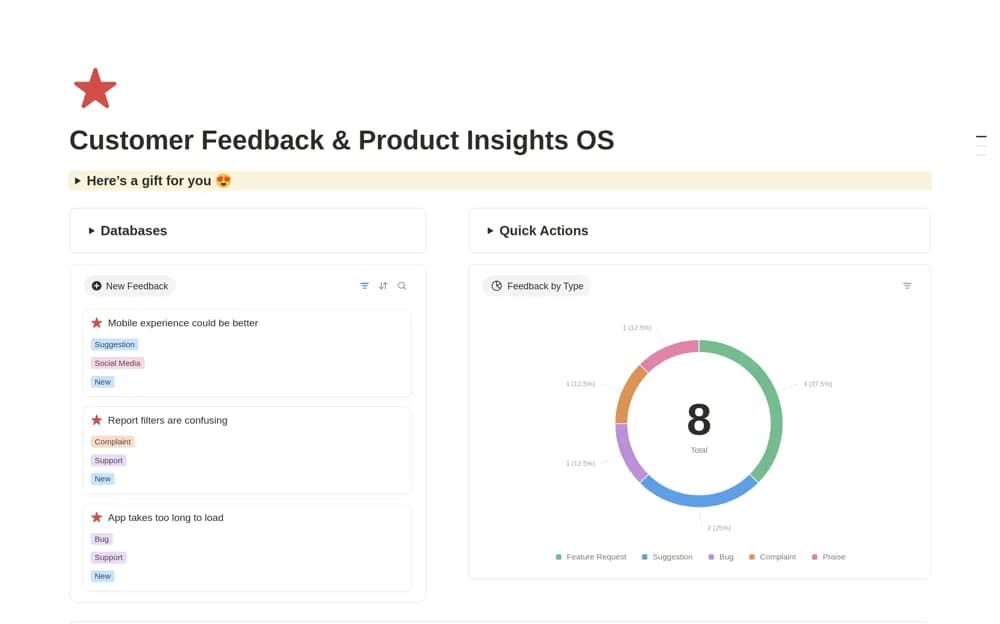
- Interaction logs, support records, and customer-health tracking
How to use it in practice
Trial one account with a current onboarding plan and next review date. Define the health inputs and check them against actual customer context. Keep follow-up ownership explicit and decide which support or billing system remains authoritative before duplicating records.
Set it up in your workspace
- Open the original Notion Marketplace listing and add the template to your chosen workspace while signed in. Keep its example records until you understand how the pages connect.
- Trial one account with a current onboarding plan and next review date.
- Try one complete example before adding a large backlog. Check that its views and any calculations show what you expect, then replace the sample content with your own.
Who it suits and what to consider
Customer-success teams coordinating work across recurring customer relationships. Health scores summarize chosen inputs; the source does not establish live product-usage or billing integration.