About HR Team Dashboard
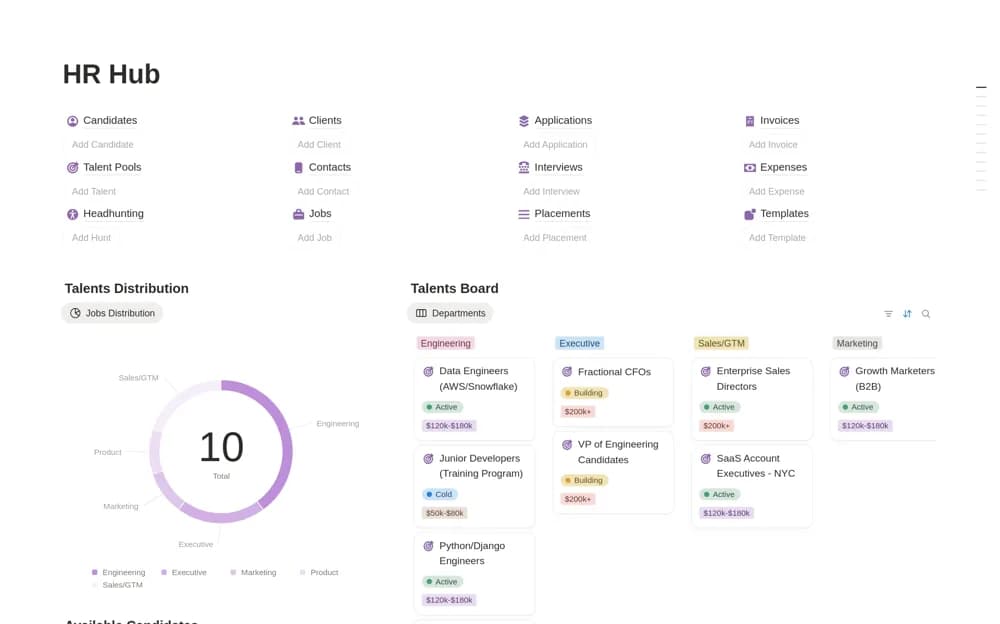
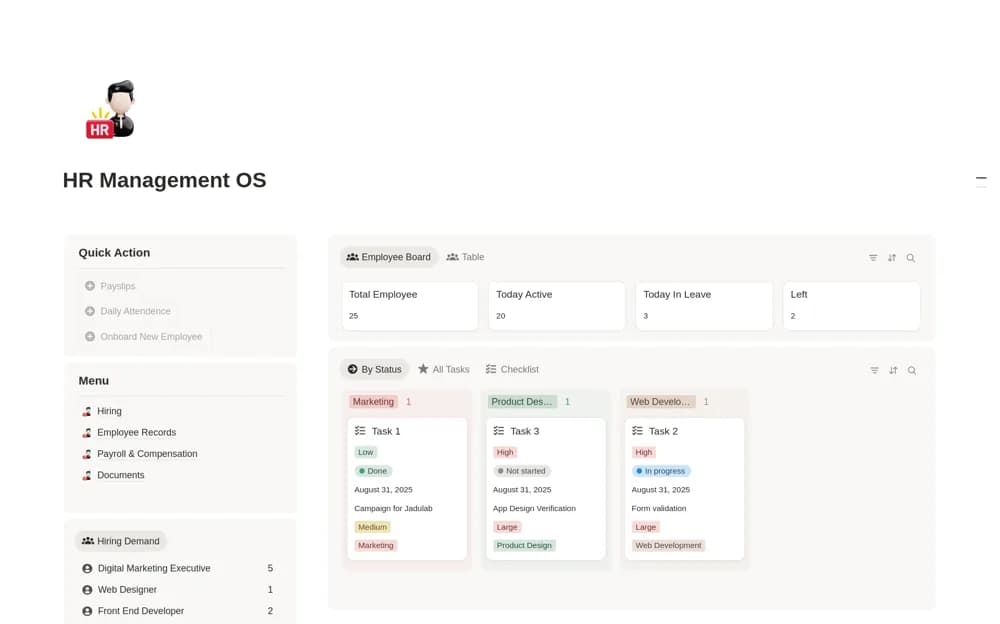
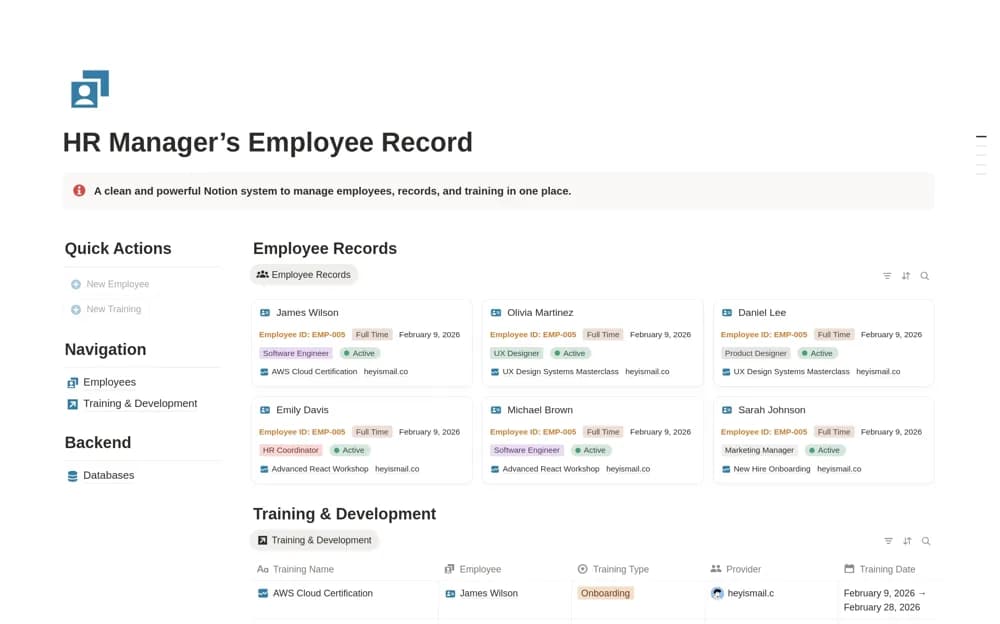
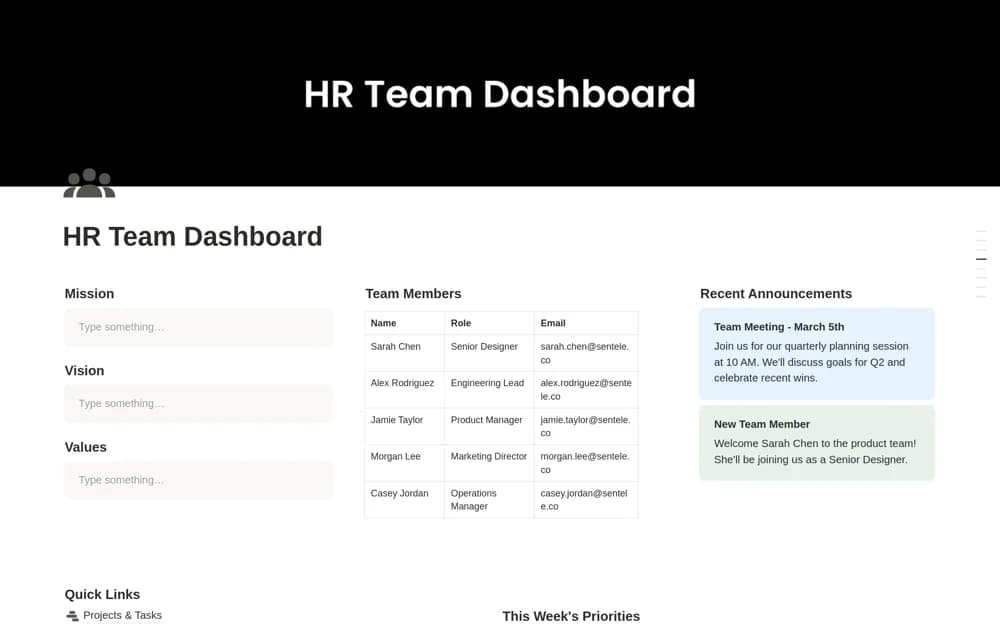
A lightweight home page for people operations, combining team values, a directory, announcements, quick links to HR pages, and a weekly priorities checklist.
What’s included
- Mission, vision, and values
- Team directory and announcements
- HR quick links and weekly priorities
How to use it in practice
Replace the example links with the HR pages your team actually uses, then write a short set of priorities for the week. Ask a colleague to find a current announcement and the right contact through the dashboard. Keep sensitive employee records behind separately controlled pages rather than linking every internal file from a broad team home.
Set it up in your workspace
- Open the original Notion Marketplace listing and add the template to your chosen workspace while signed in. Keep its example records until you understand how the pages connect.
- Replace the example links with the HR pages your team actually uses, then write a short set of priorities for the week.
- Try one complete example before adding a large backlog. Check that its views and any calculations show what you expect, then replace the sample content with your own.
Who it suits and what to consider
HR teams who want a clear shared starting point for existing people-operations work. This is a navigation and coordination page. The listing does not describe a complete recruitment, payroll, performance-review, or employee-record system.