About Instagram Content Planner
Plan Instagram Reels, carousels, Stories, and posts in Notion, moving each from idea to published with hooks, captions, hashtags, and dates.
What’s included
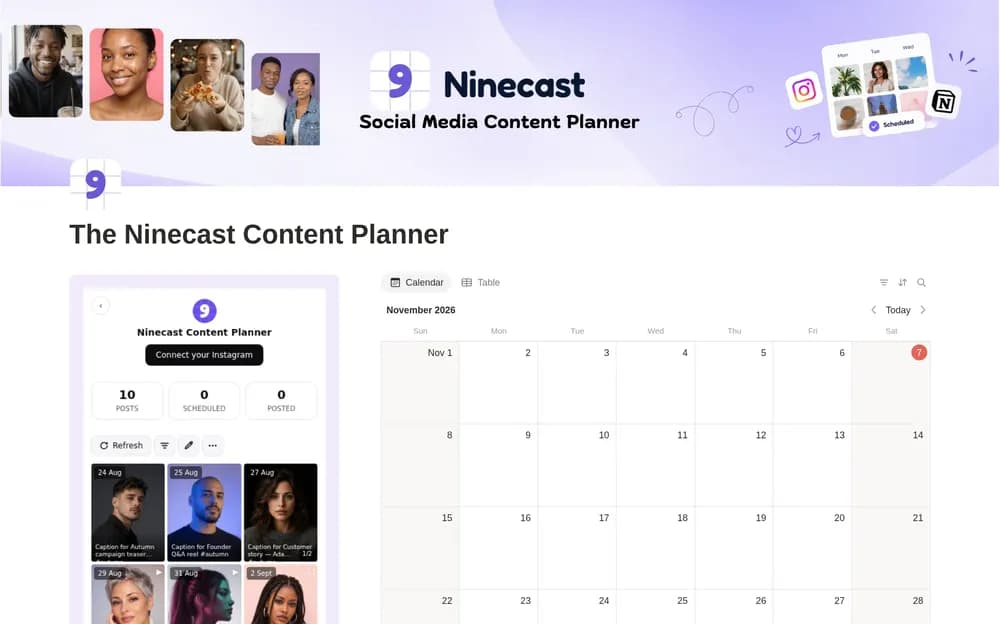
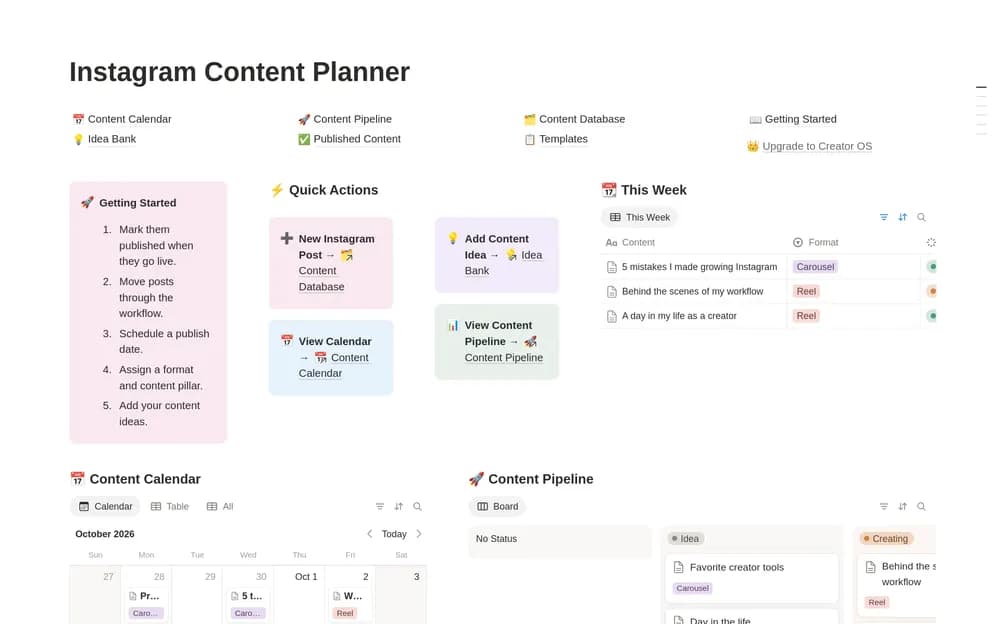
- Monthly content calendar and This Week view
- Pipeline from Idea to Creating, Ready, Scheduled, and Published
- Fields for hook, caption, CTA, hashtags, notes, assets, and post link
- Idea Bank plus Reels, Carousels, and Published Content views
- One master content database
How to use it in practice
Set your content pillars and formats first, then move a handful of loose ideas into the Idea Bank. Choose three or four for the coming week, write the hook and caption for each, and give them publish dates. Use the This Week view each morning to see what needs creating or scheduling. After posting, paste the live link so the Published Content archive starts filling up.
Set it up in your workspace
- Open the original Notion Marketplace listing and add the template to your chosen workspace while signed in. Keep its example records until you understand how the pages connect.
- Set your content pillars and formats first, then move a handful of loose ideas into the Idea Bank.
- Try one complete example before adding a large backlog. Check that its views and any calculations show what you expect, then replace the sample content with your own.
Who it suits and what to consider
Creators, coaches, small business owners, and social media managers planning an Instagram account. Scheduled is a status you set yourself; the template does not post to Instagram or import reach, likes, or comments.