About Interior project sourcing list
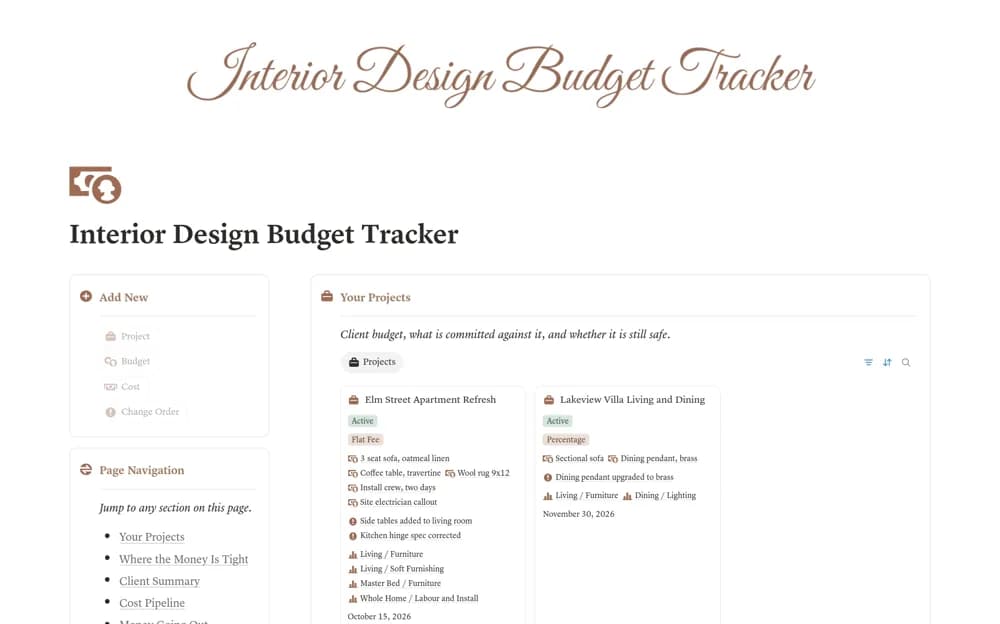
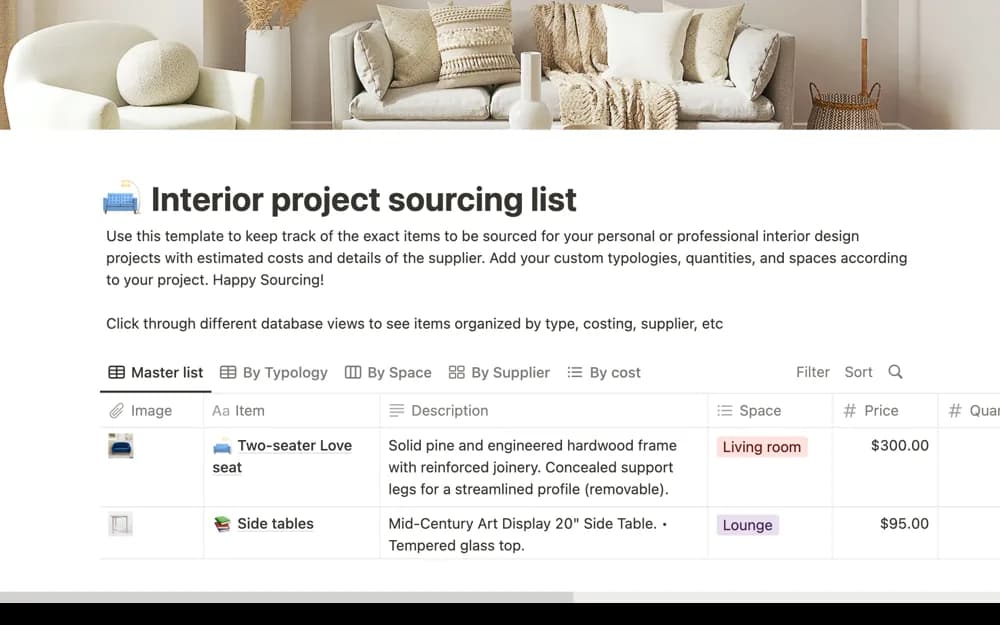
An interior sourcing list for shortlisting products, organizing suppliers, following budgets, and sharing choices for approval.
What’s included
- Product sourcing and shortlist organization
- Supplier and budget context
- A structure for client review and procurement follow-up
How to use it in practice
Add a small set of items for one space with current supplier links and quoted costs. Distinguish an appealing option from an approved purchase, then confirm dimensions, availability, and delivery before ordering. Review the list against the project budget as selections change.
Set it up in your workspace
- Open the original Notion Marketplace listing and add the template to your chosen workspace while signed in. Keep its example records until you understand how the pages connect.
- Add a small set of items for one space with current supplier links and quoted costs.
- Try one complete example before adding a large backlog. Check that its views and any calculations show what you expect, then replace the sample content with your own.
Who it suits and what to consider
Interior designers and home-project planners managing items to procure. Product links and estimates need checking; the template does not place orders or confirm supplier availability.