About Recruitment Agency CRM and Hiring Tracker
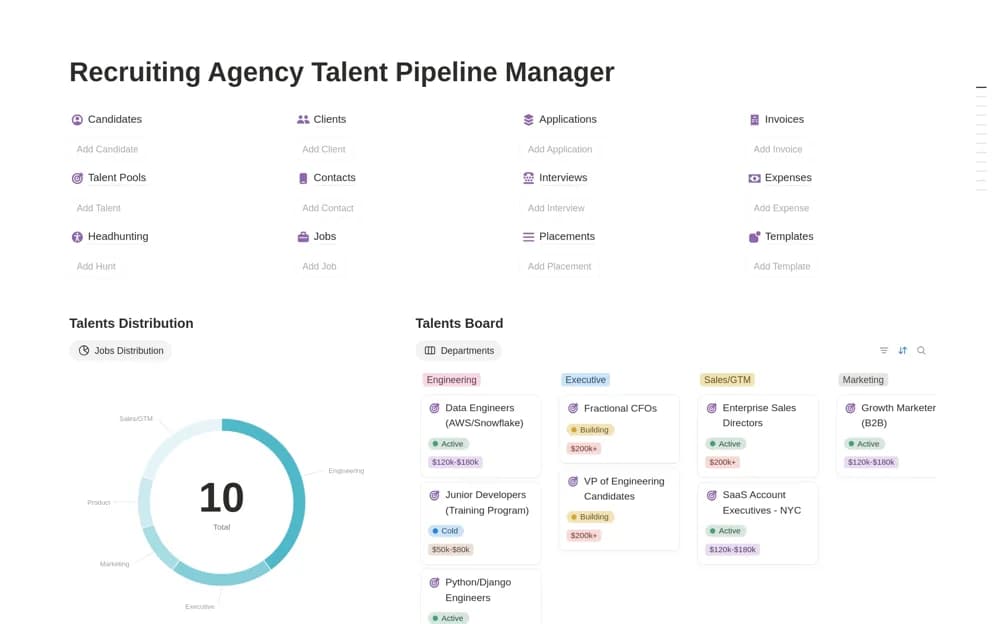
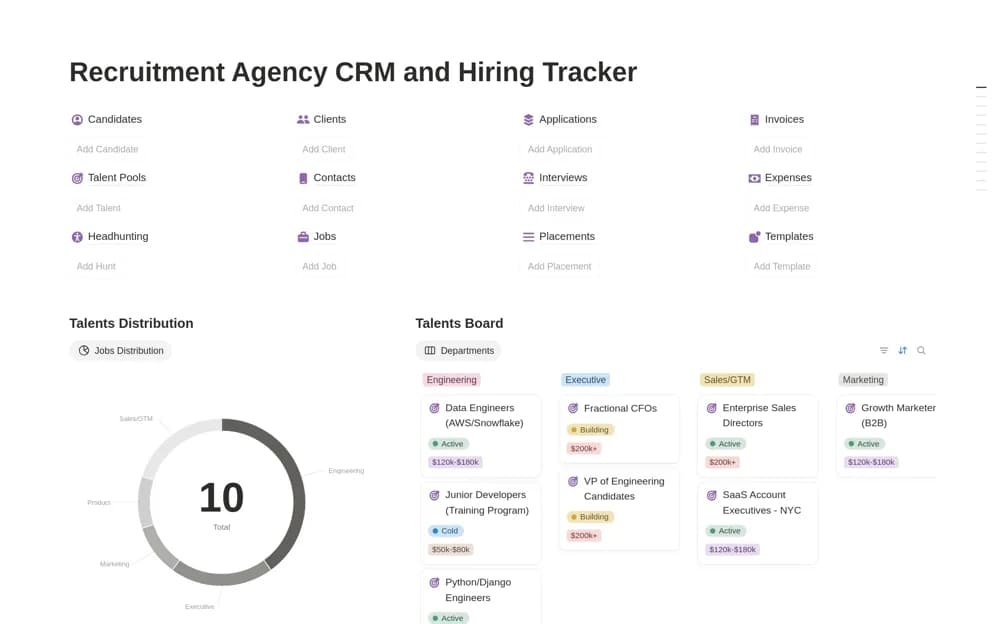
A paid recruitment workspace bringing candidate relationships, talent pools, job openings, application stages, interviews, and agency billing records into one connected dashboard.
What’s included
- Candidate database and talent pools
- Jobs, applications, and interviews
- Invoice tracking and income or expense views
How to use it in practice
Set up a vacancy and a few candidates at different stages so the hiring view reflects a realistic pipeline. Keep interview dates and feedback close to each application, then use the candidate directory to find available talent for another role. Check the billing records after a placement is confirmed.
Set it up in your workspace
- Open the original Notion Marketplace listing and add the template to your chosen workspace while signed in. Keep its example records until you understand how the pages connect.
- Set up a vacancy and a few candidates at different stages so the hiring view reflects a realistic pipeline.
- Try one complete example before adding a large backlog. Check that its views and any calculations show what you expect, then replace the sample content with your own.
Who it suits and what to consider
Staffing and recruiting teams coordinating hiring progress with their business administration. This overlaps with other broad recruitment operating systems. Compare the preview and navigation before choosing, especially if you need a specific client-facing portal or existing ATS connection.