 Free
FreeWork & business
Customer Feedback Tracker Notion templates
Connect customer feedback to the work it can inform. Browse Notion trackers for observations, requests, source context, themes, follow-ups, and reviewing what a pattern actually means.
Showing 1–3 of 3 templates
A little structure goes a long way.Free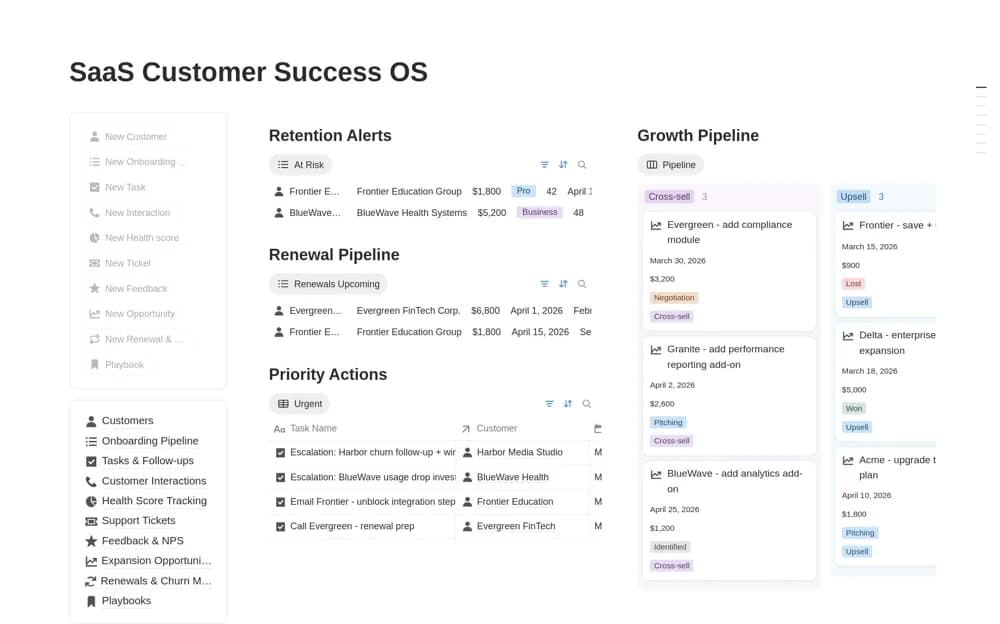 Paid
PaidSaaS Customer Success OS
A SaaS customer-success workspace for accounts, onboarding, interactions, follow-ups, health indicators, and support context.
 Free
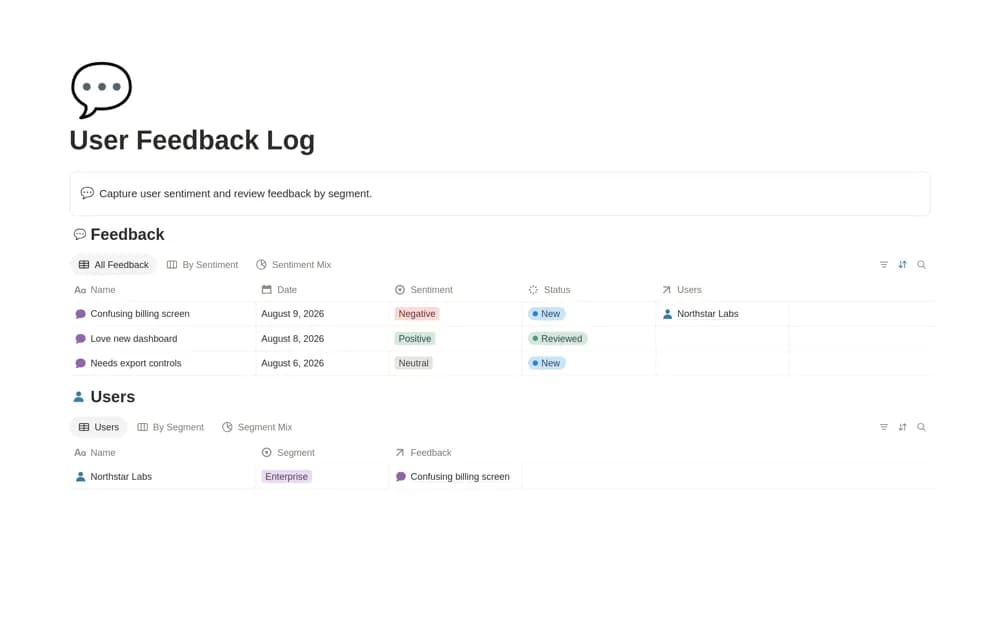
FreeUser Feedback Log
A customer feedback log linking users, sentiment tags, customer segments, and searchable observations.
A closer look at the collection
Which template fits your work?
Compare the purpose and included features before choosing a workspace.
User Feedback Log
Product teams reviewing feedback without a separate research repository.
- Feedback records connected to users
- Sentiment tagging and a sentiment-mix chart
- Views by enterprise, SMB, and free-user segments
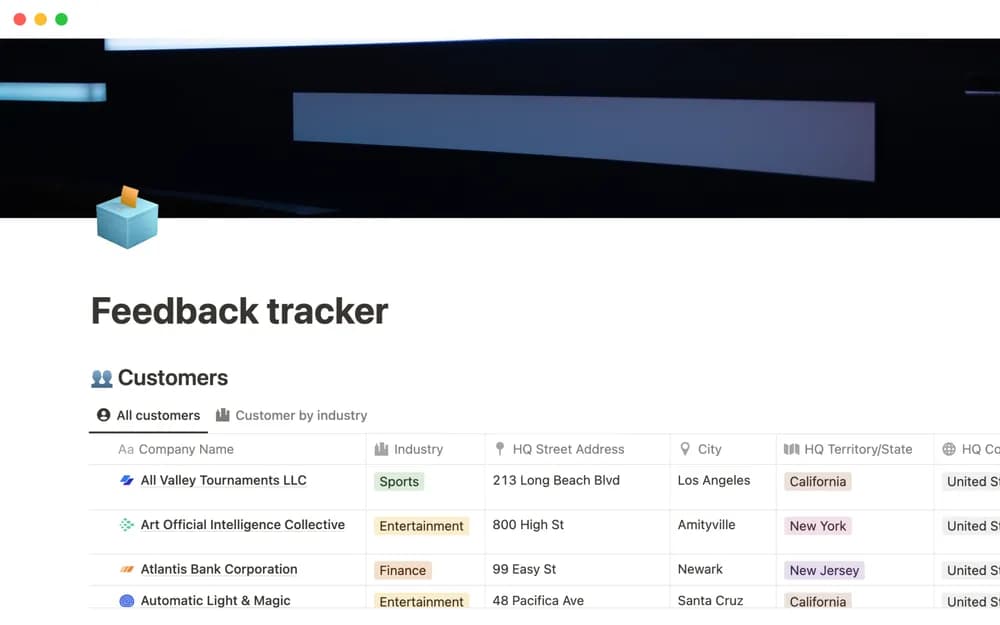
Feedback tracker
Product teams collecting feedback from several sources.
- Collect customer feedback
- Keep source context
- Review recurring problems
SaaS Customer Success OS
Customer-success teams coordinating work across recurring customer relationships.
- Customer records with plans, ownership, and lifecycle stages
- Onboarding and task pipelines
- Interaction logs, support records, and customer-health tracking
Choose something that fits
How to compare customer feedback tracker templates
Keep the original source and customer context with a feedback record. Separate a stated problem from the solution someone proposes. Group similar observations without losing important differences, and record how a finding informed a decision. Give promised follow-ups an owner. Review permissions before storing personal details or support transcripts in a broadly shared product workspace.
A few things to look for
Traceable feedback sources
Problem and request context
Decision and follow-up links
About the directoryBefore you chooseQuestions about
Questions about
this collection
Are there free templates in the customer feedback tracker collection?+
Yes. This collection currently includes 2 listings with a confirmed free creator offer, alongside 1 paid or freemium option. Use the Free filter to compare them. A free version can have different features from a creator’s paid upgrade, so check the original listing and current access terms before adding it to your workspace.