About Task Management Board
A task board can provide enough structure without becoming a complete operating system. The useful test is whether unfinished work and its next step stay visible. Keep stage definitions simple and review older cards so the board reflects work that is still active.
What’s included
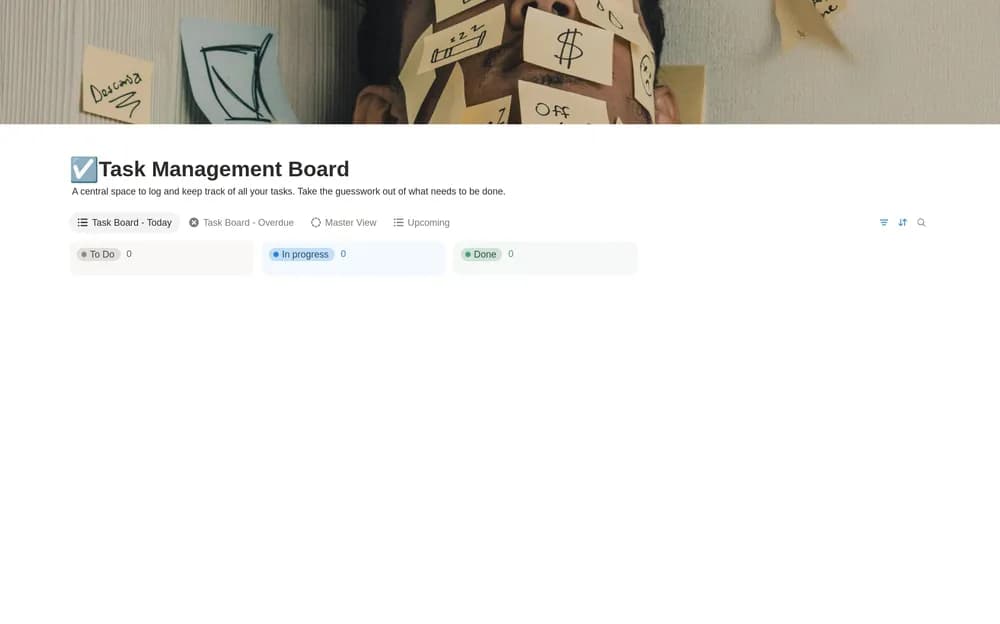
- Tasks with due dates, priority, status, and notes
- Today, overdue, upcoming, priority, and all-task views
- Color-coded priorities and exclusion of completed tasks from overdue work
How to use it in practice
Add this week’s tasks with realistic dates and a next action. Check the overdue view for work that needs a decision, then use priority to choose what deserves attention. Mark blocked work honestly and write what would unblock it. Review the all-task view occasionally so undated entries do not disappear from your routine.
Set it up in your workspace
- Open the original Notion Marketplace listing and add the template to your chosen workspace while signed in. Keep its example records until you understand how the pages connect.
- Add this week’s real tasks. Define what moving a card to the next stage means.
- Try one complete example before adding a large backlog. Check that its views and any calculations show what you expect, then replace the sample content with your own.
Who it suits and what to consider
People who want a straightforward board-based workspace. A straightforward board for date and priority visibility. Keep priority labels consistent so urgent retains a useful meaning.