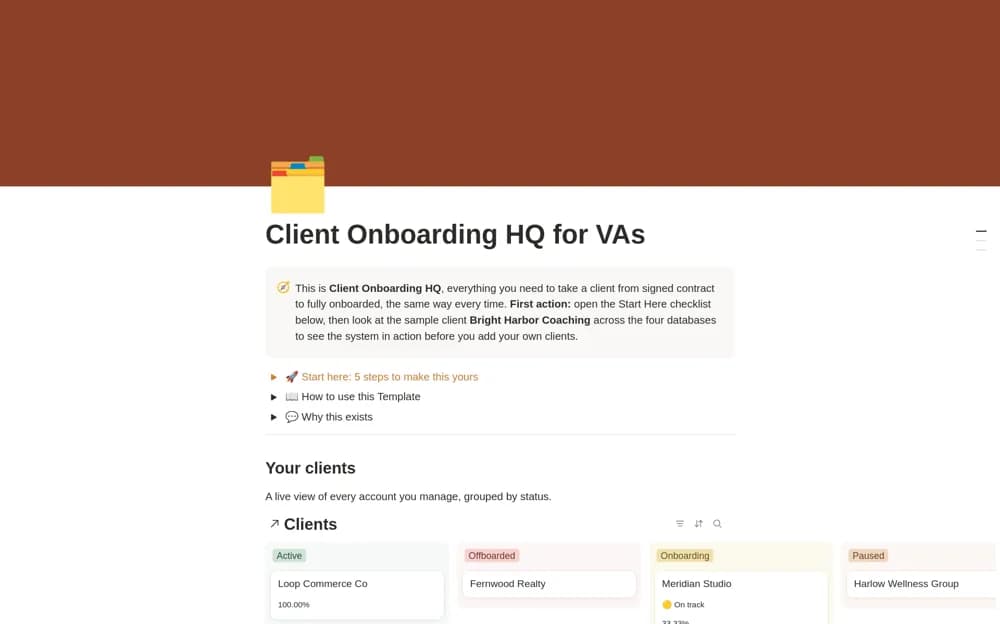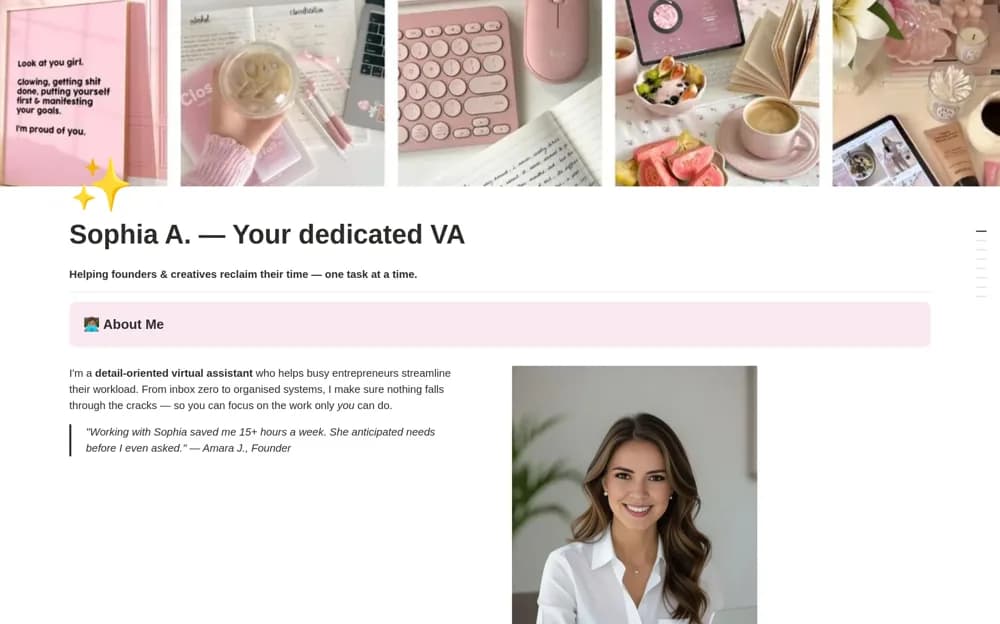
About Virtual Assistant Portfolio!
A one-page VA portfolio presenting services, packages, selected work, tools, testimonials, and an inquiry call to action.
What’s included
- Personal introduction and expertise
- Service, package, and case-study sections
- Tool skills, testimonials, and an inquiry call to action
How to use it in practice
Describe the services you can deliver clearly and support claims with permitted examples. Add a working inquiry destination and check the page on mobile. New assistants can keep the portfolio focused on relevant experience without inventing testimonials or results.
Set it up in your workspace
- Open the original Notion Marketplace listing and add the template to your chosen workspace while signed in. Keep its example records until you understand how the pages connect.
- Describe the services you can deliver clearly and support claims with permitted examples.
- Try one complete example before adding a large backlog. Check that its views and any calculations show what you expect, then replace the sample content with your own.
Who it suits and what to consider
Virtual assistants preparing a simple public introduction to their services. The layout supports presentation; it does not establish lead generation, a booking system, or client conversion outcomes.