About Freelance Invoices & Payments
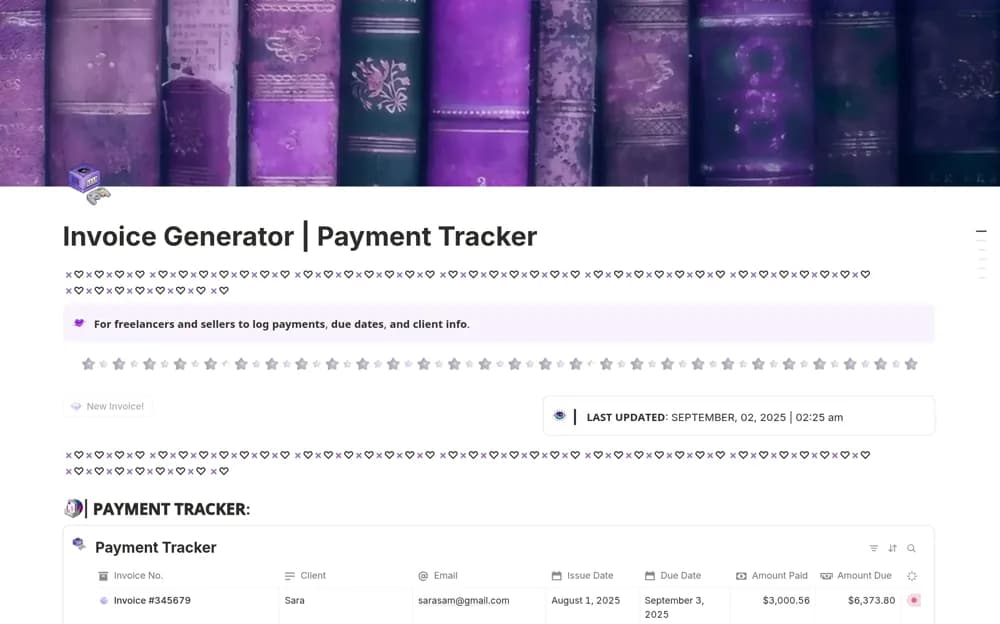
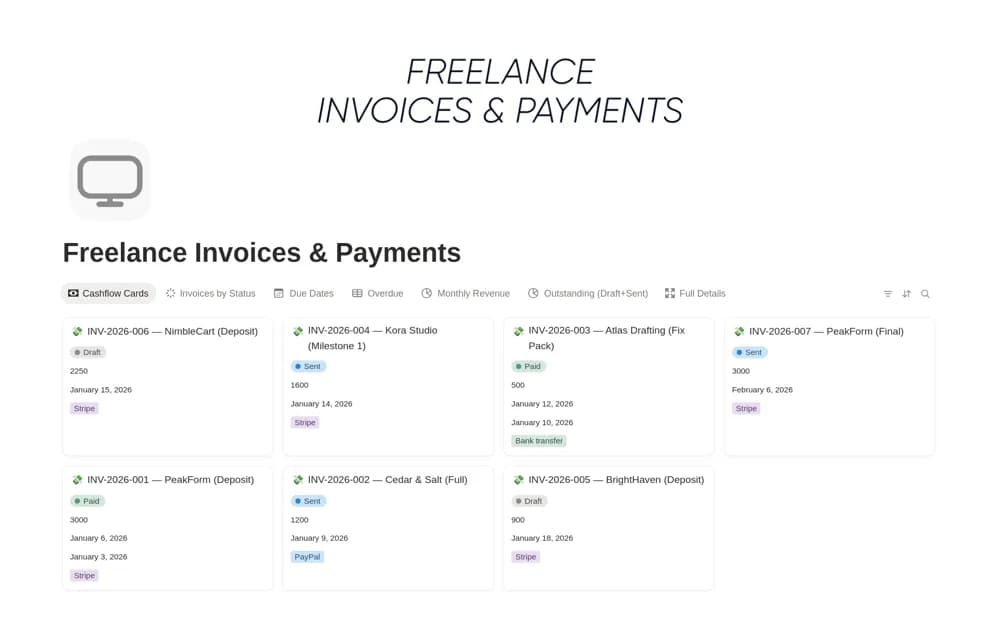
A freelance invoice register tracking the client, amount, due date, payment status, and follow-up notes, with links to projects and views for overdue or approaching payments.
What’s included
- Invoice number, client, amount, and due date
- Payment status and follow-up notes
- Client or project links and status filters
How to use it in practice
Enter an invoice already sent through your invoicing tool and attach the correct client and project. Review due dates weekly and record the next follow-up in the notes. If you accept partial payments, add and test the paid-amount and balance fields suggested by the creator before using them on live records.
Set it up in your workspace
- Open the original Notion Marketplace listing and add the template to your chosen workspace while signed in. Keep its example records until you understand how the pages connect.
- Enter an invoice already sent through your invoicing tool and attach the correct client and project.
- Try one complete example before adding a large backlog. Check that its views and any calculations show what you expect, then replace the sample content with your own.
Who it suits and what to consider
Freelancers who already issue invoices elsewhere and need a clear collections routine. The creator explicitly says the template does not generate invoices. Partial-payment tracking requires adding a field and formula rather than assuming it is already configured.