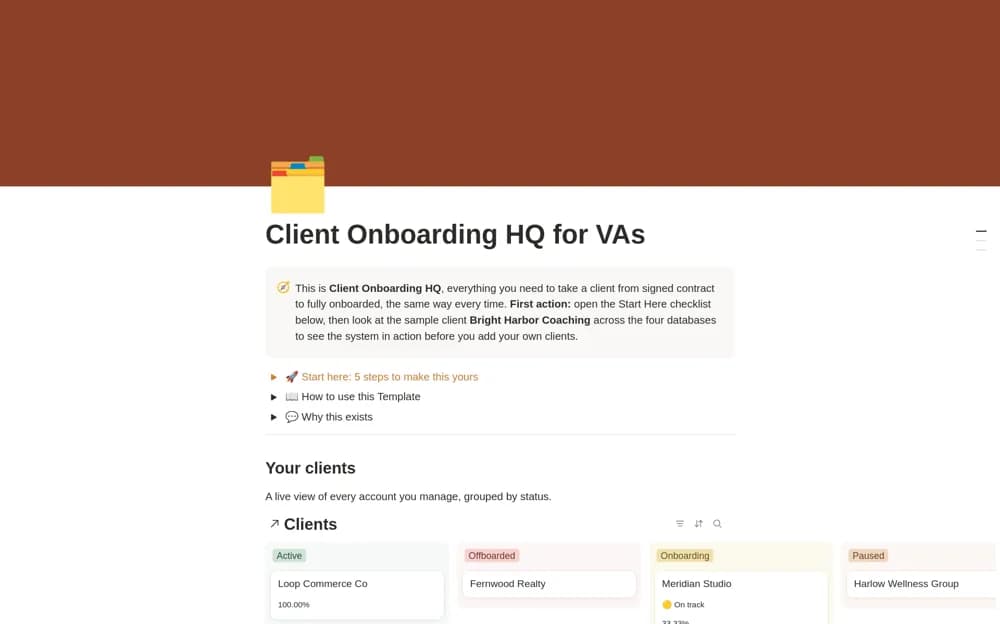
 Paid
PaidClient Onboarding HQ for Virtual Assistants
A paid virtual-assistant onboarding workspace with a built-in Notion intake form, client records, a repeatable onboarding workflow, and realistic examples for setup.
Organize client requests and the work behind reliable support. Explore Notion templates for virtual assistants managing priorities, recurring tasks, client context, deliverables, and presenting their services.
Showing 1–5 of 5 templates
A little structure goes a long way.PaidA paid virtual-assistant onboarding workspace with a built-in Notion intake form, client records, a repeatable onboarding workflow, and realistic examples for setup.
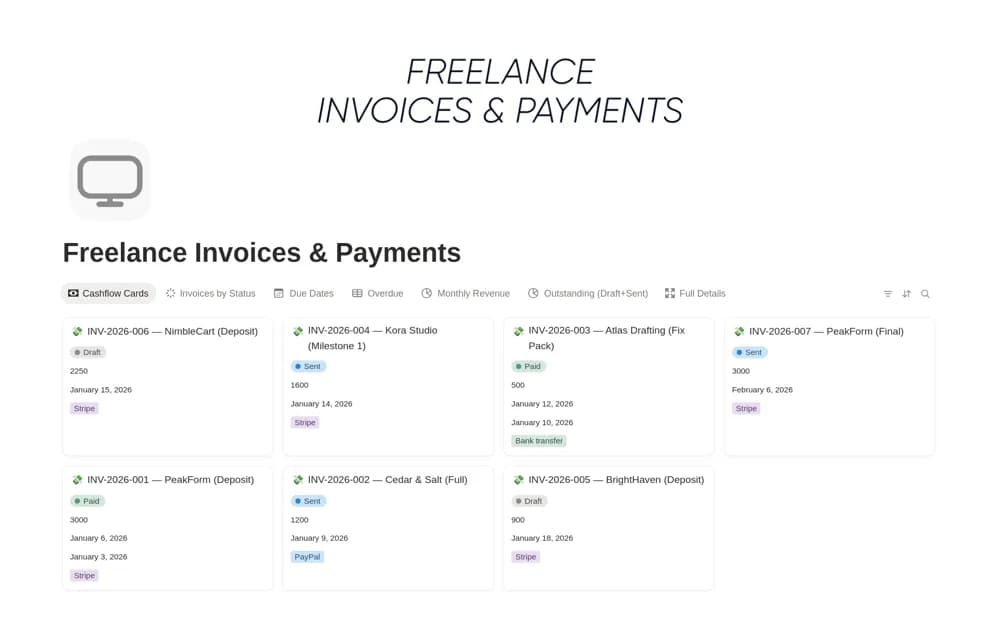 Free
FreeA freelance invoice register tracking the client, amount, due date, payment status, and follow-up notes, with links to projects and views for overdue or approaching payments.
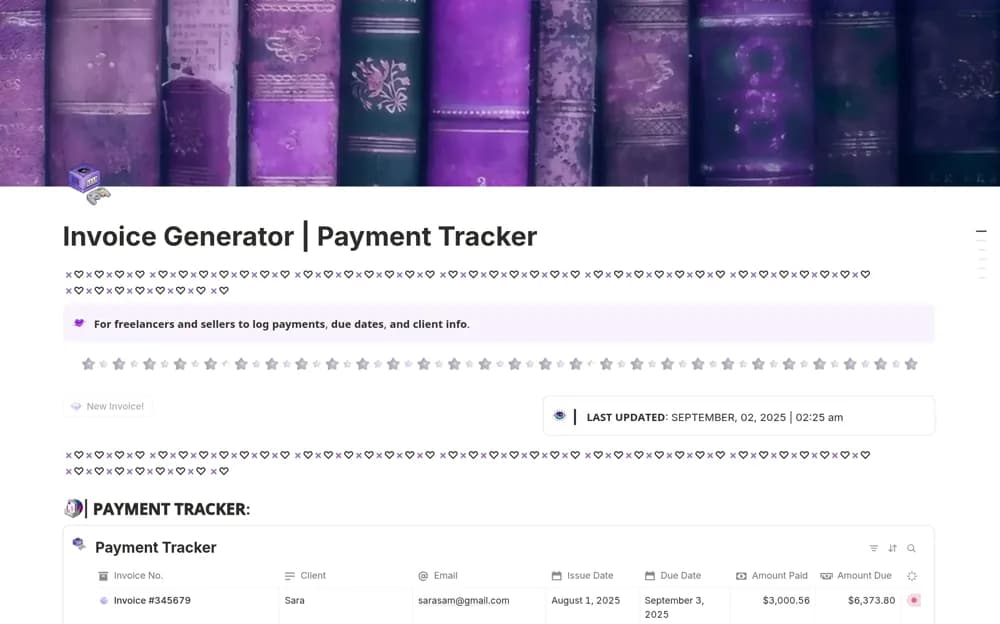 Free
FreeA modular invoice add-on with a button that creates an editable invoice page, a payment-status dashboard, linked invoice records, and setup guidance for a creator workspace.
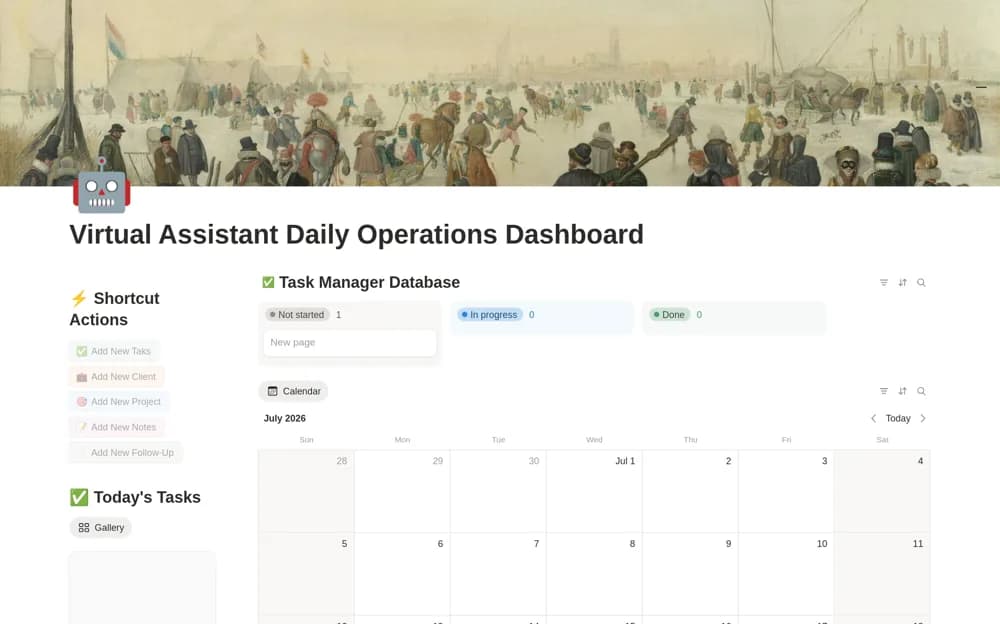 Free
FreeA VA operations dashboard connecting clients, projects, tasks, meetings, follow-up dates, and daily calendar views.
 Free
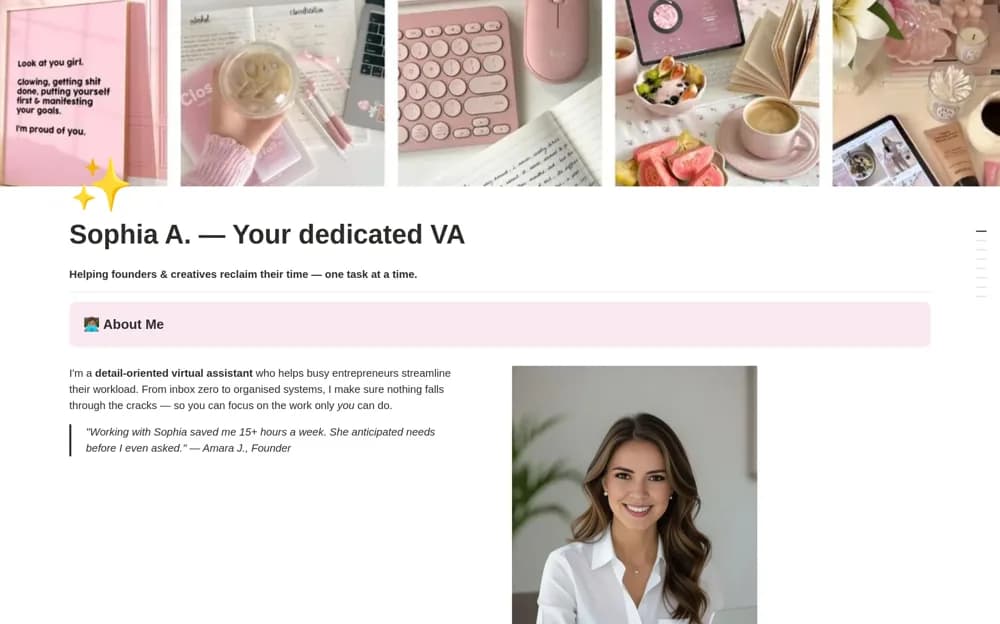
FreeA one-page VA portfolio presenting services, packages, selected work, tools, testimonials, and an inquiry call to action.
Compare the purpose and included features before choosing a workspace.
Virtual assistants who want a consistent starting process for new client engagements.
Freelancers who already issue invoices elsewhere and need a clear collections routine.
Digital creators and freelancers wanting simple invoice preparation beside an existing Notion dashboard.
Separate each client’s records and agree which system owns incoming requests. Keep deadlines, the next action, and the information needed to complete a task close together. Use a portfolio when you need to explain services; choose an operations dashboard for delivery work. Document recurring processes and test client access before sharing. Store passwords in an appropriate password manager rather than the task database.
Separated client work
Clear recurring tasks
Useful process documentation
About the directoryYes. This collection currently includes 4 listings with a confirmed free creator offer, alongside 1 paid or freemium option. Use the Free filter to compare them. A free version can have different features from a creator’s paid upgrade, so check the original listing and current access terms before adding it to your workspace.