About Wedding Venue CRM
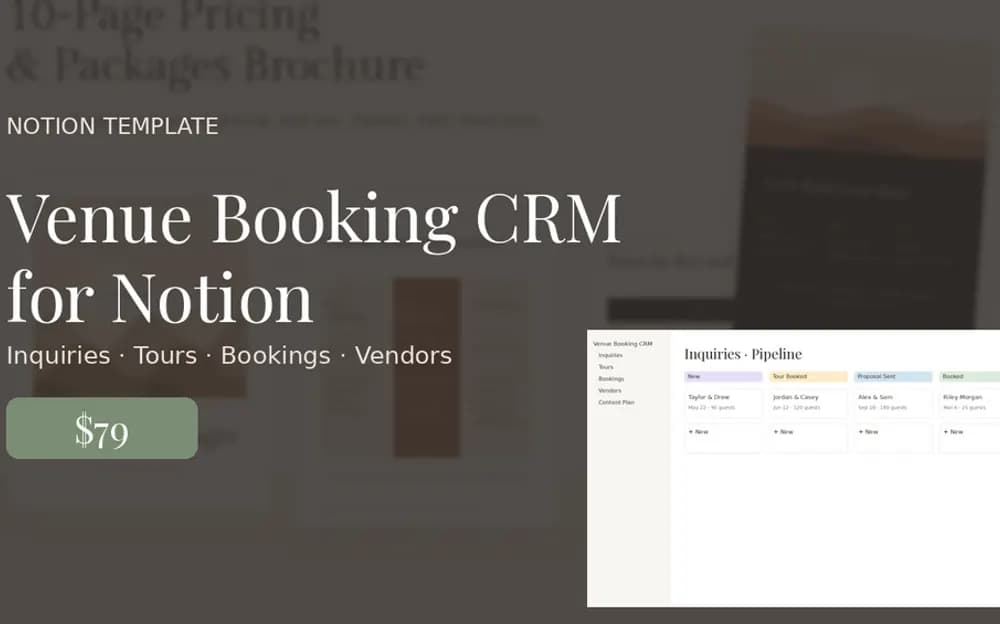
Follow each couple from inquiry to tour, contract, and deposit in a Notion venue CRM with a booking dashboard and balance due dates.
What’s included
- Booking dashboard with today’s replies, this week’s tours, and balances due
- Inquiries with event date, guest count, budget, and source
- Tours with outcomes and follow-up steps
- Bookings with contracts, deposits, and balance due dates
- Vendor list, 30-day Instagram content plan, and PDF setup guide
How to use it in practice
Import the files following the setup guide, then enter your open inquiries with event dates and guest counts. Schedule this week’s tours and record the outcome and next step after each visit. Add any signed booking with its deposit and balance date, and check the dashboard each morning.
Set it up in your workspace
- Follow the original creator’s checkout or access instructions to obtain the Notion page. Open that page while signed in, then duplicate it into the workspace you want to use.
- Import the files following the setup guide, then enter your open inquiries with event dates and guest counts.
- Try one complete example before adding a large backlog. Check that its views and any calculations show what you expect, then replace the sample content with your own.
Who it suits and what to consider
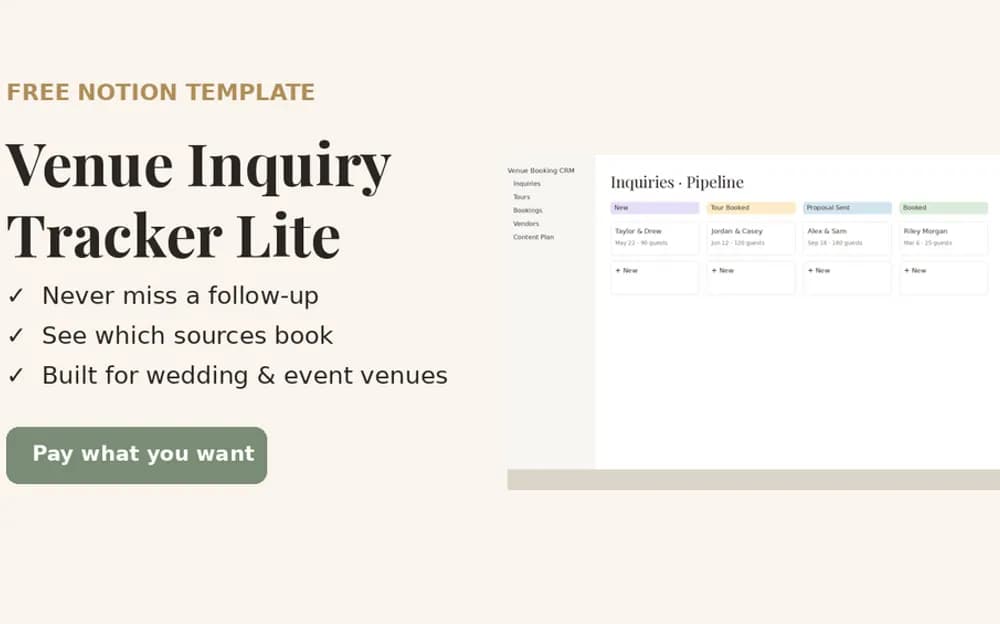
Wedding venue owners, coordinators, and planners managing tours and contracts. It is delivered as importable files with a PDF guide, and the creator states all sales are final. A free Lite inquiry tracker is available to try first.